
AI agent · MCP · Next release
Live screen translation
Read any app in your own language.
Next release
Only basic mouse mode is in the current release. That means the accessibility service, double-press OK to toggle, and pointer movement, click, drag and scroll. Hotkeys, the ADB assist mode, Web Input, live translation and the whole MCP server are finished but arrive with the next VxMouse update. Pages and sections marked Next release describe those.
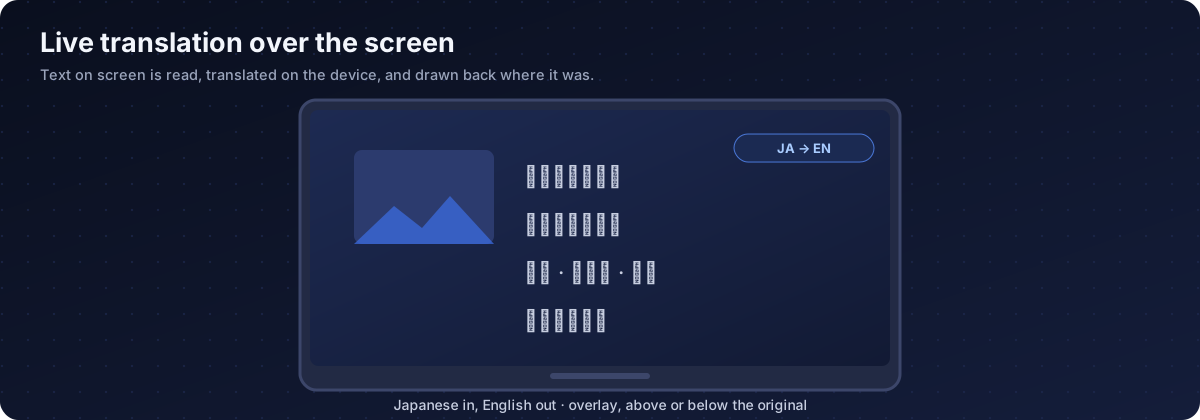
vx_translation draws a live translation over the screen. It reads the text that is visible, translates it with Google ML Kit on the device, and draws the result where the original was. Useful for foreign news, apps in another language or an interface you cannot read.
Actions and parameters
| Action | Does |
|---|---|
| start | Begin translating |
| stop | Remove the overlay |
| status | Report the current state |
| Parameter | Default | Meaning |
|---|---|---|
| from | zh | Source language code |
| to | en | Target language code |
| backgroundAlpha | 230 | Opacity of the translated text background, 0 to 255. Try 180 to see the original through it. |
| position | overlay | overlay covers the original, above or below places the translation beside it |
{"action":"start","from":"ja","to":"en"}
{"action":"start","from":"ja","to":"zh","backgroundAlpha":180,"position":"above"}
{"action":"stop"}
How it works
- Reads the text nodes on screen, with their positions, through the accessibility service.
- Translates with ML Kit. The first time you use a language it downloads a language model, so the device needs internet.
- Draws the translation at the original position and size.
- Retranslates when the screen changes.
Limits
| Limit | Detail |
|---|---|
| Needs readable text | YouTube TV, Netflix and similar apps hide their text, so nothing can be translated there. |
| First use downloads a model | Run start once beforehand so the model is ready. |
| Quality | Depends on ML Kit. Names and slang can be off. |
| Layout | Translated text can be longer or shorter. Use position to adjust. |
| Not subtitles | It is an overlay, not a system subtitle track. |
A typical flow
- Launch the foreign news app.
- Take a screenshot to confirm it is loaded.
- Start translation, for example Japanese to Chinese.
- Watch or let the agent read the translated screen.
- Stop translation.
Get VxMouse
VxMouse is distributed to supporters on Patreon and can be installed with GTV-toolkit on Windows.