VxMouse
Turn the remote into a mouse. Then let an AI use it too.
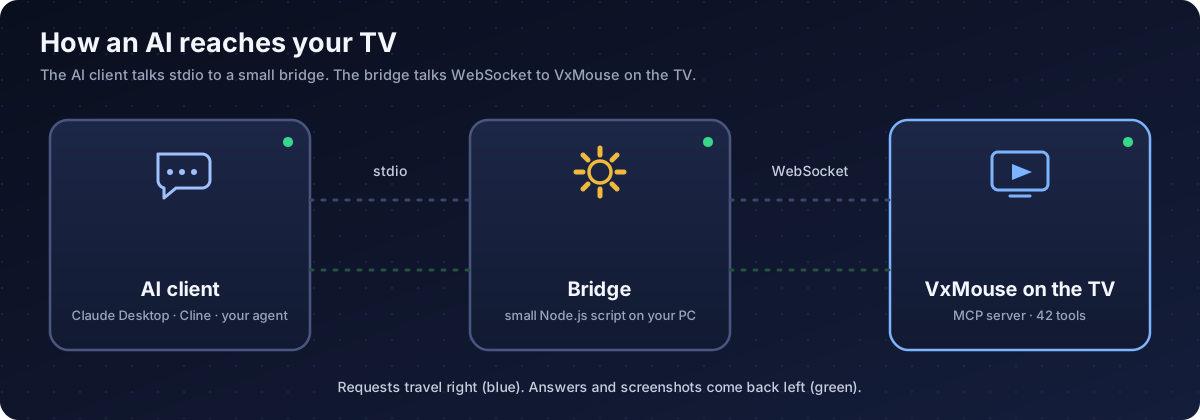
VxMouse puts a pointer on your TV so any app works from the couch, even apps made for touch. The next release adds a built-in MCP server with 42 tools, so AI agents such as Claude can see the screen, press buttons, open apps, schedule jobs and translate the screen.
- Platform
- Android TV, Google TV, Android 8.0+
- Languages
- 7
- Get it on
- Patreon
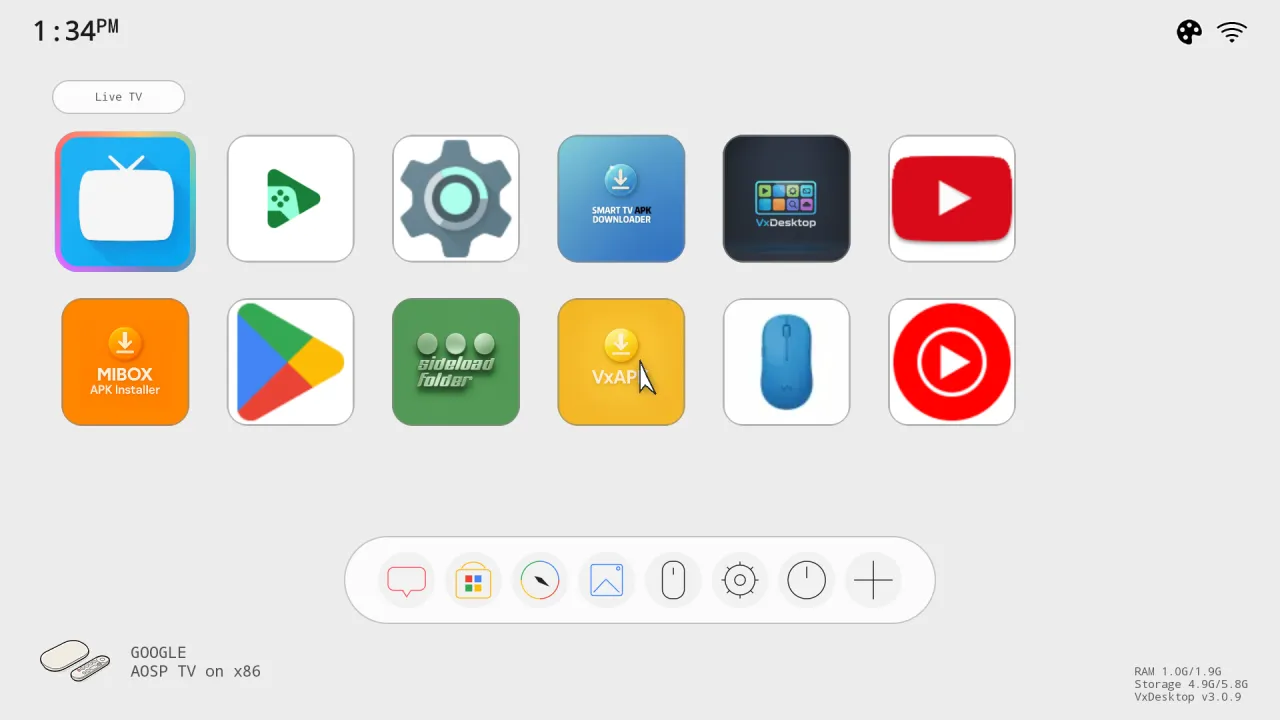
Only basic mouse mode is in the current release. That means the accessibility service, double-press OK to toggle, and pointer movement, click, drag and scroll. Hotkeys, the ADB assist mode, Web Input, live translation and the whole MCP server are finished but arrive with the next VxMouse update. Pages and sections marked Next release describe those.
Three things in one app
Remote as mouse Available now
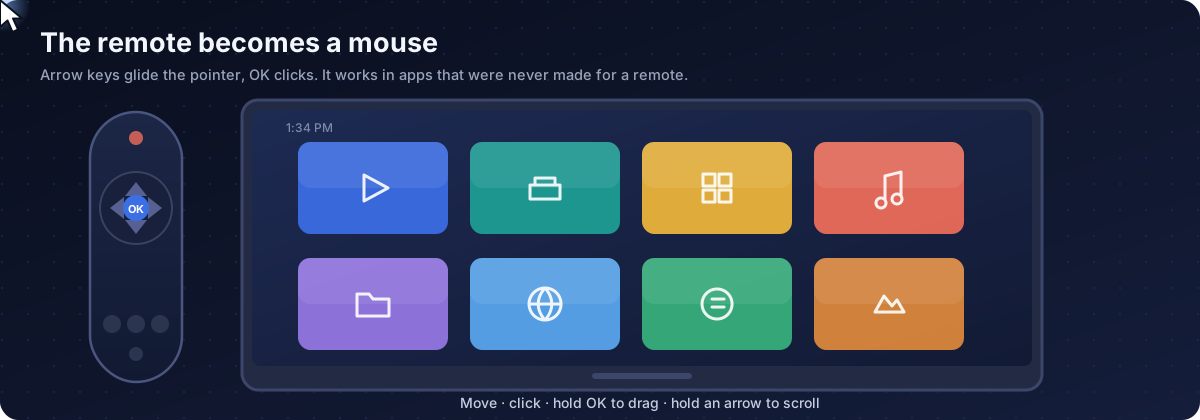
Arrow keys move the pointer, OK clicks, long OK drags, held arrows scroll. Press OK twice to switch it on or off.
Two control channels Next release
The accessibility service works on its own. Adding ADB gives a fallback for apps that block simulated gestures.
MCP server Next release
42 tools for an AI agent: screenshots, element tree, clicks, keys, apps, files, schedules, live translation.
See it move
Explore the site
Screenshots
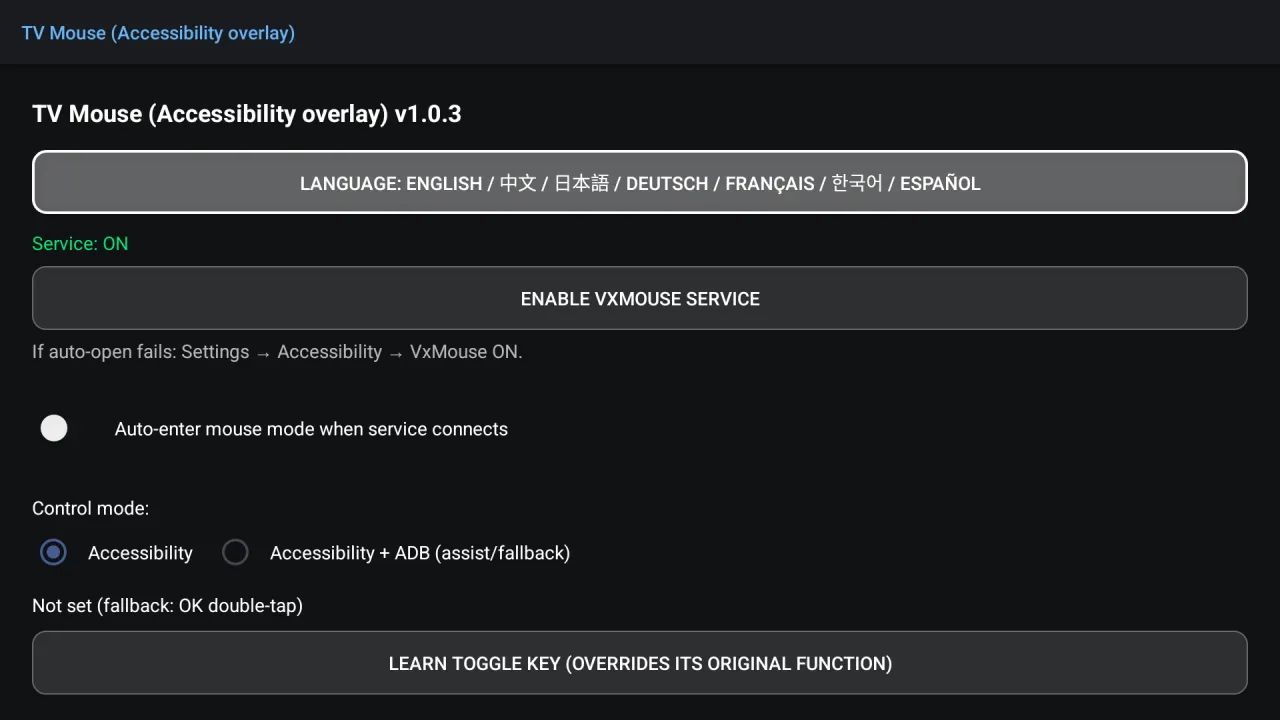
VxMouse settings with the service switched on 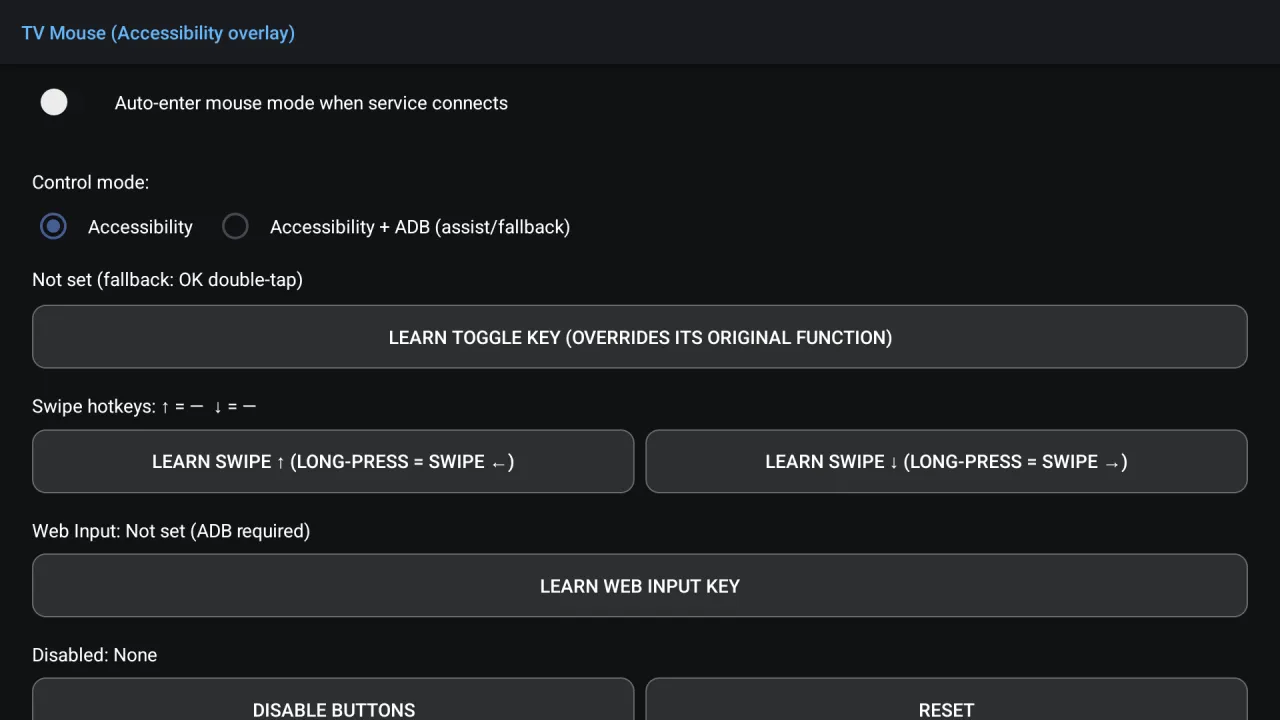
Hotkeys: toggle key, swipe keys, Web Input, disabled buttons 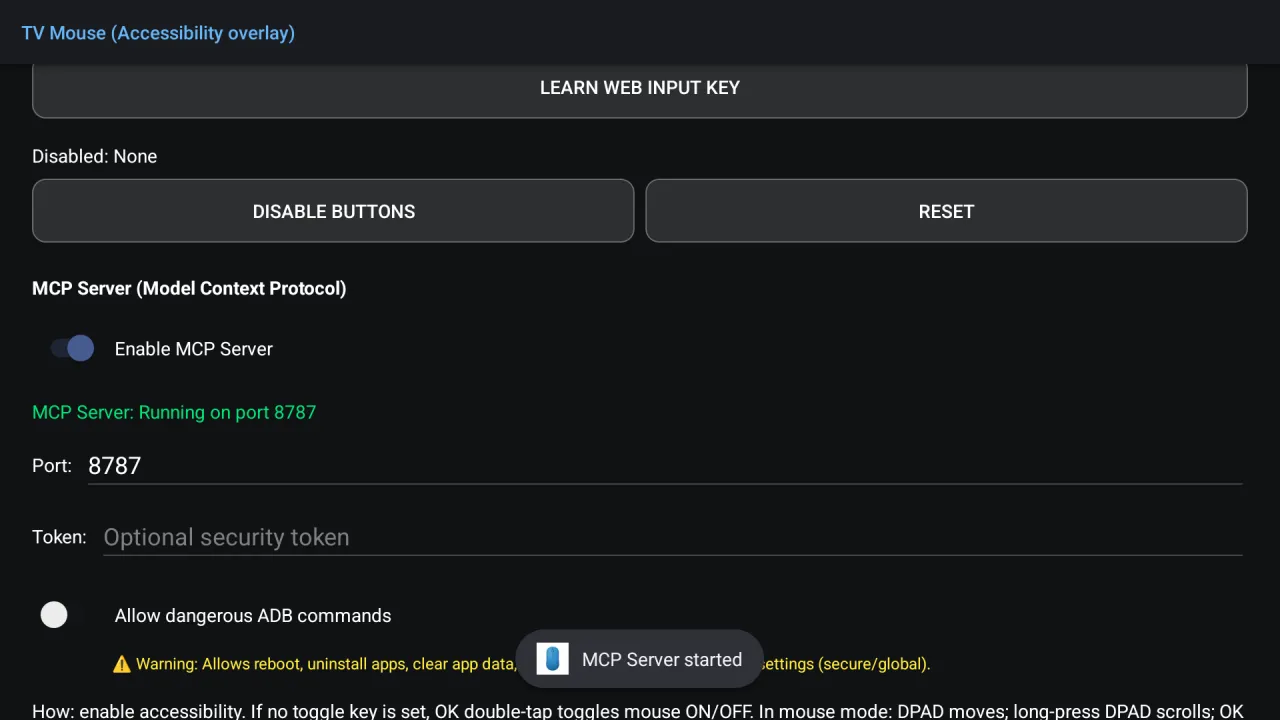
MCP server switched on 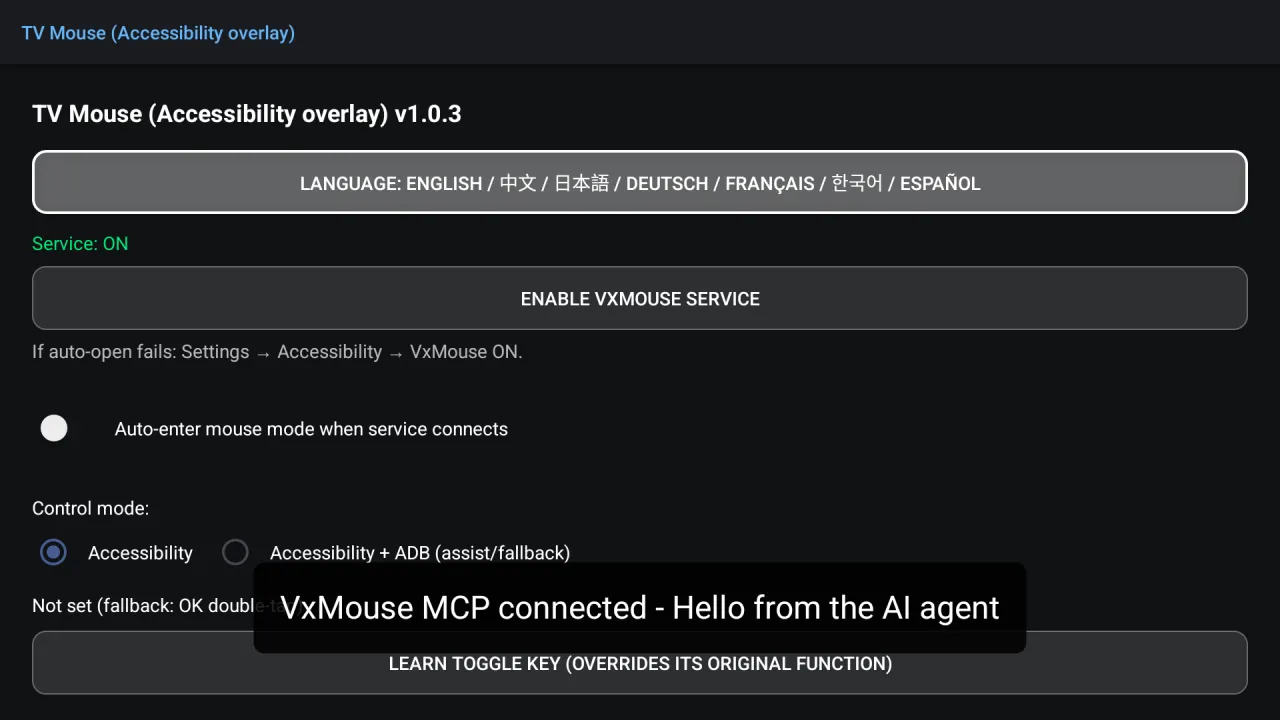
An AI agent greets you on the TV screen
Frequently asked questions
What is VxMouse?
VxMouse turns the Android TV or Google TV remote into a mouse: arrow keys move a pointer and OK clicks. The next release adds an MCP server so an AI agent can operate the device as well.
Do I need to root my TV?
No. Mouse mode uses the Android accessibility service, which you switch on in system settings. An optional ADB connection, planned for the next release, adds extra reliability and unlocks a few features.
How do I switch mouse mode on?
Press OK twice within about half a second in any app. Press OK twice again to leave. A custom toggle key (hotkeys) comes with the next release.
Which devices and Android versions work?
Android 8.0 or newer on Android TV and Google TV. The MCP tools also support Android phones and tablets, using touch coordinates through ADB.
What is MCP?
Model Context Protocol is an open standard that lets AI apps use tools. VxMouse runs an MCP server on the TV so an AI client can see the screen and press buttons.
Is the MCP server available now?
It is finished but not in the current release. It arrives with the next VxMouse update.
Which AI clients can connect?
Any MCP-capable client: Claude Desktop, Cline and other agents. Most clients speak stdio, so a small bridge script converts that to the WebSocket connection the TV uses. You can also write your own WebSocket client.
How many tools does the MCP server offer?
42: one operating-manual tool plus 41 device tools for sensing, input, apps, system, files, scheduling, translation and diagnostics.
Get VxMouse
VxMouse is distributed to supporters on Patreon and can be installed with GTV-toolkit on Windows.