
Scheduled tasks
Leave a job with the TV and let it run on time.
Only basic mouse mode is in the current release. That means the accessibility service, double-press OK to toggle, and pointer movement, click, drag and scroll. Hotkeys, the ADB assist mode, Web Input, live translation and the whole MCP server are finished but arrive with the next VxMouse update. Pages and sections marked Next release describe those.
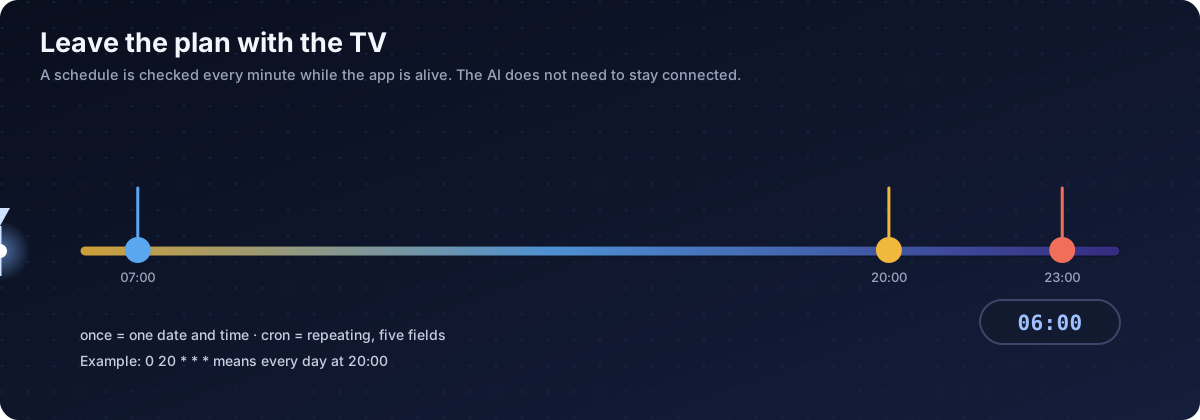
vx_schedule lets the AI hand a future job to the TV. The job runs even after the chat is over. Tasks are kept on the device and survive restarting the app.
Actions
| Action | Needs | Does |
|---|---|---|
| add | id, type, time, tool, params | Create a task |
| list | nothing | Show all tasks with status |
| remove | id | Delete |
| pause | id | Stop but keep |
| resume | id | Start again |
Two kinds of task
once: a single run
The time is an ISO 8601 local time such as 2026-02-19T23:00:00. The task is removed after it runs.
{"action":"add","id":"sleep_tonight","type":"once",
 "time":"2026-02-19T23:00:00","tool":"vx_system_power_sleep","params":{}}
cron: repeating
Five fields: minute, hour, day of month, month, day of week (0 is Sunday). Numbers, *, ranges (1-5) and lists (1,3,5) work. Step syntax such as */5 is not supported, so split it into several tasks.
| Expression | Meaning |
|---|---|
0 20 * * * | Every day at 20:00 |
30 9 * * 1-5 | Weekdays at 09:30 |
0 0 1 * * | First day of the month at 00:00 |
0 7,22 * * * | Every day at 07:00 and 22:00 |
Examples
// Screen off every night
{"action":"add","id":"screen_off_night","type":"cron","time":"0 23 * * *",
 "tool":"vx_system_power_sleep","params":{}}

// News on weekday mornings
{"action":"add","id":"morning_news","type":"cron","time":"0 7 * * 1-5",
 "tool":"vx_intent_view","params":{"uri":"https://www.youtube.com/results?search_query=news"}}

// A reminder on screen
{"action":"add","id":"remind","type":"once","time":"2026-02-19T21:30:00",
 "tool":"vx_display_toast","params":{"message":"Time to drink water","durationSeconds":6}}
Rules
- Use the full tool name, for example
vx_keyboard_keypress. - The parameters must match that tool's schema.
- The schedule is checked every 60 seconds, so a run can be up to a minute late.
- The VxMouse app process must be alive. An ended app or a restarted device means opening VxMouse again.
- A once task disappears after running. A cron task runs until you remove or pause it.
Troubleshooting
| Symptom | Reason |
|---|---|
| Nothing ran | The app was ended, or the minute has not come yet. |
| Invalid tool | Incomplete or unknown tool name. |
| Parameter error | Params do not match the schema. |
| Task vanished | It was a once task that already ran. |
| It keeps repeating | It is a cron task. Pause or remove it. |
Review scheduled tasks now and then with list. A schedule is also a way for an agent to leave behavior on the device.
Get VxMouse
VxMouse is distributed to supporters on Patreon and can be installed with GTV-toolkit on Windows.