
CastLunex for Windows
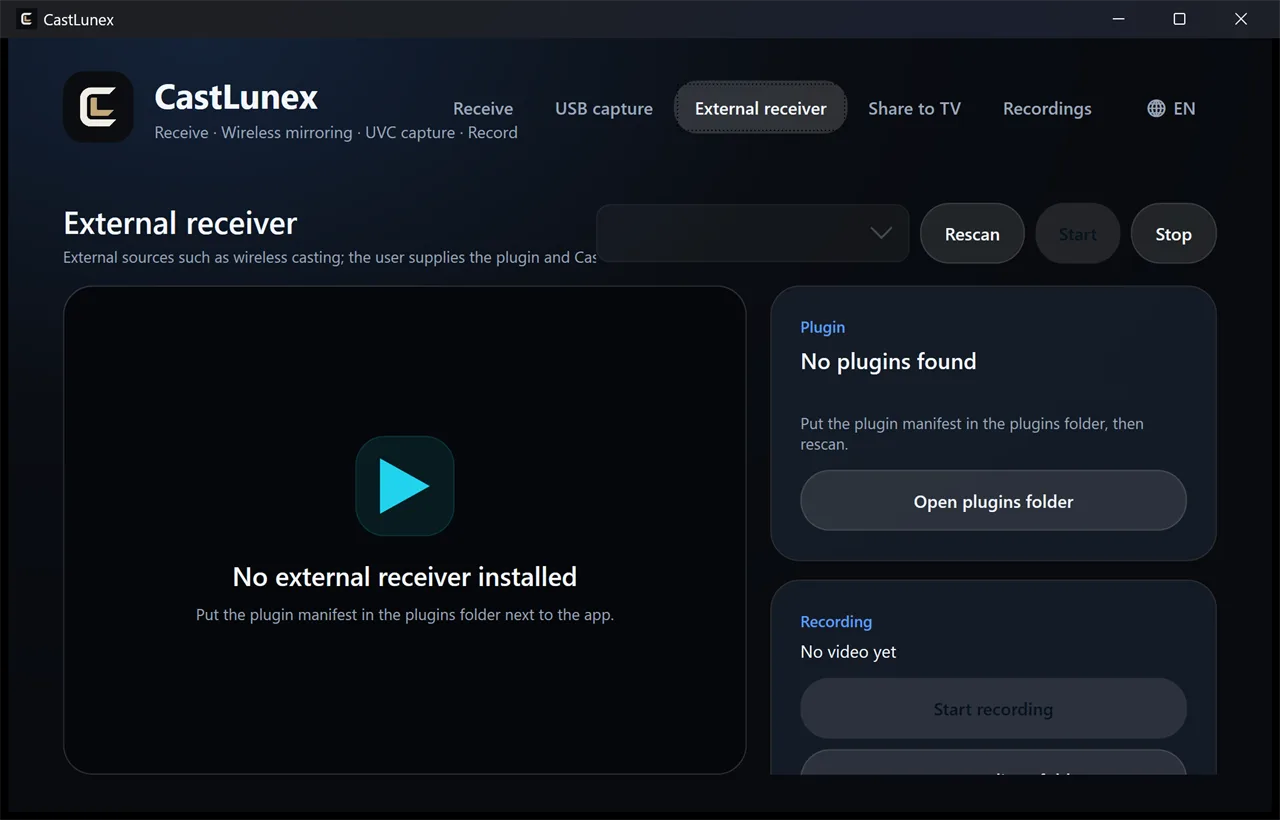
The command center of the family. Receive a phone or a TV, capture USB devices, share your desktop to a TV, record everything and control the TV with a remote and keyboard.
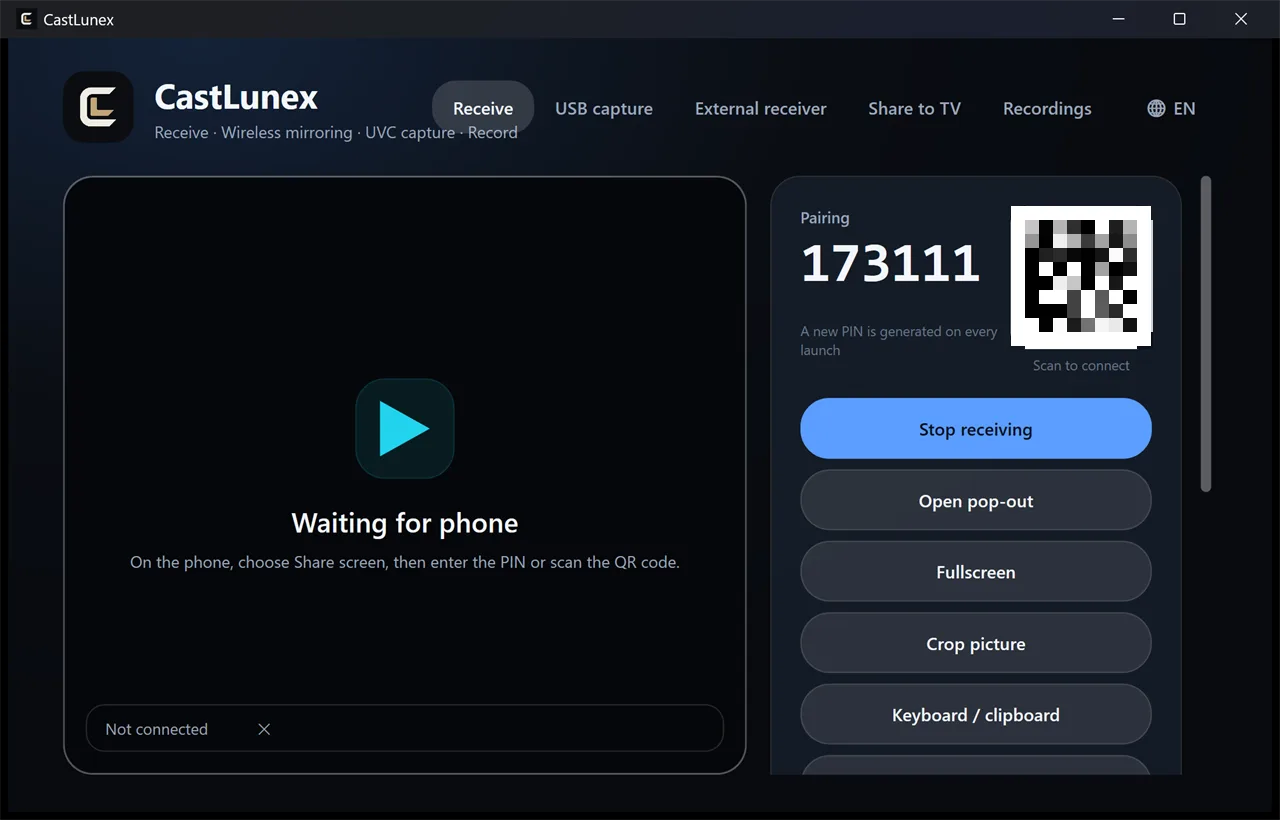
Receive: phone to PC, TV to PC
See a phone or a TV on your PC, in a pop-out window or true fullscreen. Pair with a PIN or a QR code.
Record
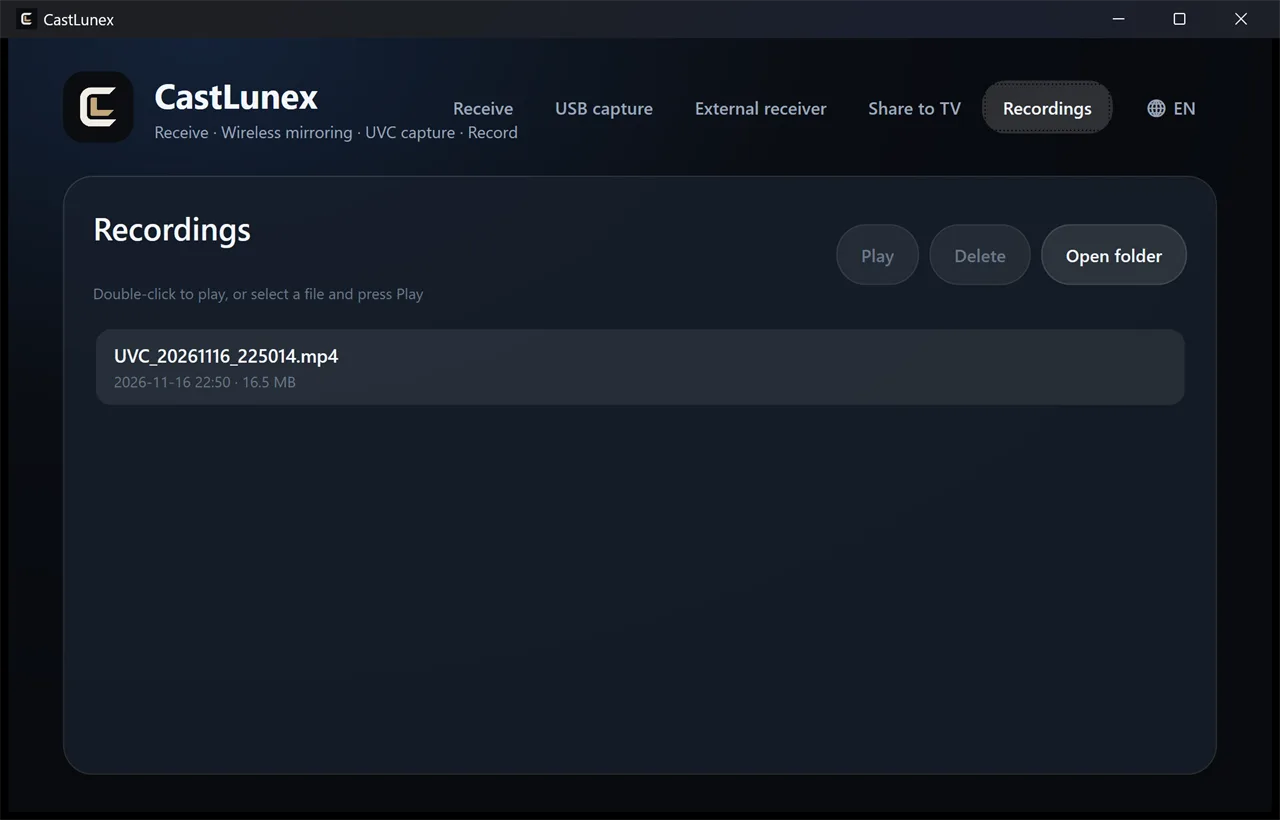
Record any source to MP4 and manage the files on a recordings page: play, double-click, delete.
Control (with Full on the device)
Mouse taps, long-presses and swipes on the phone, a TV remote with a D-pad and volume, and text or clipboard from the PC keyboard.
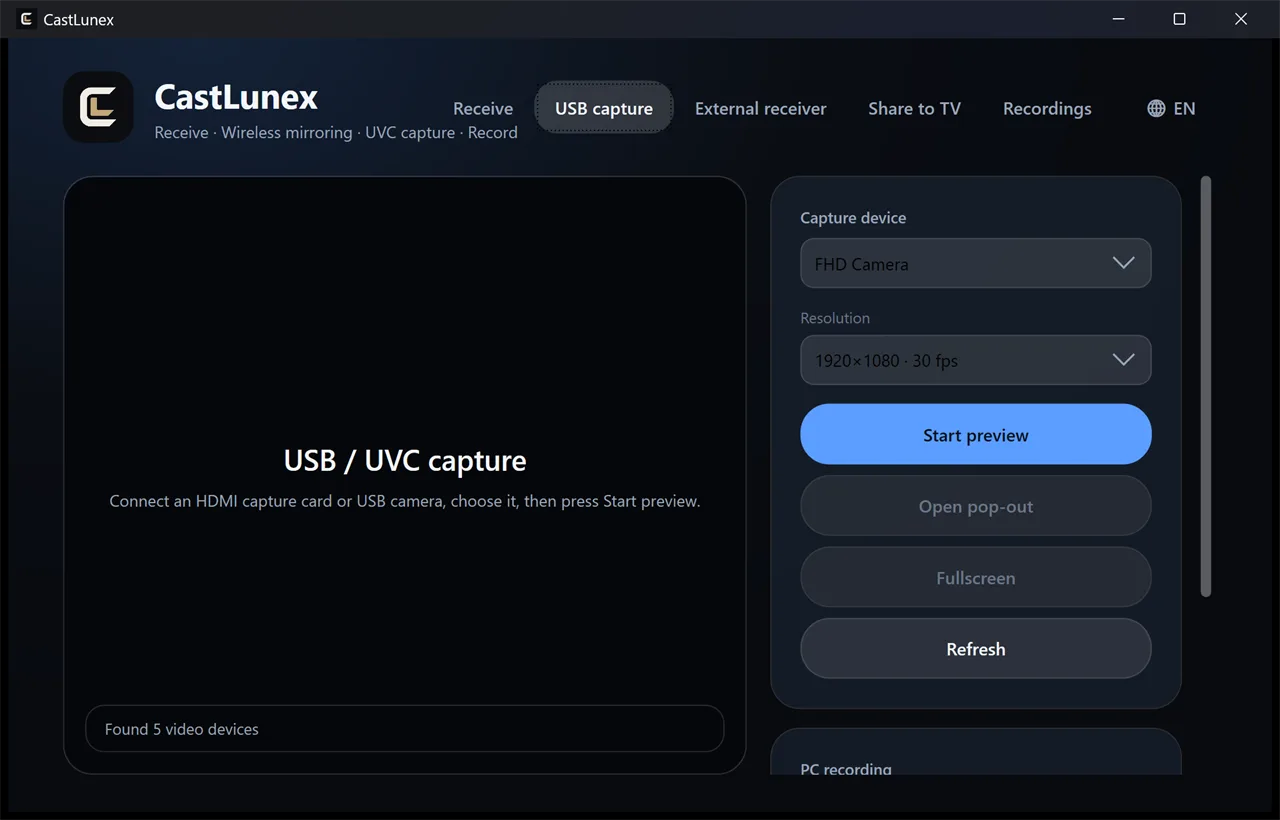
USB capture on the PC
Pick a capture device and a resolution, start the preview and record straight to MP4. Works with HDMI capture cards and USB cameras.
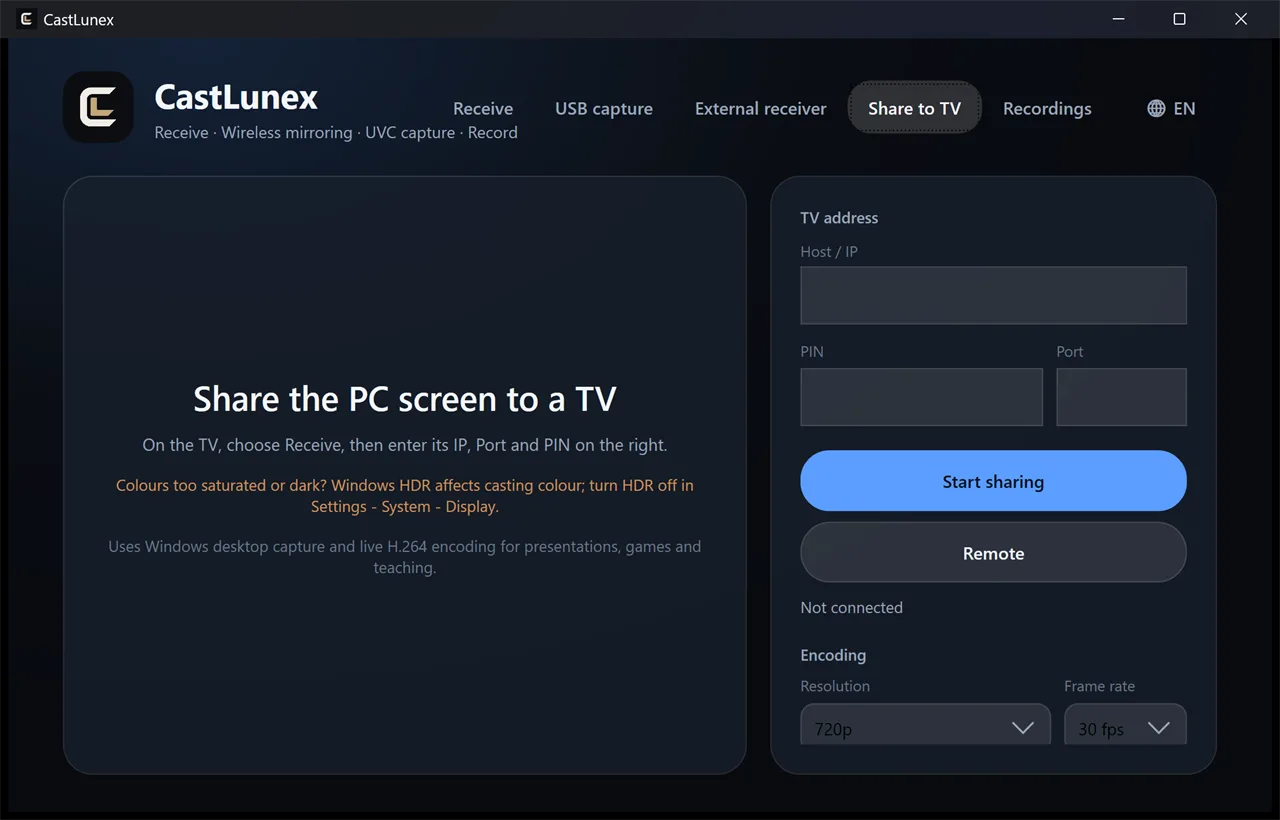
Share the desktop to a TV
Enter the TV address and the PIN it shows, then start sharing for presentations, games and teaching. Press F11 for fullscreen, F to switch between fill and fit, Esc to restore.
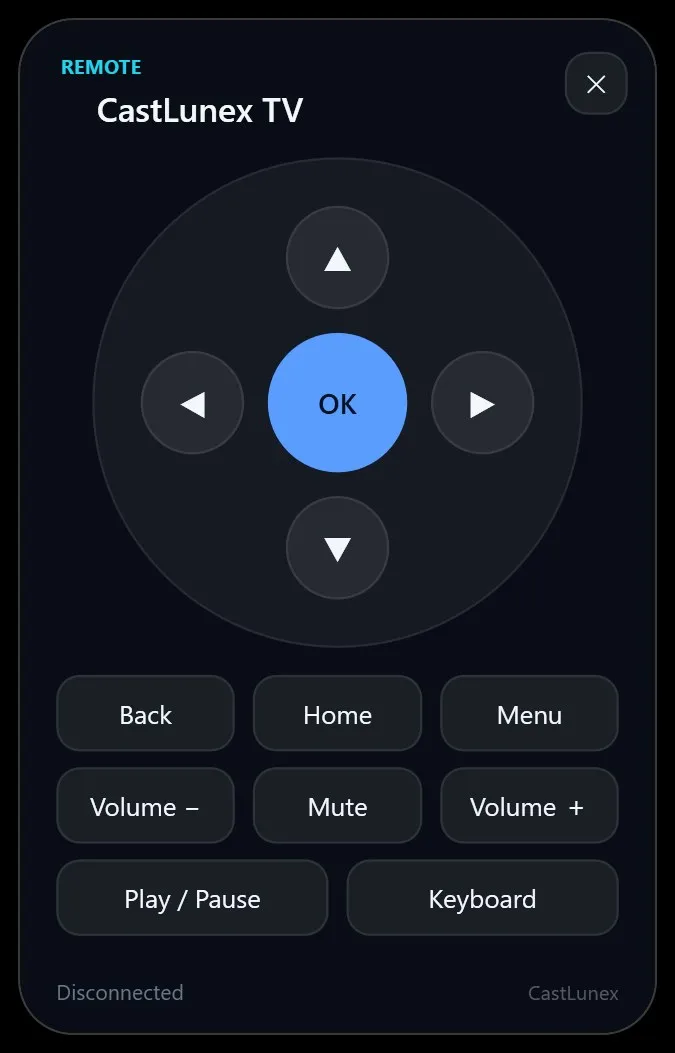
A TV remote on your desktop
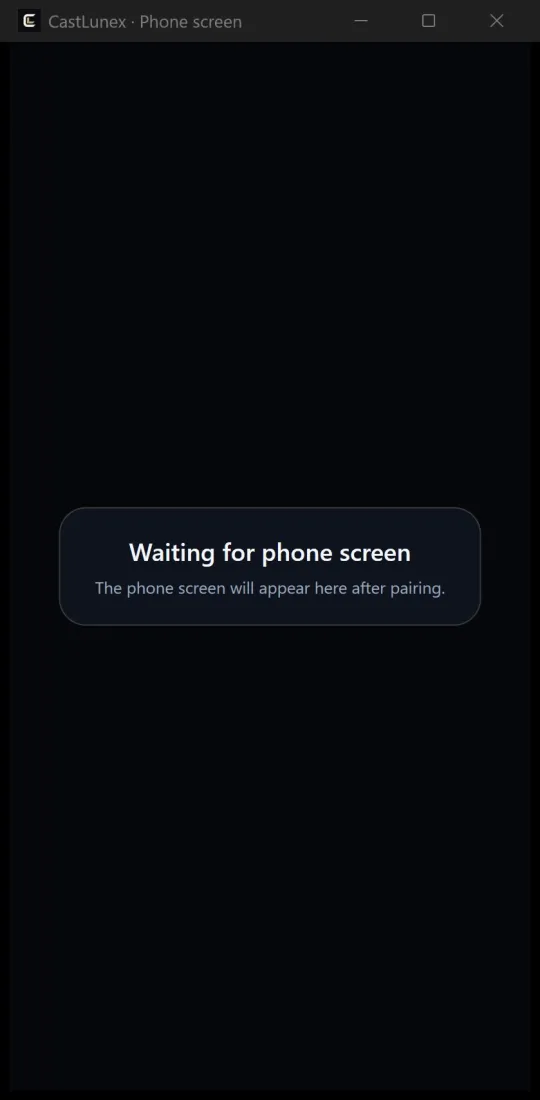
Operate a phone from the PC without ADB or root
Mouse
Click to tap, hold to long-press, drag to swipe, and use the wheel to scroll. A drag is sent as one clean swipe when you let go.
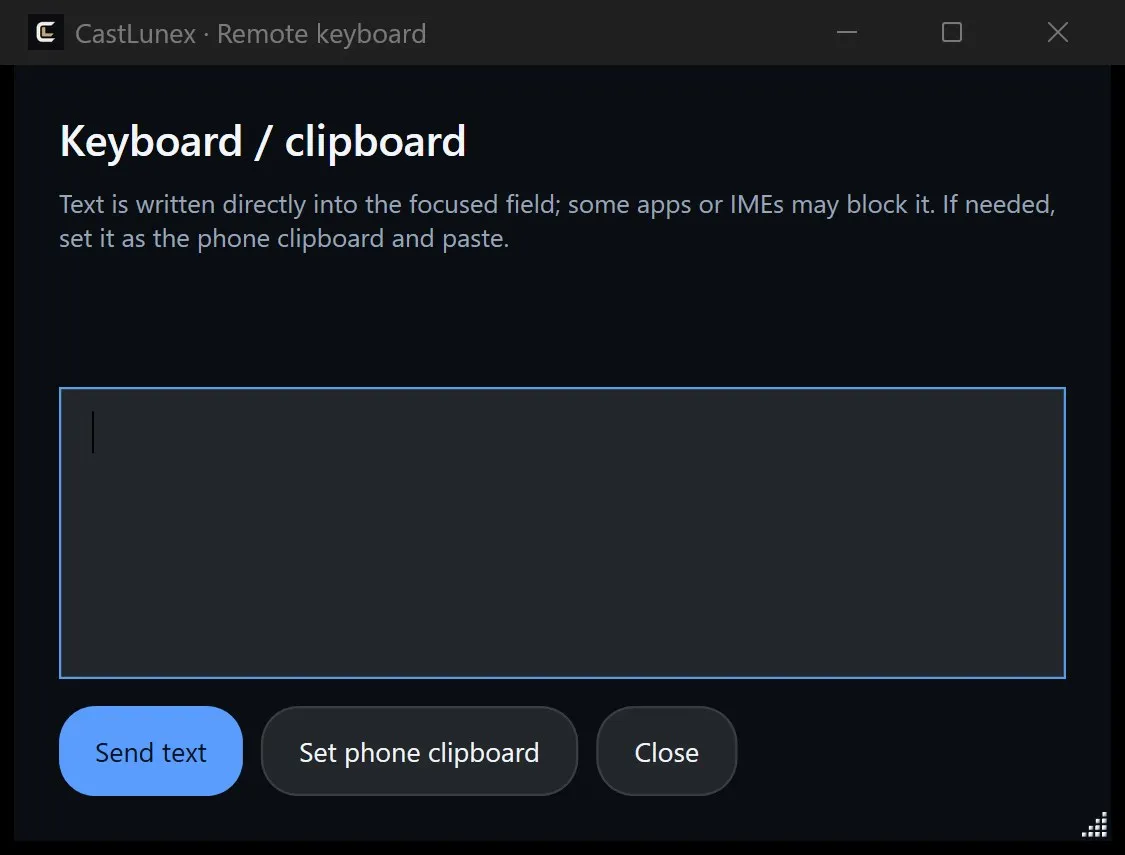
Keyboard and clipboard
Send text to the focused field, or set the phone clipboard. If an app or keyboard blocks typed text, paste from the clipboard instead.
Remote
D-pad, Back, Home, Menu, volume and play / pause for a TV, with hold-to-repeat.
- The phone needs the Full edition with its accessibility service switched on by its owner. Nothing else: no cable, no developer options, no root.
- While you are sharing, the phone is kept awake and bright, so taps keep working instead of being swallowed by a dimmed screen.
A desktop that sounds as good as it looks
- PC to TV with sound: the audio playing on your PC travels to the TV with the picture.
- Hardware encoding, picked for you: CastLunex tests your PC and uses Intel Quick Sync, NVIDIA or AMD when it works, and software encoding otherwise.
- Your choice: 720p, 1080p or 1440p, 30 or 60 fps, and the encoder.
- Crop to 16:9: cut the middle 16:9 of a tall phone screen, or crop the left, the sides, the top or the top and bottom. In fullscreen press C to cycle the crop.
- Rotation done right: pop-out, embedded and fullscreen views share one layout engine, so a rotating phone no longer shrinks the picture or pushes the window into a corner.
- Mouse wheel scrolls the phone, and a drag is sent as one clean swipe when you release (Full edition on the phone).
- Pairing safety: a random six digit PIN on every launch, three wrong tries lock pairing for a minute, and only one sender at a time.
Good to know
- Languages: automatic, English, Traditional Chinese and Simplified Chinese.
- Windows edition is distributed on Patreon only, not through Google Play or any store.
- Everything runs on your local network. There is no account and no cloud relay.
- Screenshots show a pre-release build on Windows 11.
Be there on release day
Follow Cloud Curry Studio on Patreon for release news. The Full edition and the Windows edition are posted there.