
CastLunex › Android
Coming soonCastLunex for Android
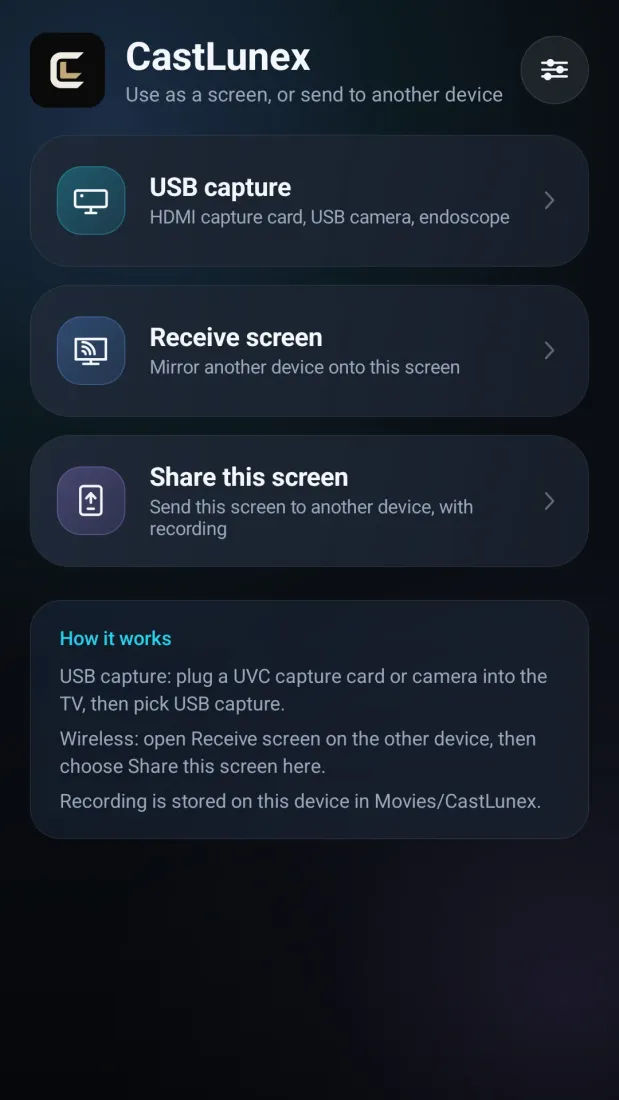
Phones and tablets are the senders. Share the screen to a TV or a PC in a few taps, or turn a tablet into a receiver.
Share
Phone to TV and phone to PC, step by step
Phone to TV
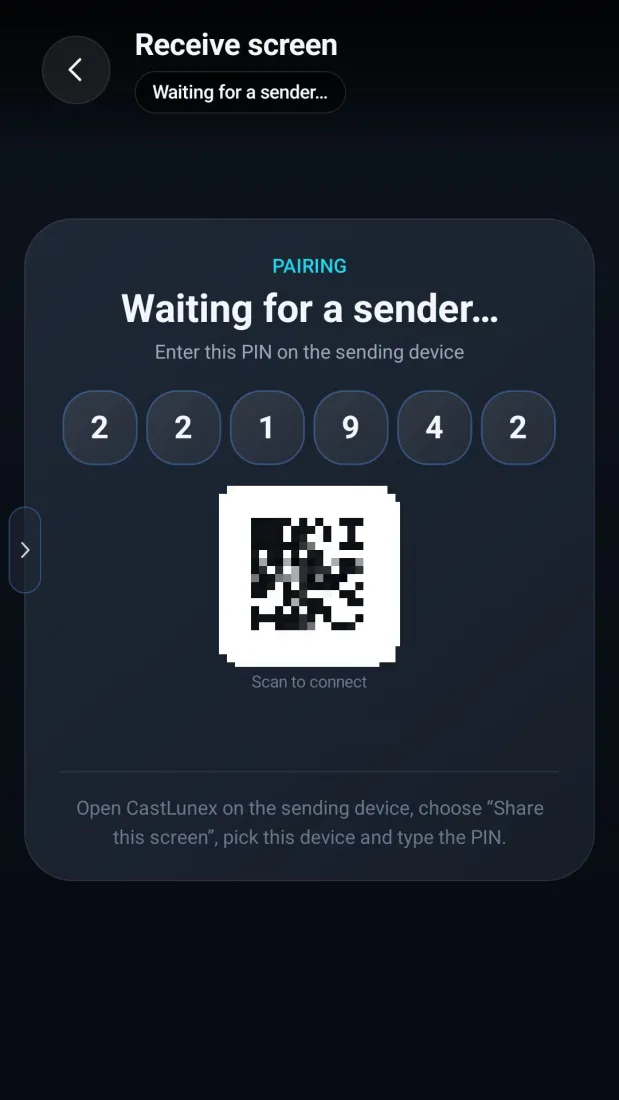
Open Receive screen on the Google TV, then Share this screen on the phone, pick the TV and type the PIN.
Phone to PC
Open CastLunex on the Windows PC, then Share this screen on the phone, scan the QR code and type the PIN.
- Open the receiver on the TV or on the PC. It shows a PIN and a QR code.
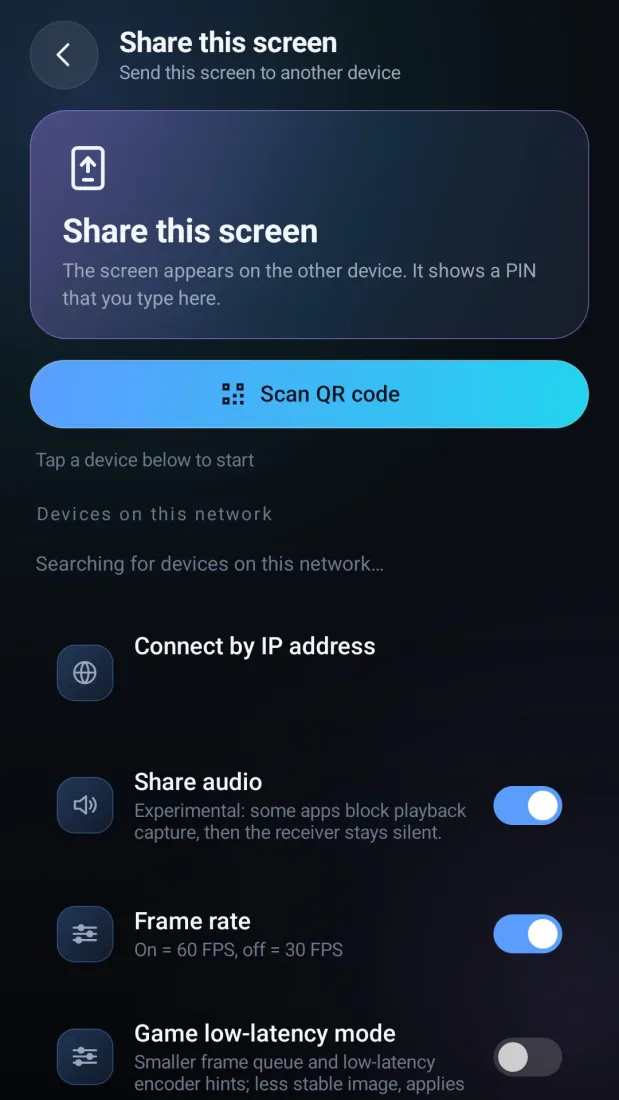
- On the phone open Share this screen.
- Scan the QR code or pick the device, then type the PIN.
- Allow screen capture. Optionally switch on Share audio.
Audio sharing is experimental. Some apps block audio capture on Android, and the receiver stays silent when they do.
Quality and speed
Tune it for video, slides or games
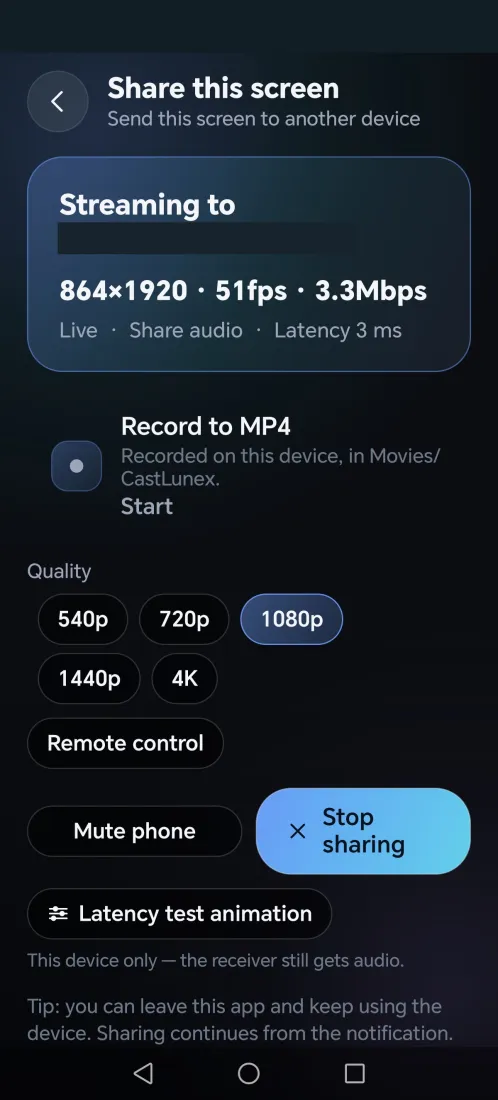
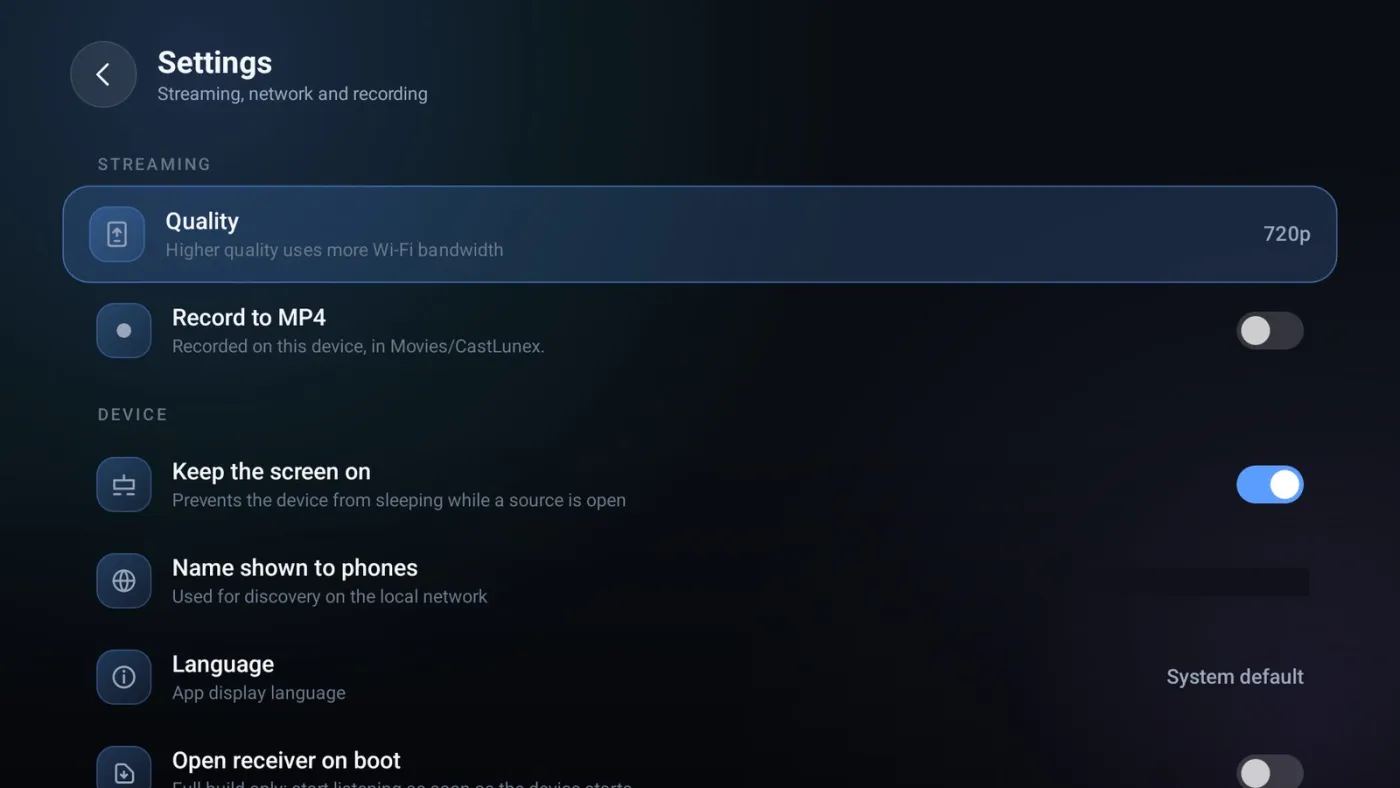
- Quality: 540p, 720p, 1080p, 1440p or 4K. A higher setting needs a stronger phone, network and receiver; if the phone cannot do it, CastLunex keeps your old setting and tells you.
- Frame rate: 30 or 60 fps, and the bitrate rises with it.
- Game low-latency mode: a shorter queue and low-latency encoder settings for a delay closer to live. It trades a little stability for speed and applies to the next share.
- Mute phone: only the phone goes quiet, the receiver keeps the sound.
- Rotation: turn the phone to landscape and the receiver follows. The recording continues in a new segment.
- Keeps going: leave the app and sharing continues from the notification. If the Wi-Fi blips, it reconnects by itself for about a minute.
Accessibility service
Why the Full edition asks for it, and what it does
- It is how the phone performs the taps, long-presses, swipes and key presses that your PC sends. This is what replaces ADB and root.
- You switch it on yourself in the system settings, and you can switch it off at any time.
- The Play edition does not contain an accessibility service at all, so it is the quiet choice if you only want to cast.
- It is a powerful permission. Install the Full edition only on devices you trust.
Editions
Play edition and Full edition
The Play edition is the limited-feature edition coming to Google Play. The Full edition adds an Open receiver on boot switch and PC / remote control, so a PC can tap, long-press, swipe and scroll on the phone or tablet, with no cable and no USB debugging. Full is distributed on Patreon.
Coming soon
Be there on release day
Follow Cloud Curry Studio on Patreon for release news. The Full edition and the Windows edition are posted there.