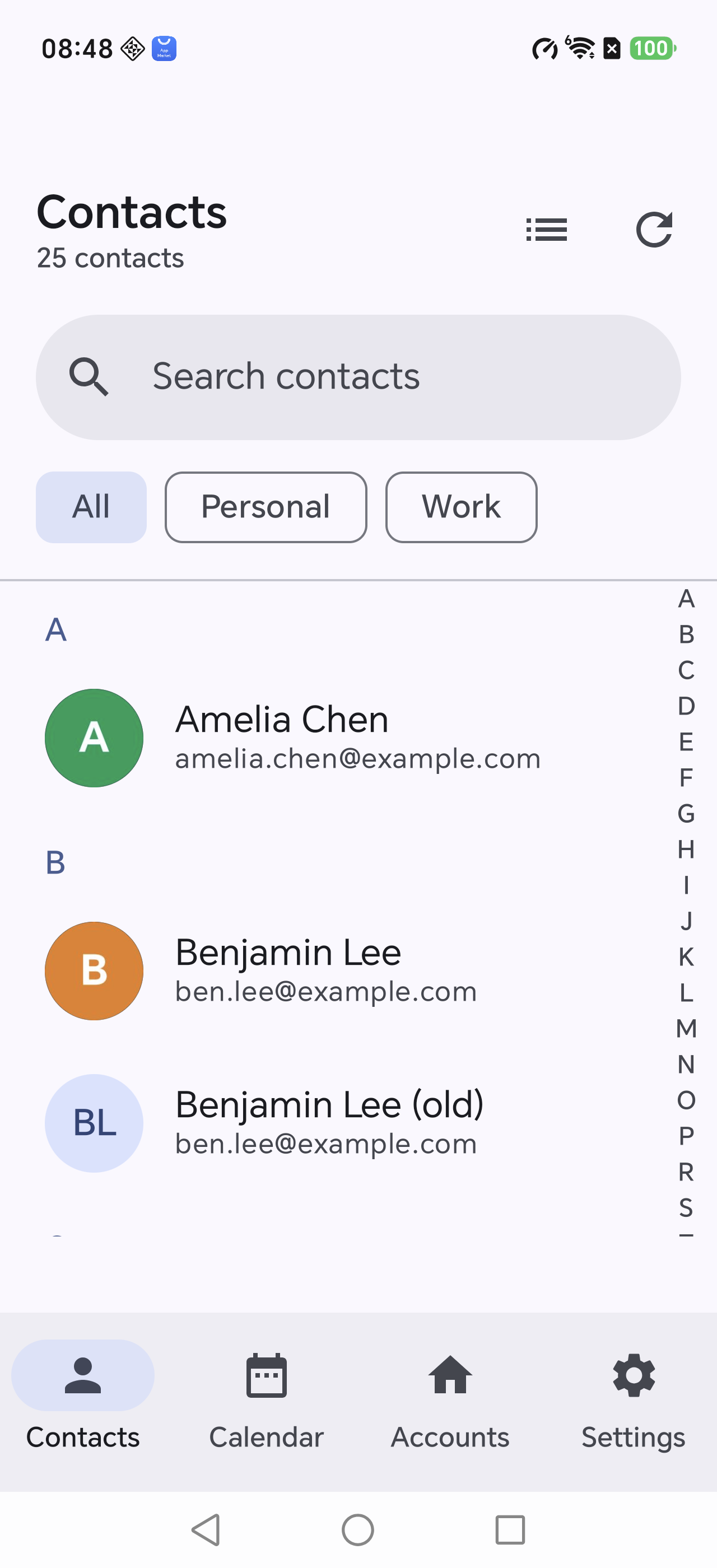
The awkward part of switching phones,
done once and done properly.
Import, compare, tidy, move — all in one place, with the result visible at every step.
One tap moves the whole book
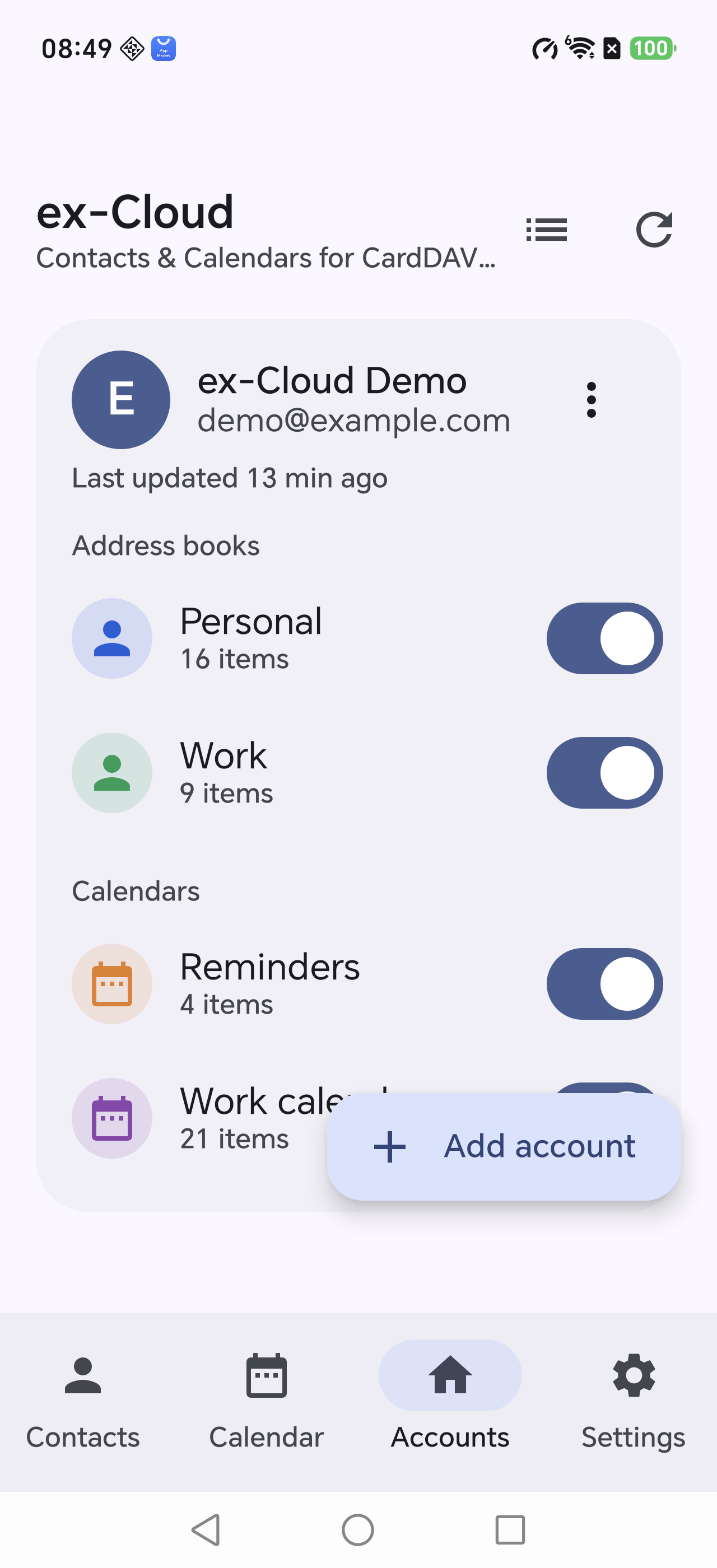
Pick an address book, tap “Download to phone”. Contacts land in one clean group; events land in their own calendar.
- Always a full download, never a guess
- Run it a hundred times, still one copy
- Stored on the device, readable offline
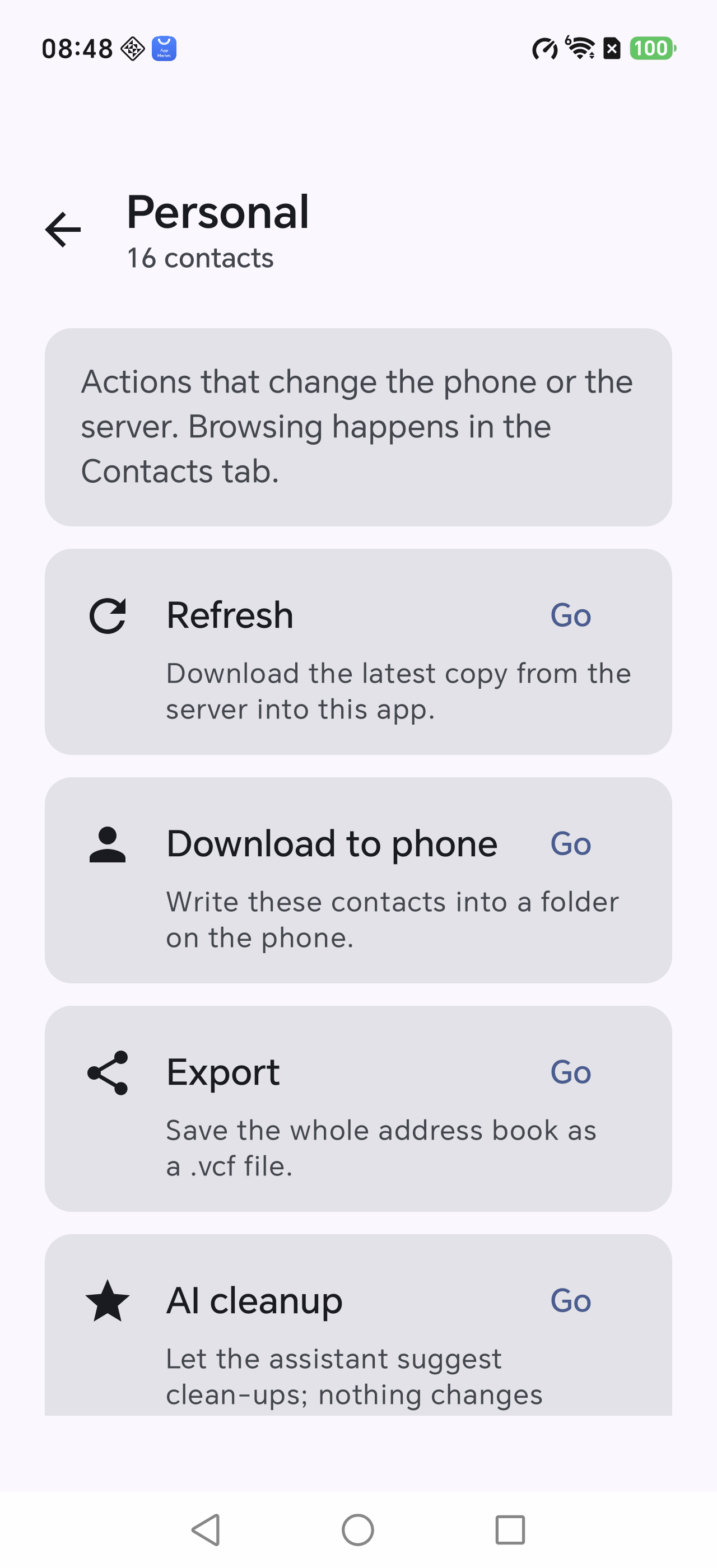
Then check it, for real
After copying, the app reads the phone back and compares item by item — not a single “success” toast.
- Tells you which record and which field differ
- Repeat it whenever you like
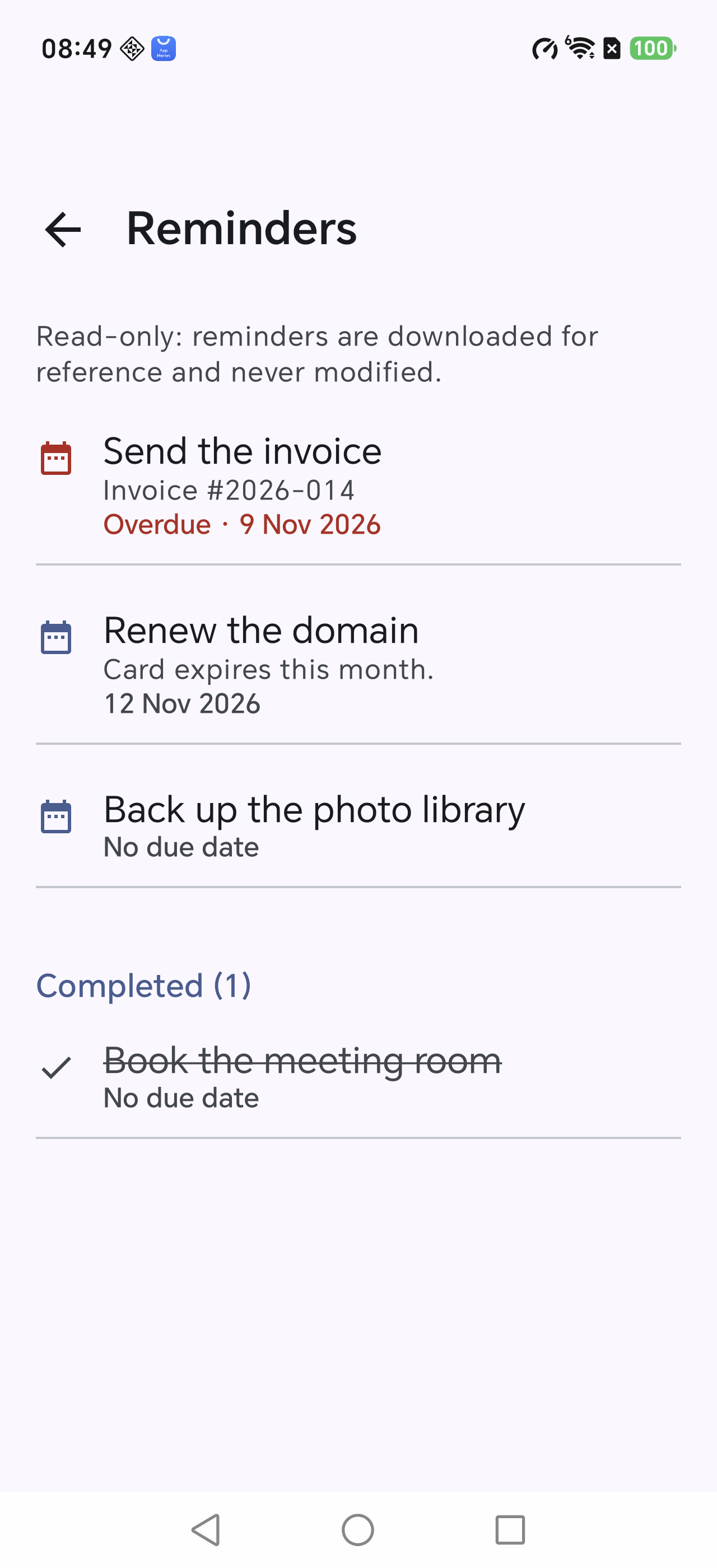
- Deleting a copy only touches the phone
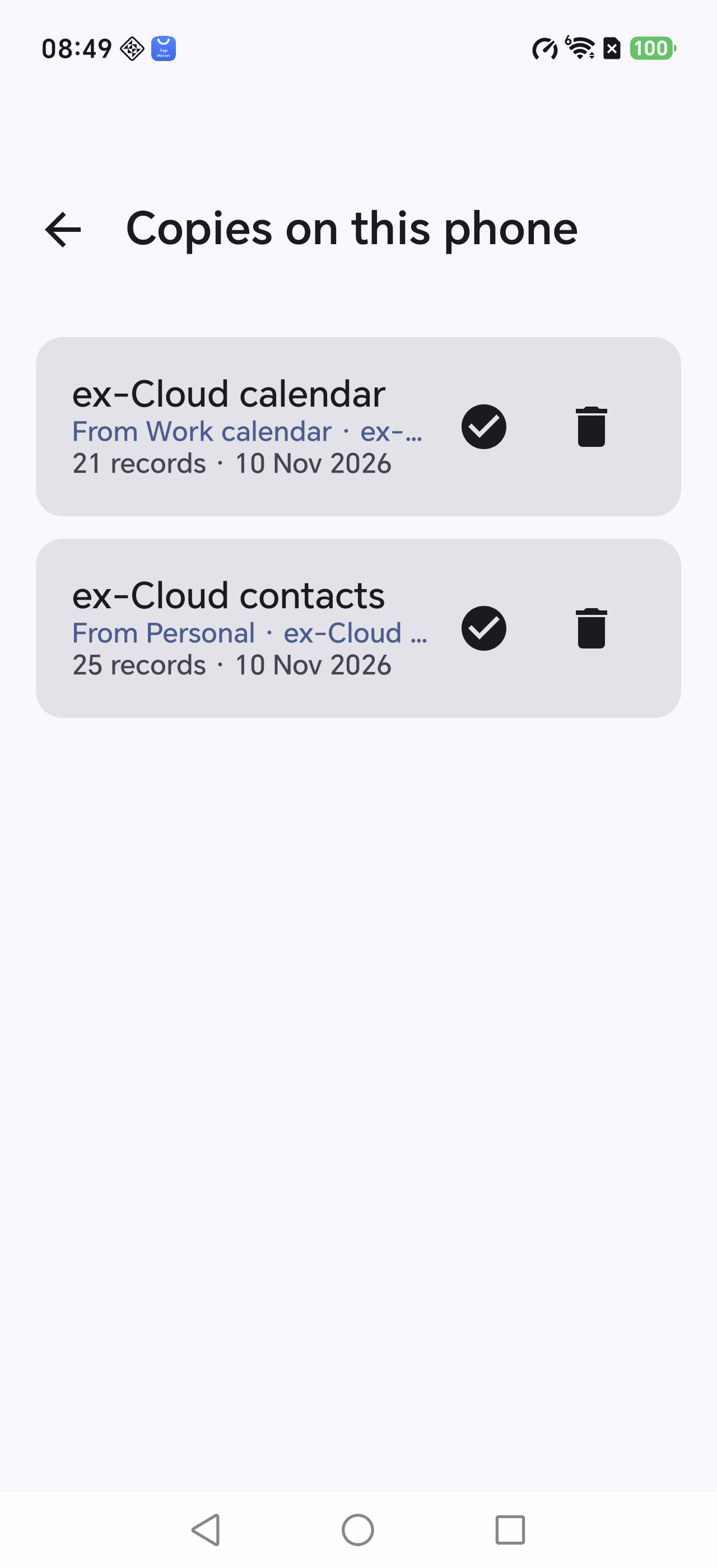
Even Apple's odd fields decode
Multiple phones with custom labels, addresses, birthdays, anniversaries, social profiles, related names, notes — including item1.X-ABLabel style groups.
- vCard 2.1 / 3.0 / 4.0
- Photos, categories and nicknames included
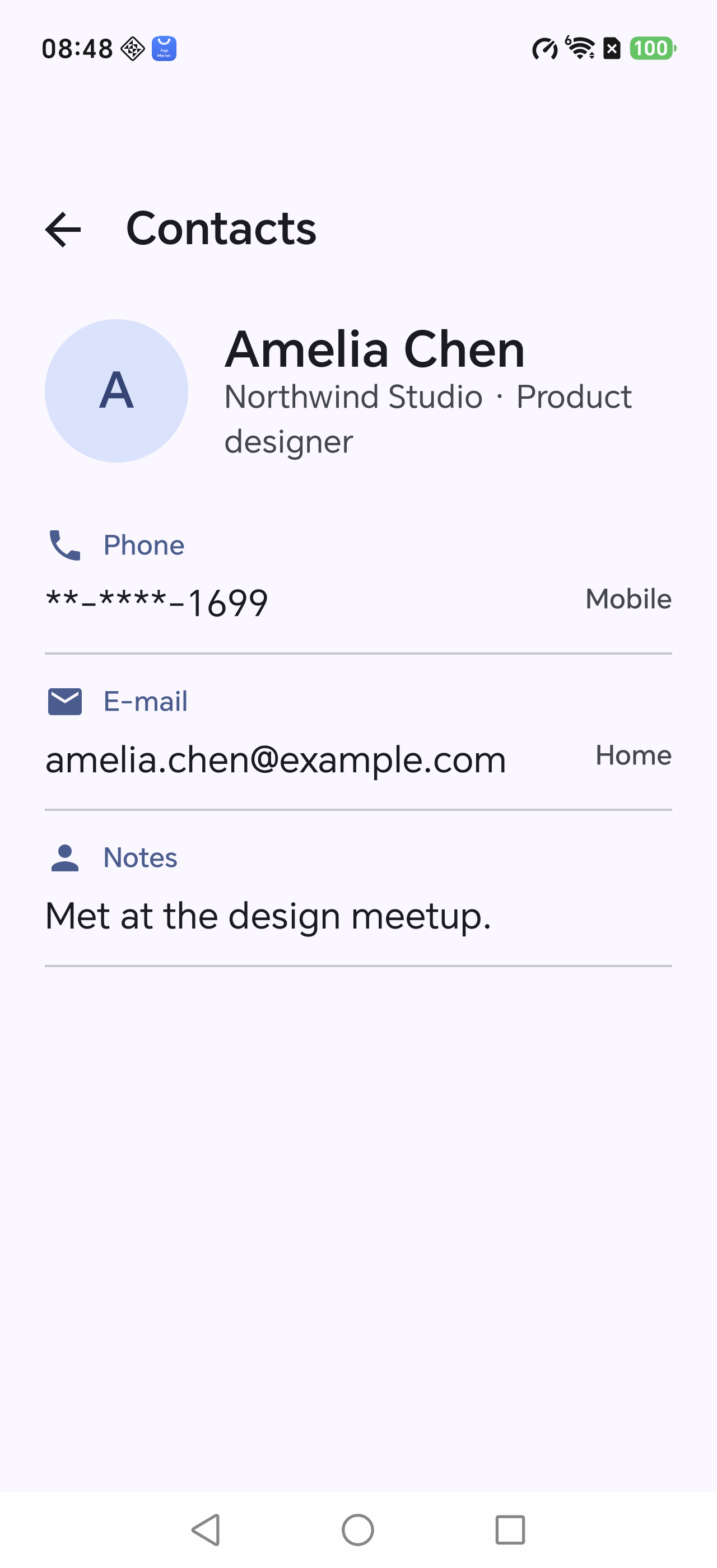
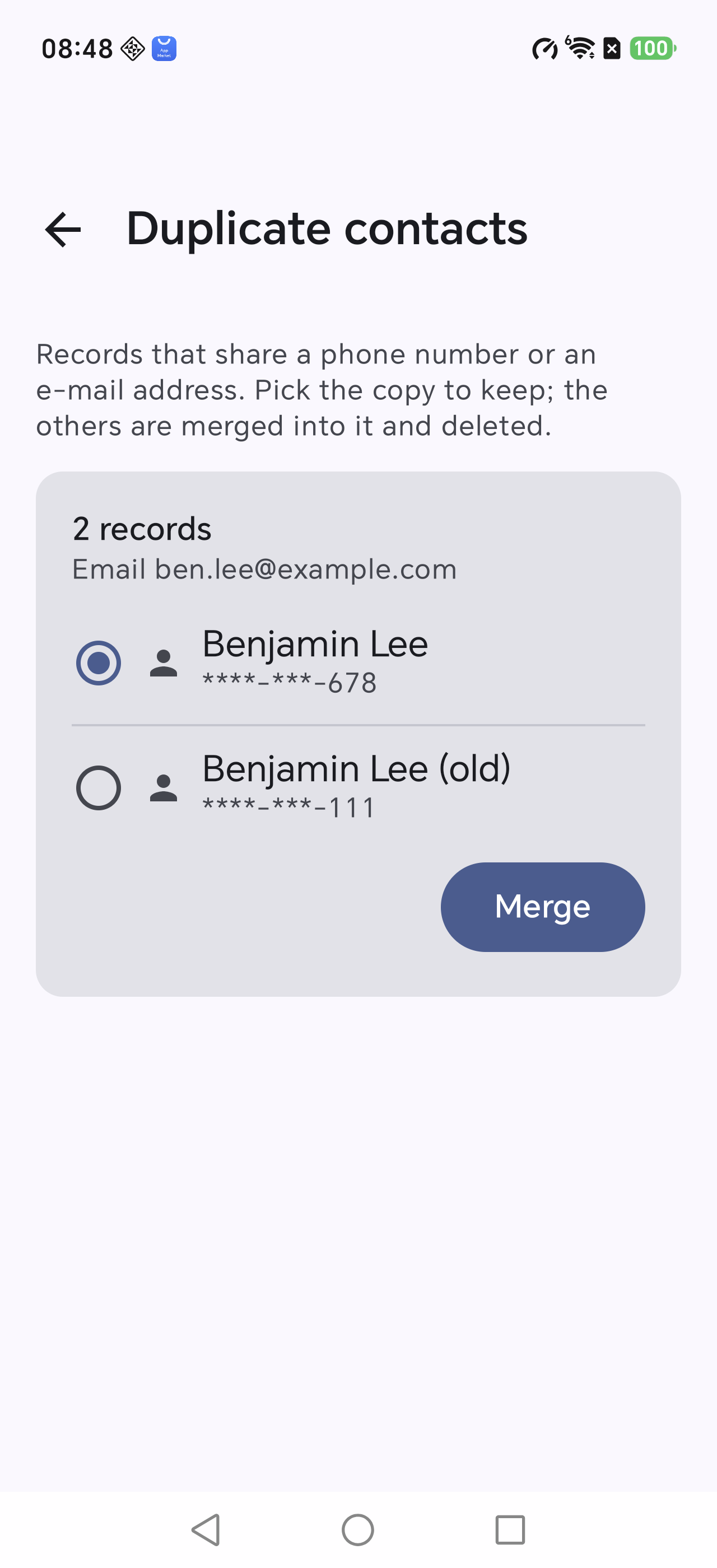
Three copies, one person
Only a shared phone number or e-mail counts as a duplicate — the same name does not.
- Merging absorbs the other copy's phones, e-mails and notes
- The merged card uploads before anything is deleted
- The confirmation names every record that disappears
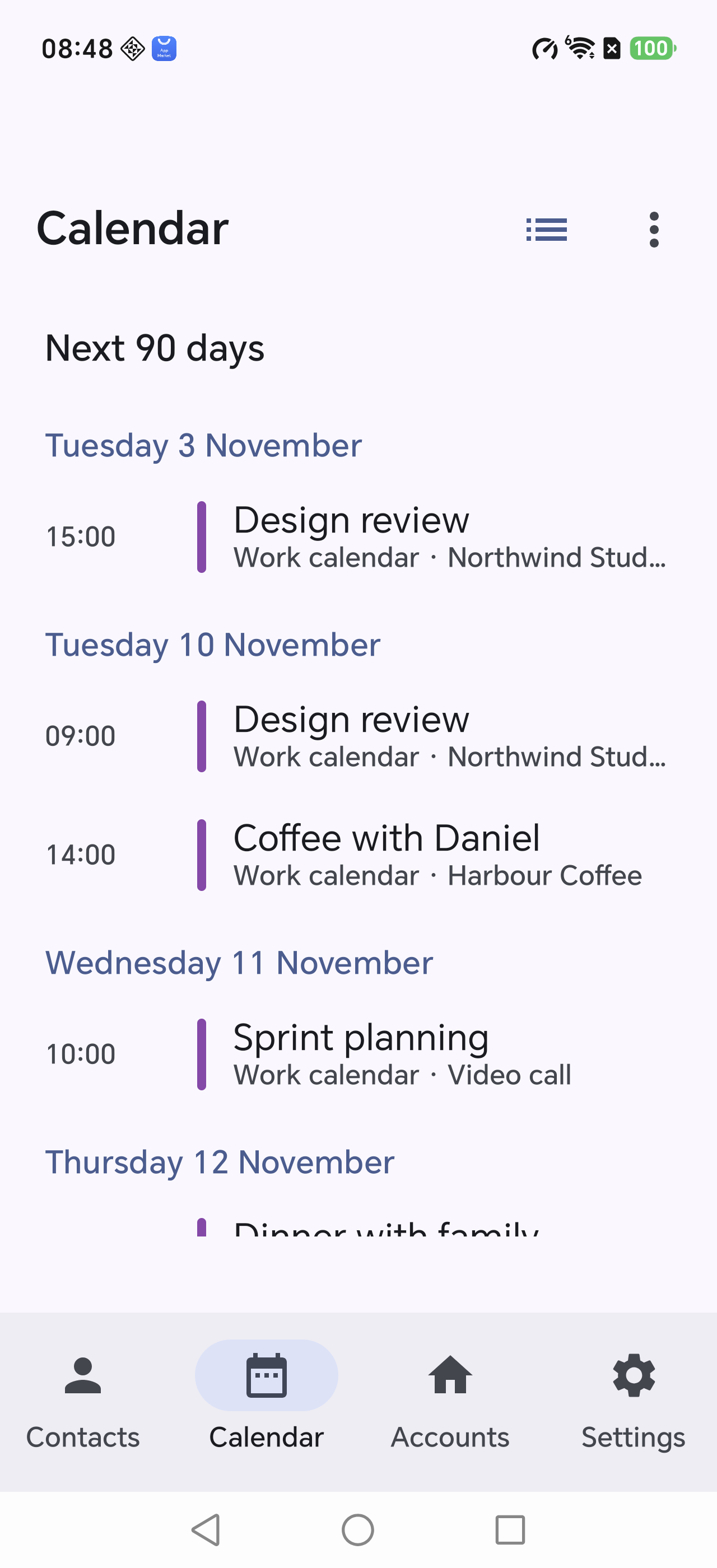
Still 09:00 after the clocks change
Recurring events expand per RRULE and time zones resolve through VTIMEZONE rules, so daylight saving never shifts your meeting.
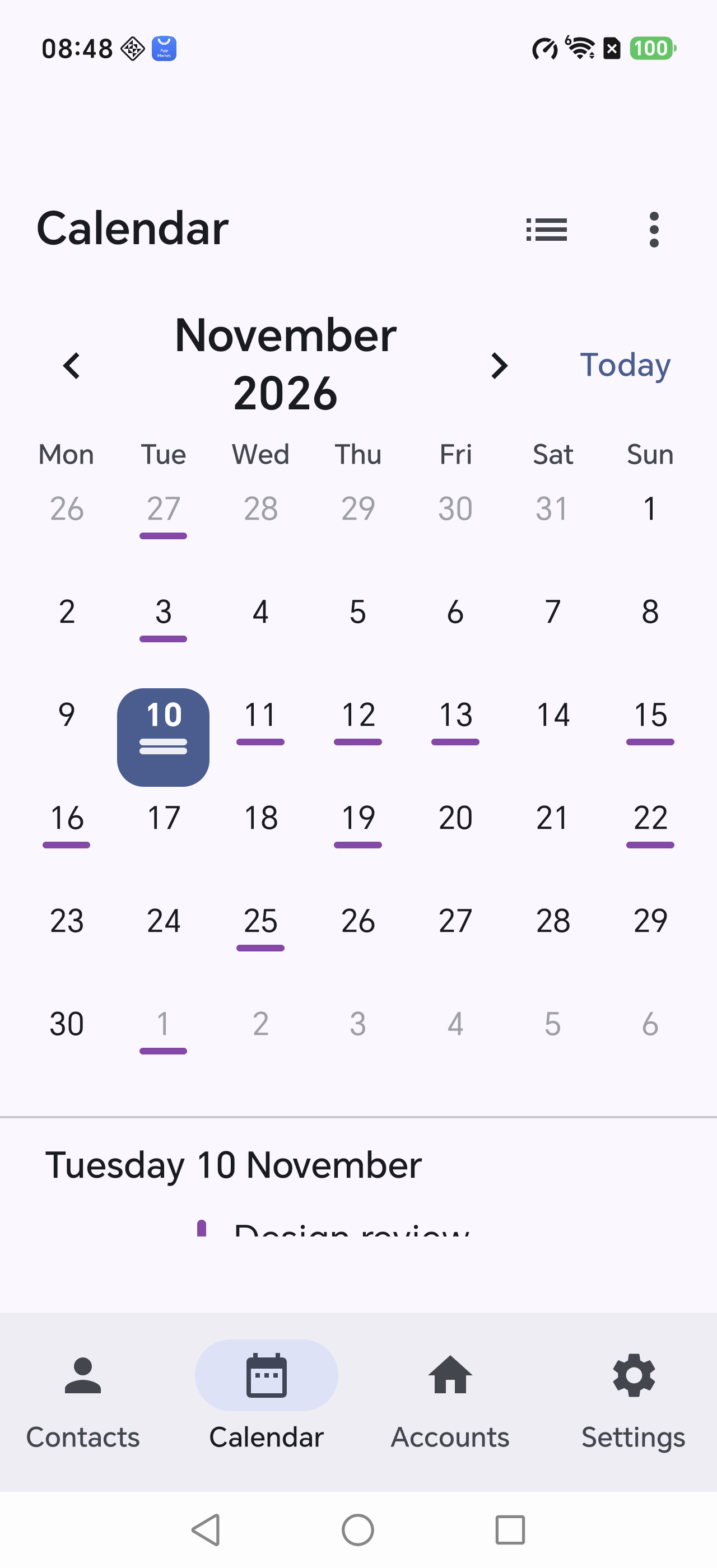
- Month grid and agenda views
- Attendees, locations and alarms come along
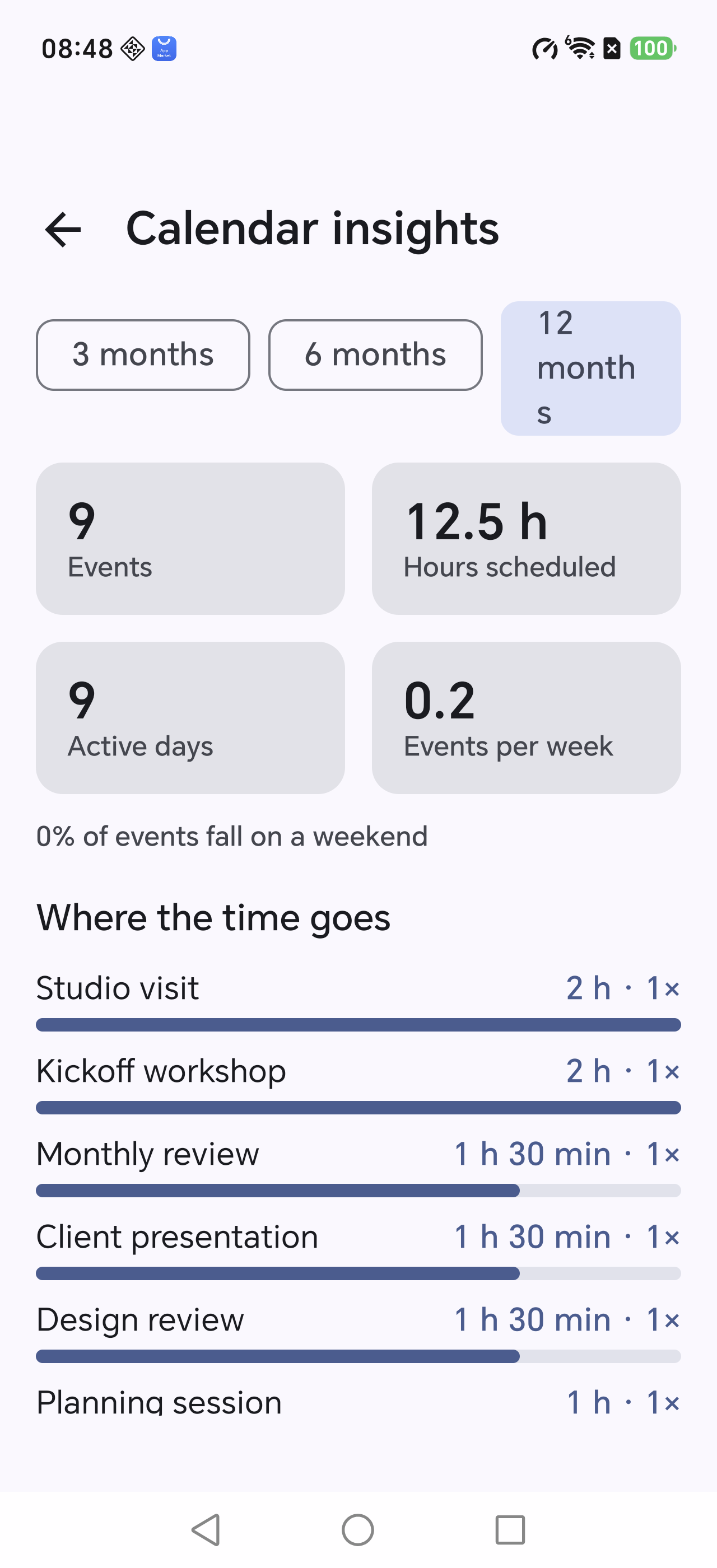
- Insights: where the time actually went
From moving data to tidying it up
Your data stays between you and your server
No account system, no analytics SDK, no background sync. The app talks to the network only when you ask it to.
Move your data today
Android 8.0+ · about 9 MB · no sign-up required
A one-time fee may apply, depending on where you download it.

Six illustrated walkthroughs
Questions
Will my phone's edits sync back to iCloud?
No. It is a one-way tool. The only exceptions are “Merge duplicates” and “AI cleanup”, and both wait for your confirmation.
Can I uninstall the app afterwards?
Yes. The data already lives in your phone's contacts and calendar; the app was only the courier.
Which servers are supported?
Any standard CardDAV/CalDAV service: iCloud, Nextcloud, Synology, Fastmail and friends. Gmail is not supported.
Does it work offline?
Yes. Everything downloaded is stored on the device and can be browsed without a connection.
Is it paid?
The app: downloading may require a one-time fee; the amount depends on where you get it.
AI features: they use your own API key, billed by the model provider (for example DeepSeek) for what you actually consume. We never handle or take a cut of that. Without an AI setup, everything else works exactly the same — browsing, downloading, verifying, merging and exporting.
No subscription, no ads, no account system.
Why not on Google Play?
Honestly: it is not impossible — it just is not worth it.
- Contacts and calendar are sensitive permissions: a usage declaration, a privacy policy and a manual review are required.
- A new personal developer account needs 12 testers for 14 continuous days before production access.
- The target API level has to be chased every year, and every release goes back into the review queue.
- The app contains generative AI, which brings an extra AI content policy on top.
- The description mentions iCloud (an Apple trademark) throughout — a rights-holder complaint can pull the listing at any time.
- Charging for it through Play Billing means giving up 15–30%.
- Reviewers can only test what they can sign into, and this kind of app needs a real iCloud account. Apple's two-factor prompts block that sign-in, so the test account often fails — and without one, the submission fails too.
All of that buys compliance, not a better app. So we ship the APK directly: updates land immediately, there is no middleman, and it cannot vanish from your phone because a policy changed.
The trade-off is on you: check the source, allow the install. We publish a SHA-256 checksum so you can verify the file.