← All tutorials
ex-Cloud · Tutorial 3 of 6

Calendars and reminders

A month grid for the big picture, an agenda for the details, and insights for where the time went. Recurring events, attendees, alarms and time zones are covered here.
About 4 minutes · screenshots use demo data

1Month view

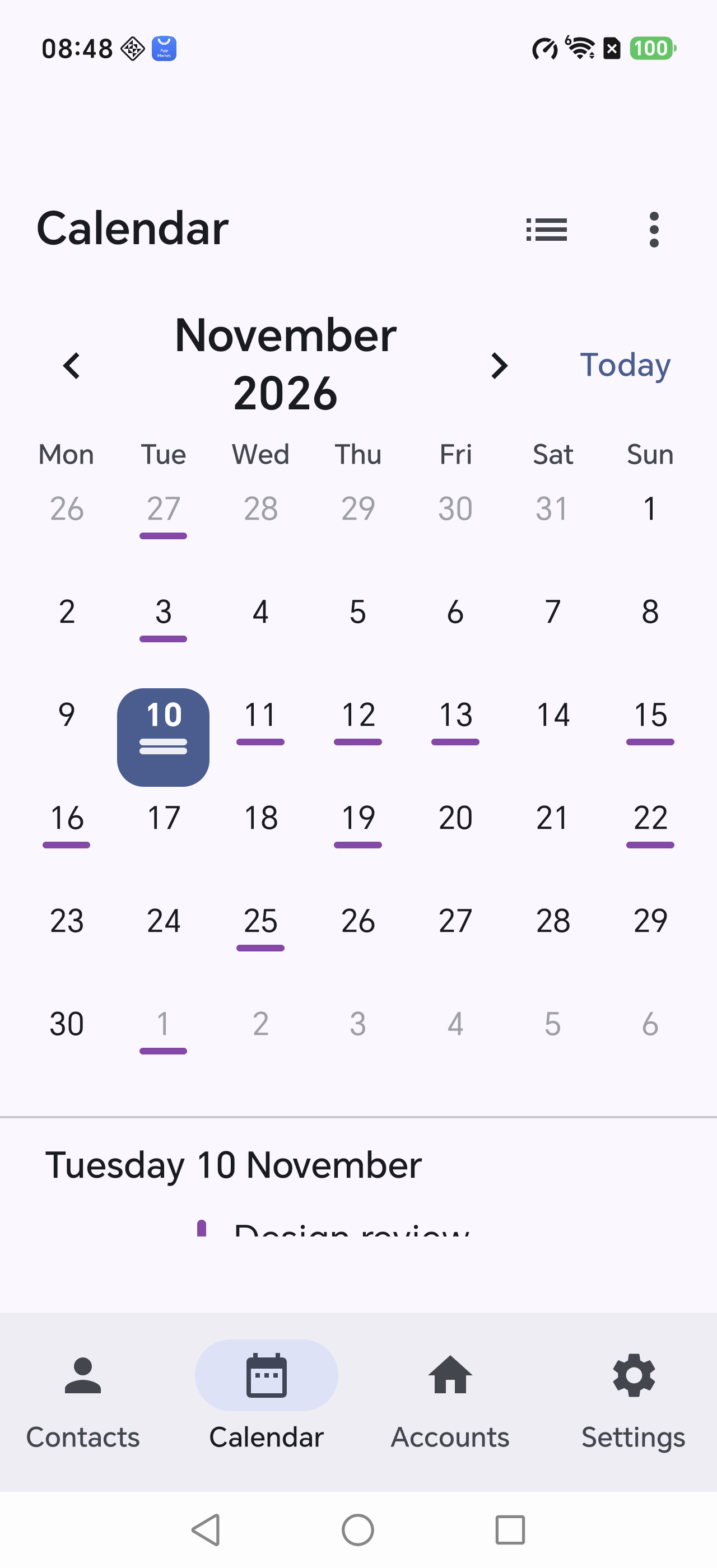
  • Days with events carry a short underline; today is circled.
  • Arrows change the month; Today jumps back.
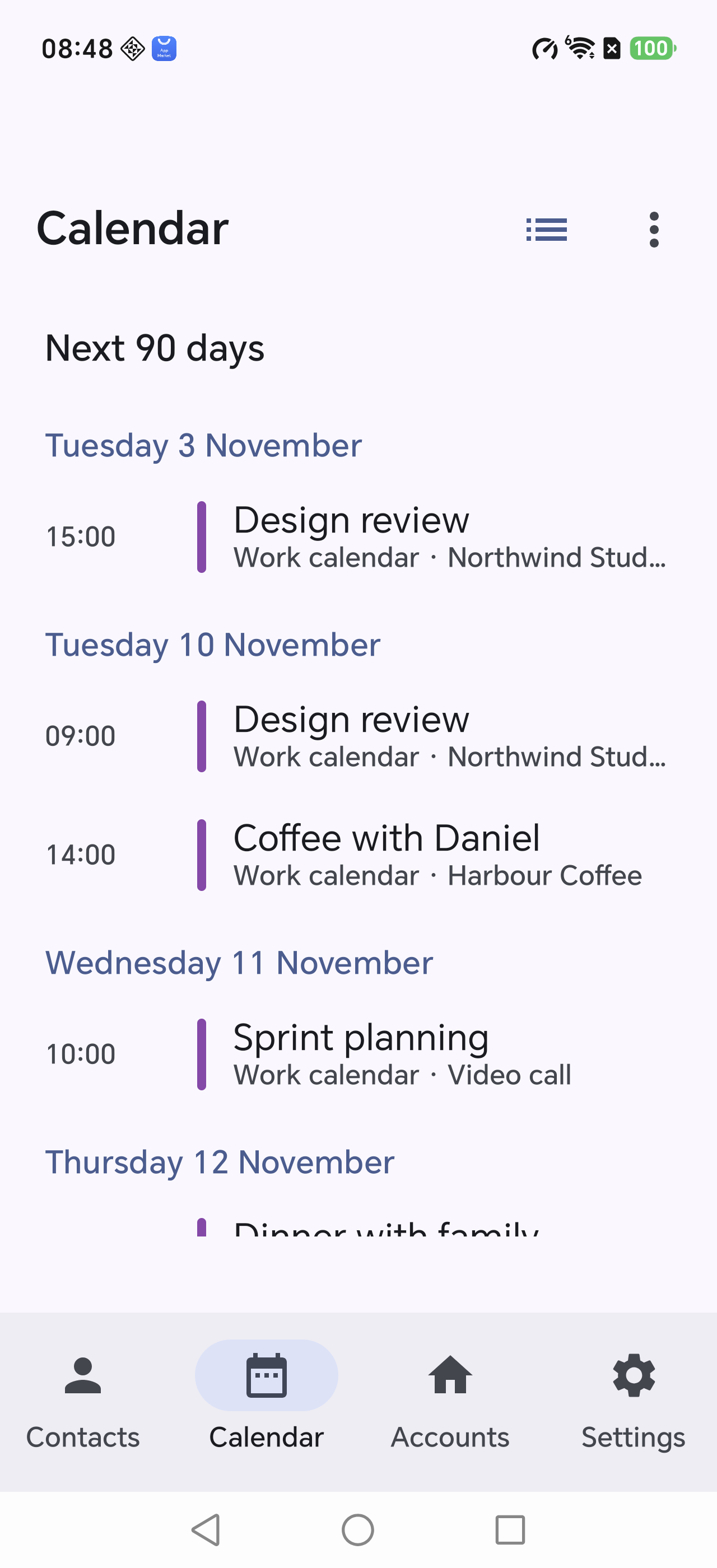
  • The list under the grid shows the next 90 days.
Month view
Days with events are marked

2Agenda view

Tap the toggle in the toolbar. Events are listed in time order with:

  • start time, title and location
  • attendees from the iCalendar ATTENDEE property
  • recurring events expanded into single occurrences, keeping local time across daylight saving changes
A 09:00 weekly meeting stays at 09:00 after the clocks change — not 08:00 or 10:00.
Agenda view
Timeline with location and attendees

3Reminders

The Reminders screen lists VTODO items: open ones first, completed ones below.
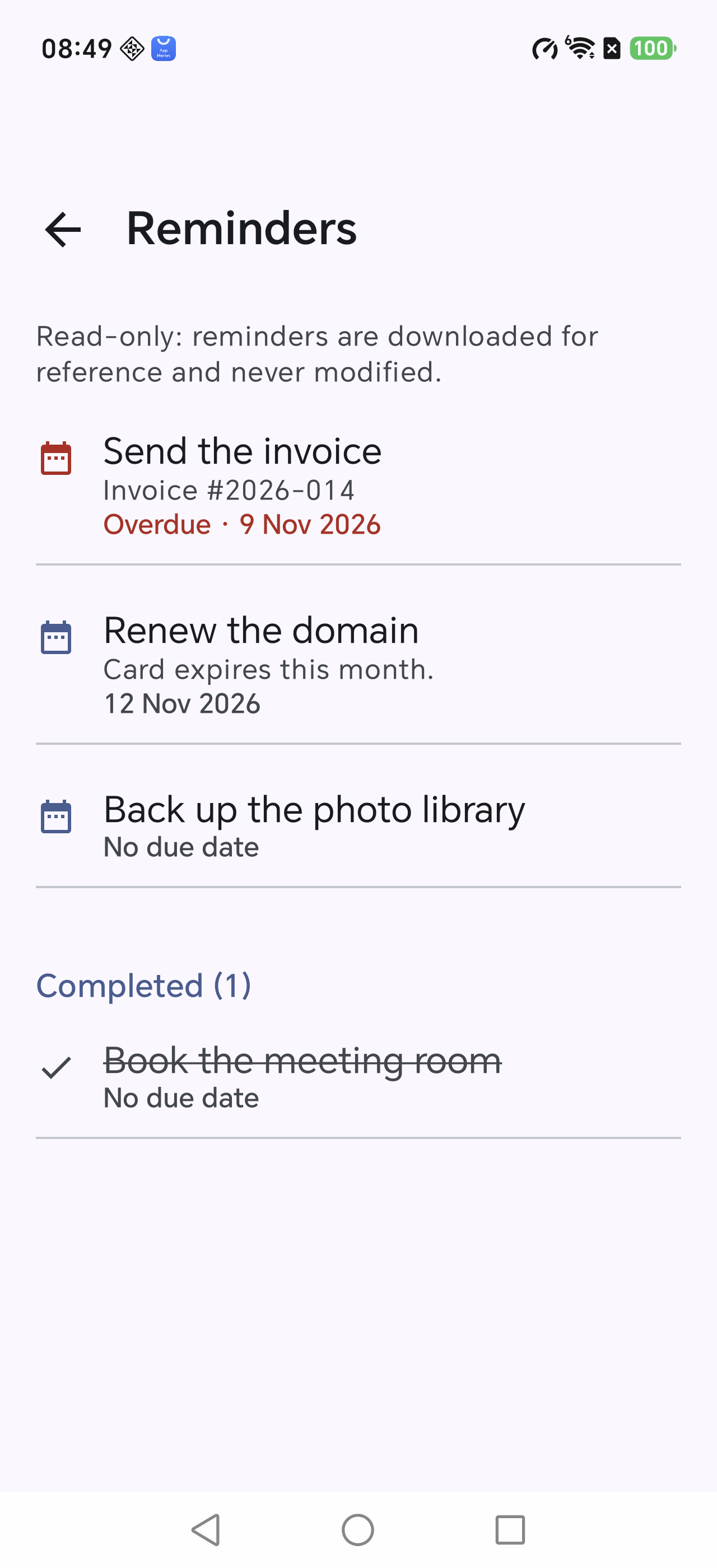
  • Overdue items are marked in red.
  • Currently read-only — you cannot tick them off here.
  • Nothing is written back, so your cloud reminders stay untouched.
Reminders
Open and completed sections

4Insights

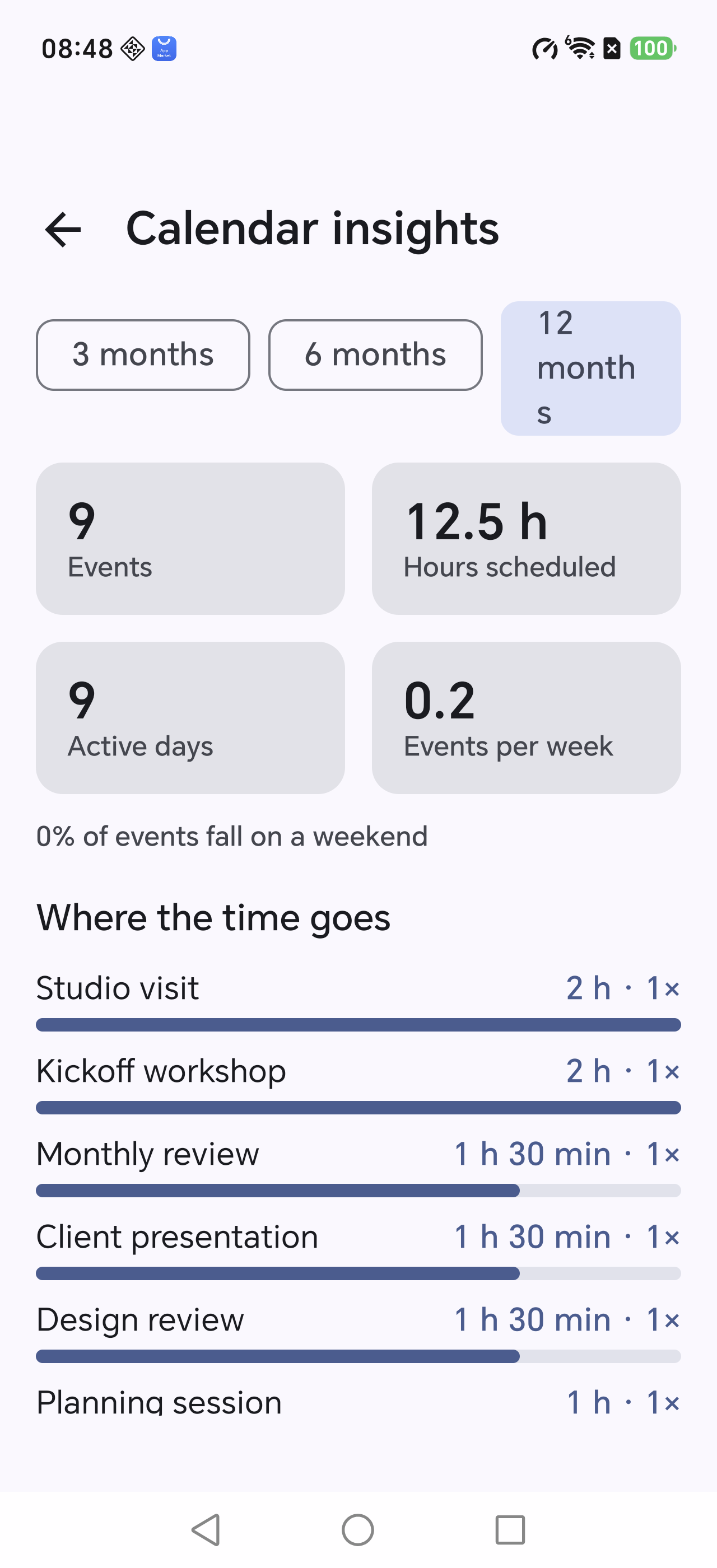
Calendar menu → Calendar insights, with 3, 6 or 12 month windows.

MetricMeaning
EventsTimed events in the window
Total timeSum of all event durations
Days with eventsEach day counted once
Per weekTotal divided by weeks
Everything is computed on the device; nothing is uploaded. You can optionally ask the AI to summarise it.
Calendar insights
Stat tiles plus the most time-consuming series