1Pick an address book
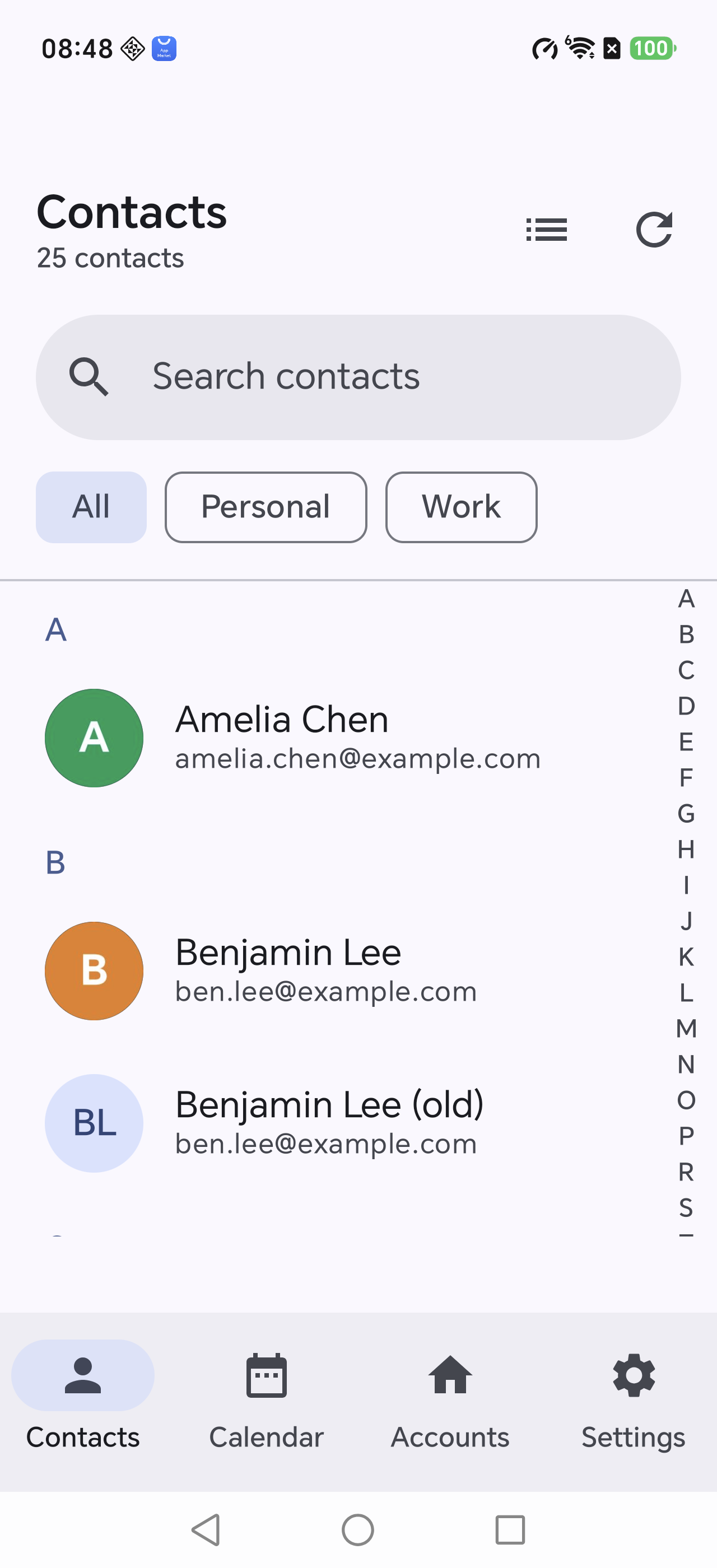
Choose one book in the chips at the top (for example Personal), or stay on All.
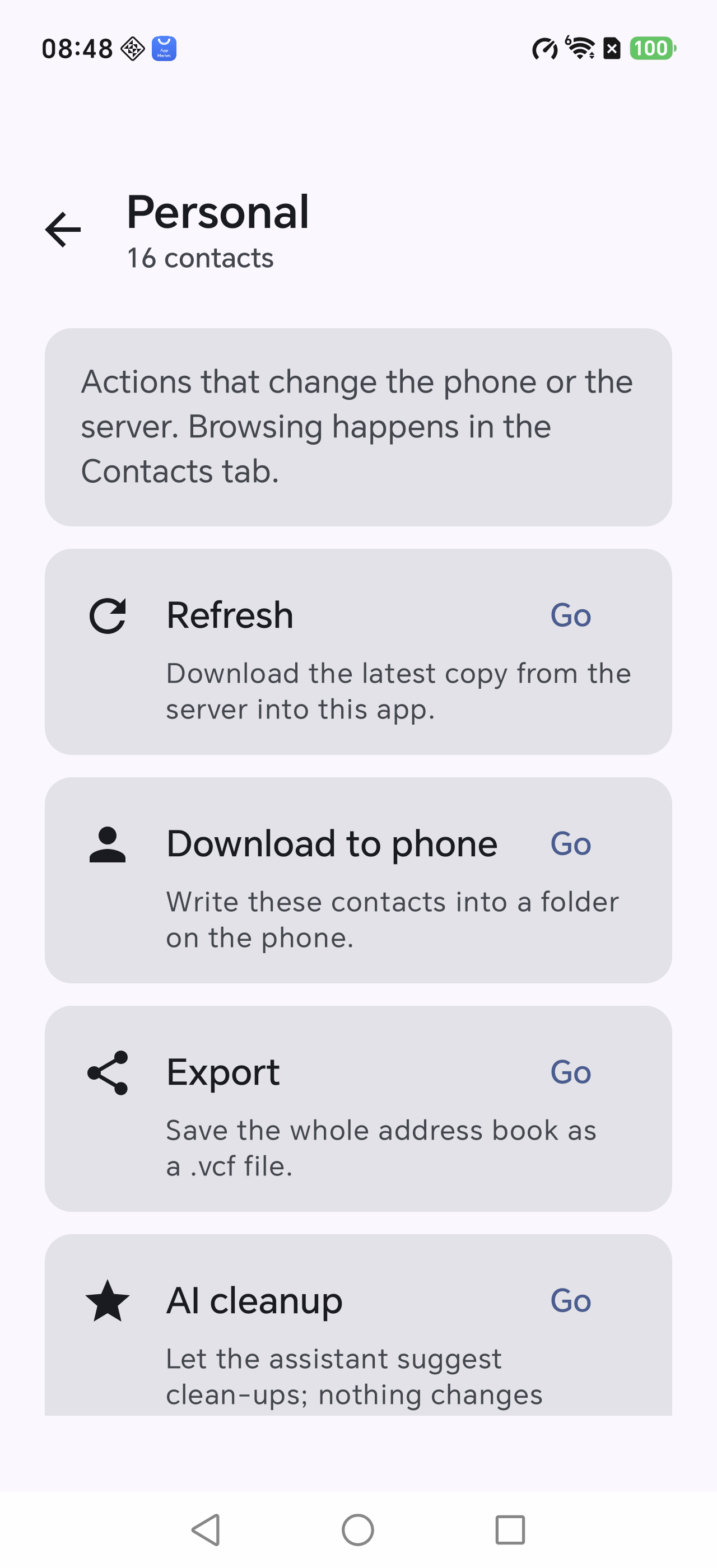
With a single book selected, Manage appears in the toolbar. Every action starts there.
This is what ex-Cloud is for: write the whole address book and calendar into the phone in one go, then verify the result.
Choose one book in the chips at the top (for example Personal), or stay on All.
With a single book selected, Manage appears in the toolbar. Every action starts there.
Manage → Download to phone, then name the copy, e.g. ex-Cloud 2026-11.
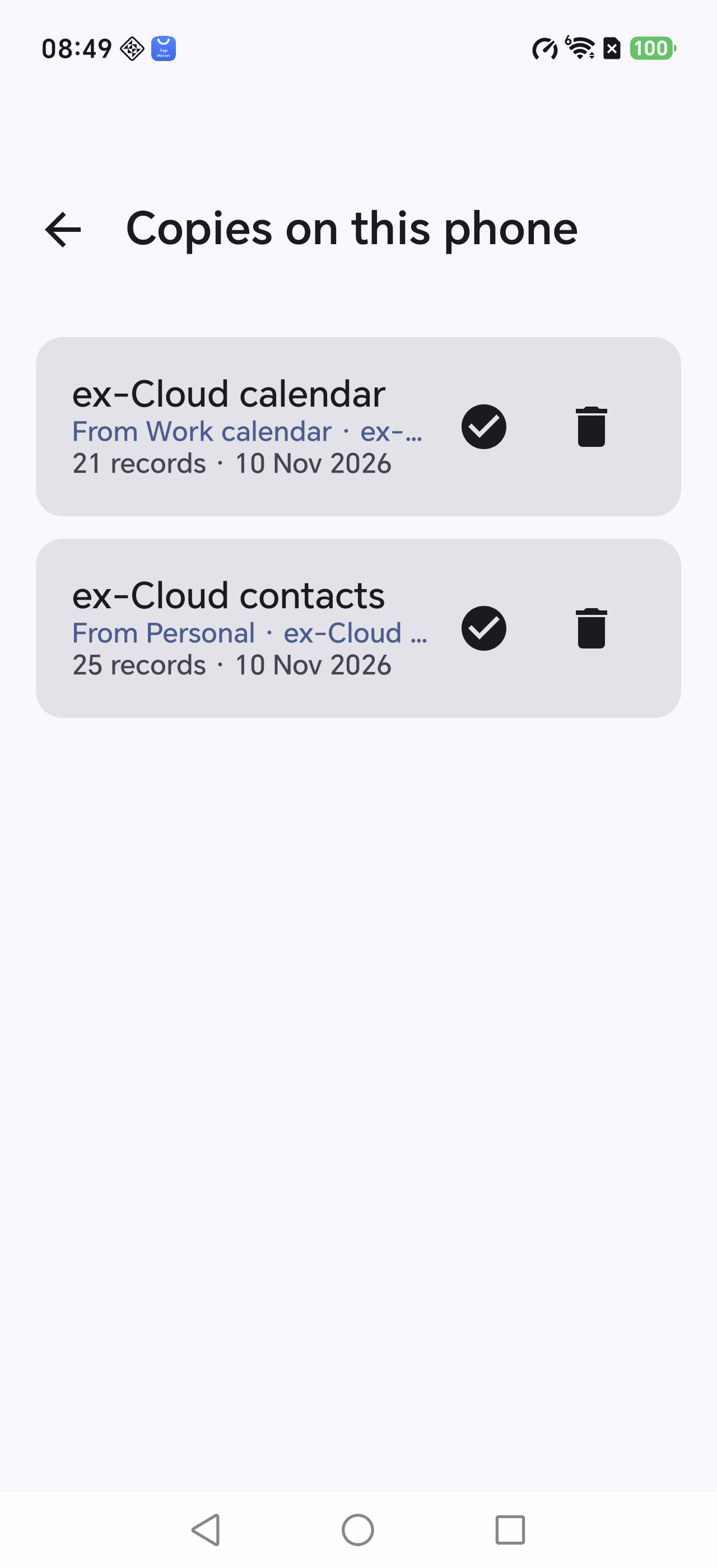
Phone copies lists every download: source folder, item count and time.
Tap the check icon to re-read the phone and compare item by item. It reports exactly which record and which field differ.
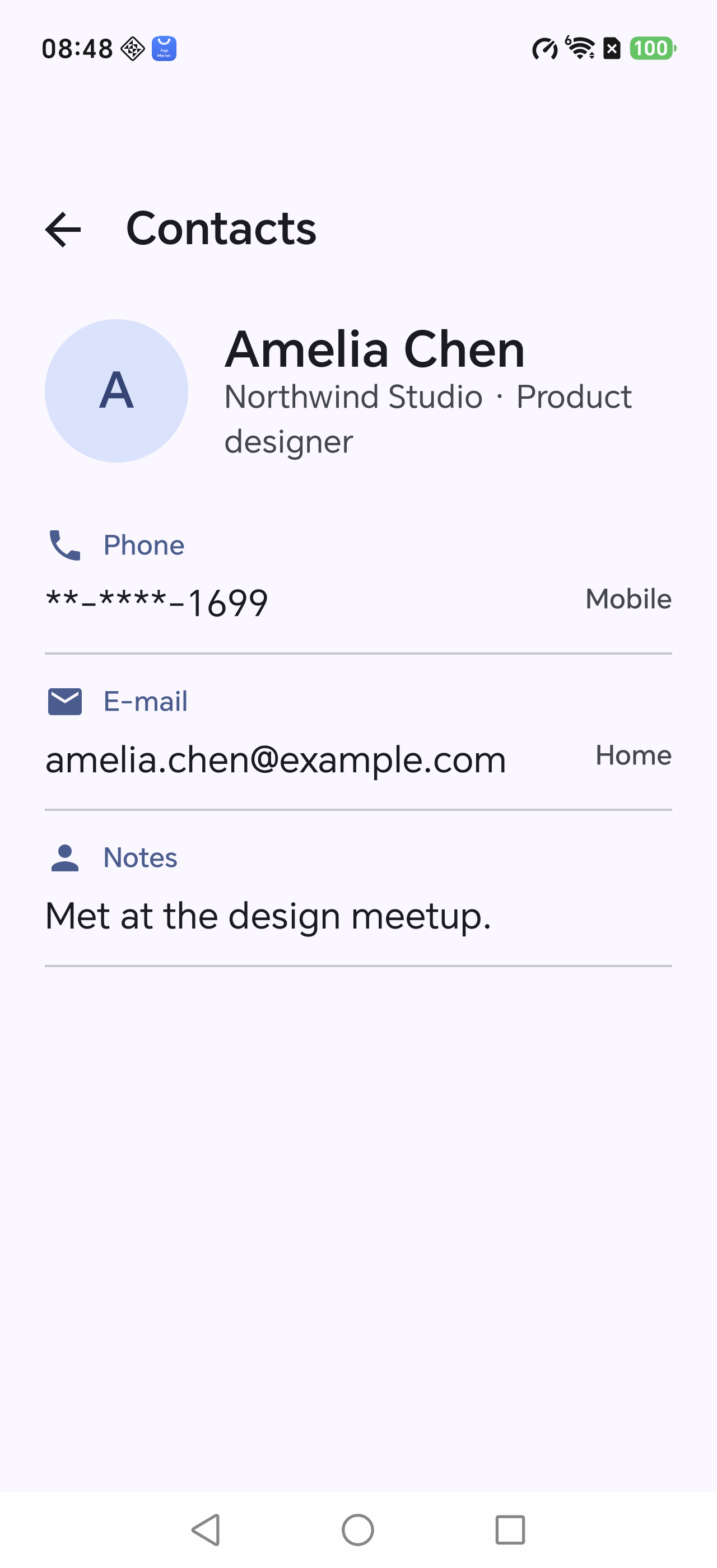
Open any contact to see every field: multiple phones with custom labels, e-mail, address, birthday, anniversary, social profiles, related names and notes.
Phone numbers and e-mail addresses copy to the clipboard with one tap.