How to Delete and Merge Duplicate Contacts on iPhone and iCloud
Duplicate contacts on your iPhone or iCloud? 5 fixes: merge on iPhone, Mac, or iCloud, find the cause, and clean the iCloud address book from Android.
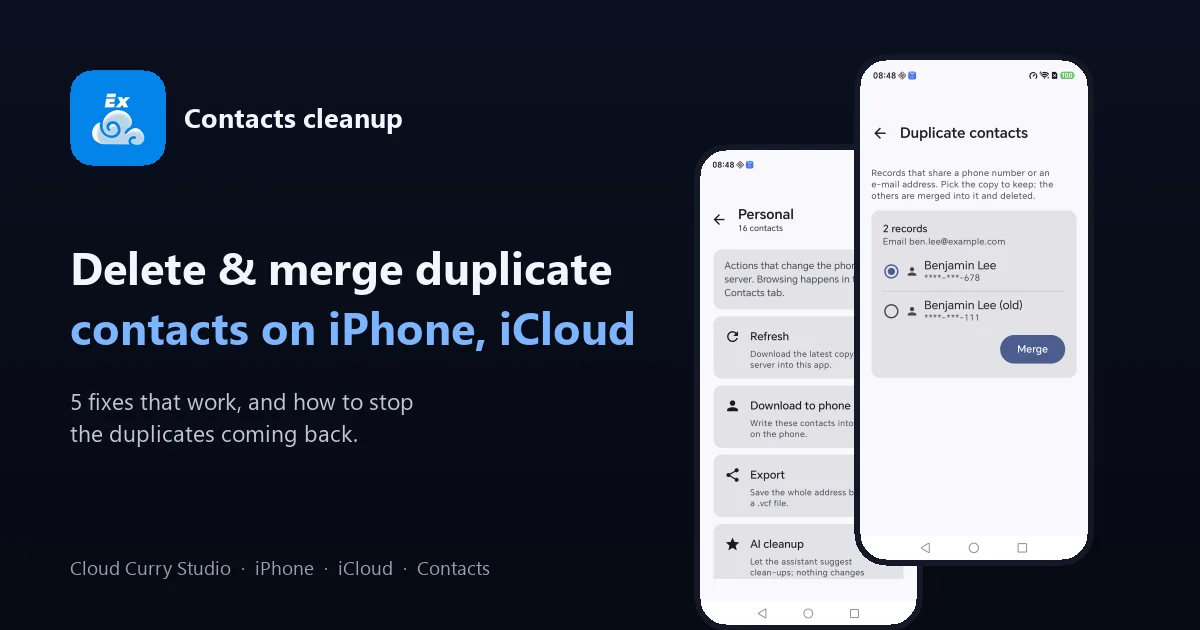
You open your contacts and see the same person three times: one card with the number, one with the e-mail, one with just a name. This is one of the most common iPhone and iCloud complaints, and it is fixable. This guide shows five ways to delete, merge and clean duplicate contacts on iPhone and iCloud, how to find out why they appeared, and how to make sure they stay gone.
Quick answer: which fix should I use?
| Your situation | Best fix |
|---|---|
| iPhone on iOS 16 or later | Fix 1: Duplicates Found in Contacts |
| iPhone on an older iOS | Fix 2: Link the cards by hand |
| You have a Mac | Fix 3: Look for Duplicates on the Mac |
| Duplicates keep coming back | Fix 4: Find and remove the cause |
| Large or messy iCloud address book, or an Android phone at hand | Fix 5: Merge with ex-Cloud |
First: back up your contacts
Merging and deleting change real data, so save a copy before you start.
- On a computer, sign in at iCloud.com and open Contacts.
- Select all (Ctrl+A or Cmd+A), click the gear icon, and choose Export vCard.
- Keep the
.vcffile somewhere safe. If a merge goes wrong, you can import it again.
Merge, link or delete: what is the difference?
- Merge combines several cards into one stored card and keeps the details from each.
- Link shows several cards as one on your device, but they remain separate cards in the account.
- Delete removes a card with everything on it. Use it only on copies you have already merged or confirmed are empty.
Merging is almost always the safer choice, because deleting loses any detail that exists only on that copy.
Fix 1: iPhone with iOS 16 or later
- Open the Contacts app (or the Phone app, then Contacts).
- If duplicates are found, a Duplicates Found banner appears near the top of the list. Tap it.
- Tap Merge All, or open one group at a time and tap Merge.
The merged cards sync to every device on the same Apple Account within a few minutes, as long as iCloud Contacts is on. Apple only flags obvious matches, so some duplicates with slightly different names will be left for you.
Fix 2: Older iPhones, link the cards
- Open one of the duplicate contacts and tap Edit.
- Scroll down and tap Link Contacts.
- Choose the other copy and tap Link, then Done.
Linked cards appear as one on the phone. If you also want one real card in iCloud, merge them on a Mac (Fix 3) or with a tool that merges in the account (Fix 5).
Fix 3: Merge on a Mac
- Open Contacts on the Mac and make sure iCloud Contacts is on.
- Choose Card > Look for Duplicates and then Merge.
- Or select the cards yourself and choose Card > Merge Selected Cards.
This is useful for bulk work, because the Mac shows you more at once than the phone does. The result syncs to iCloud and then to the iPhone.
Fix 4: Find out why duplicates appear
Merging without fixing the cause means the duplicates return. Typical causes:
- Two accounts hold the same people. Check Settings > Contacts > Accounts (or Passwords & Accounts on older iOS). If iCloud and Exchange, Gmail or Outlook all store contacts, you see everyone twice. Keep contacts on in only one of them.
- A computer sync runs alongside iCloud. In Finder or iTunes, turn off the option that syncs contacts when iCloud Contacts is on.
- A vCard was imported twice. Importing the same file creates a second copy of every card. Merge and import once.
- A glitch after an update or a restore. Some people report duplicates after an iOS or macOS upgrade or a restore from backup. Turning iCloud Contacts off and on again can reload the list. Back up first, and read the prompt carefully: choose to keep a copy on the iPhone when asked.
If the duplicates appear only on a computer and not on iCloud.com, Apple has a support article for duplicates after setting up iCloud Contacts.
Fix 5: Clean the iCloud address book with ex-Cloud
If your iCloud address book is large, or you have an Android phone, ex-Cloud can find and merge duplicates directly in iCloud over CardDAV. Because iCloud is the source, the cleaned contacts then appear on your iPhone too. The merge rules are conservative.
| Signal | Counts as a duplicate? |
|---|---|
| Same phone number (digits only, spaces, dashes and country code ignored) | Yes |
| Same e-mail address (case-insensitive) | Yes |
| Same name only | No: two different people can both be called "Ben" |
Here is the flow:
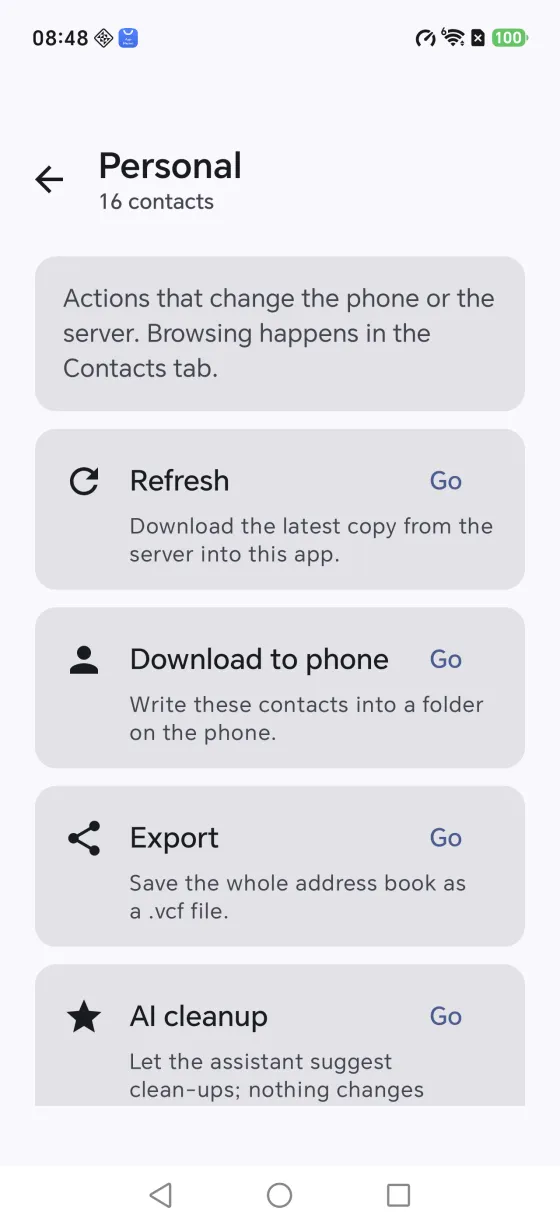
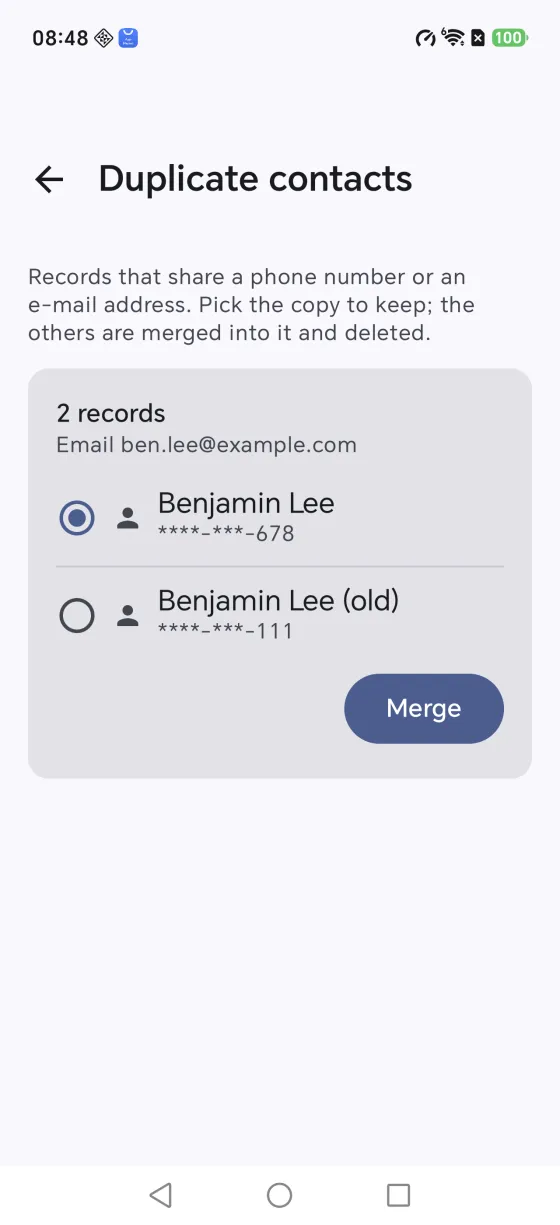
- Open Manage on an address book and choose Find duplicates. Each group says why its cards were linked.
- Pick the copy to keep. The confirmation names the card that stays and the cards that will be deleted from the server.
- Confirm. The merged card is uploaded first, and only then are the extras deleted, so a failed upload never leaves you with a lost contact.
What a merge keeps:
| Field | Rule |
|---|---|
| Name, organisation, photo | From the copy you keep |
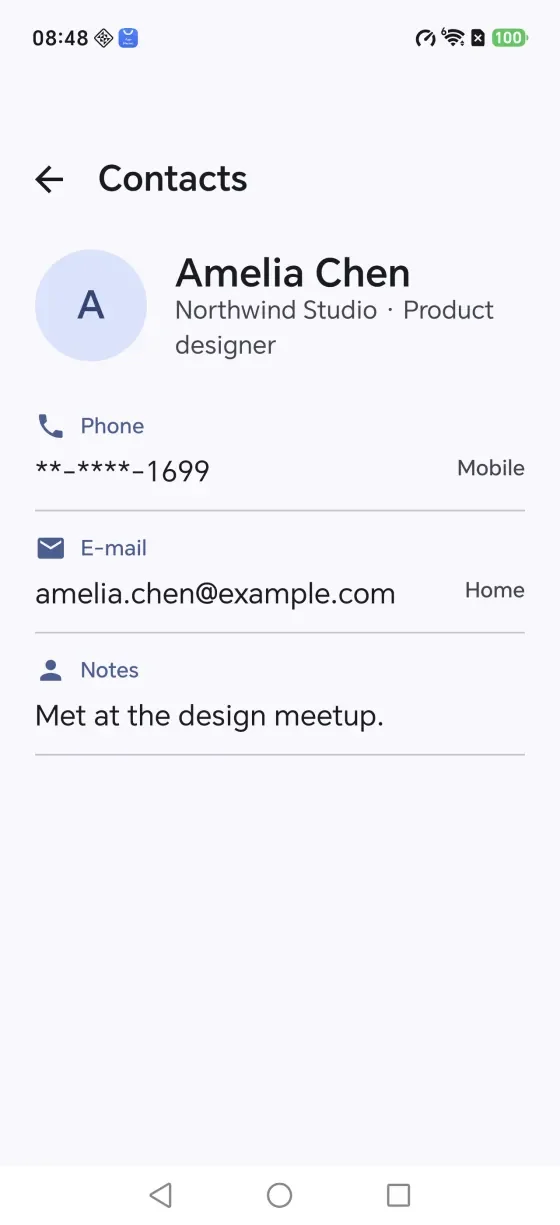
| Phones, e-mails, addresses, URLs, categories | All of them, kept copy first |
| Notes | Joined, repeated lines dropped |
| Job title, birthday | Taken from another copy only when the kept one is empty |
Merging is the only place where ex-Cloud deletes data in your cloud, and it always asks first. There is also an optional AI cleanup that suggests fixes such as stripping a sorting prefix from names. It only suggests: every entry shows a before and after, and nothing is written until you approve it. AI features use your own API key, and the rest of the app works without one. ex-Cloud runs on Android 8.0 or later.
After the cleanup: check the result
- Open a few merged contacts on the iPhone and confirm the numbers and e-mails are all there.
- Look at Settings > Contacts > Accounts again so only one account stores each person.
- Keep the
.vcfbackup for a few weeks before you delete it.
Which fix do we recommend?
For a quick job on a recent iPhone, Fix 1 takes under a minute. For a big or messy address book, merge on a Mac or with ex-Cloud, where you can see why each group matched. In every case, fix the cause in Fix 4, or the duplicates will return.
More detail: the ex-Cloud cleanup tutorial walks through the merge screens, and the ex-Cloud website has the full feature overview. Moving to a new phone? See how to transfer iCloud contacts and calendar to Android.
Frequently asked questions
How do I delete duplicate contacts on iPhone?
On iOS 16 or later, open the Contacts app, tap Duplicates Found at the top of the list, then Merge All or merge one group at a time. On older versions, open a contact, tap Edit, then Link Contacts to combine the copies.
Is there a way to merge duplicate contacts in iCloud?
Merge on an iPhone with iOS 16 or later, or on a Mac with Card > Look for Duplicates in the Contacts app. The changes sync to iCloud and to every device on the same Apple Account. iCloud.com on its own offers no one-click merge.
Why do I have duplicate contacts on my iPhone after an iCloud sync?
Common causes are two accounts holding the same people (iCloud plus Exchange, Gmail or Outlook), a computer sync that runs alongside iCloud, importing the same vCard twice, or an iOS or macOS upgrade glitch.
What is the difference between merging, linking and deleting contacts?
Linking shows several cards as one on your device while they stay separate in the account. Merging combines them into one stored card. Deleting removes a card and everything on it.
Will merging contacts delete phone numbers or e-mails?
A proper merge keeps the phone numbers, e-mails and notes from every copy. Fields that can only hold one value, such as the name or photo, come from the copy you keep.
How do I stop duplicate contacts from coming back?
Keep only one account that stores each person, turn off computer contact sync if iCloud Contacts is on, and import a vCard once. If duplicates keep returning, check each account in Settings > Contacts > Accounts.
Can I clean up my iCloud contacts from an Android phone?
Yes. ex-Cloud connects to iCloud from Android, finds duplicates by shared phone number or e-mail, shows exactly which cards will be deleted, and uploads the merged card before removing the extras. The cleaned address book then syncs to your iPhone.
Clean your iCloud contacts from Android
ex-Cloud finds duplicates by shared phone or e-mail, merges them safely, and checks the result. Android 8.0+, about 9 MB.