Core
True HDR-first rendering
HDR is not a checkbox. VxGallery HDR treats it as the core of the product, aiming to preserve highlight detail, rich shadows and wide color on compatible displays.
HDR-first media viewer for Google TV and Android TV.
A studio-grade HDR gallery and media viewer for your living-room screen. Designed for photographers, home cinema enthusiasts, and anyone who wants their TV to feel like a proper lightbox, not a phone app stretched to 65".
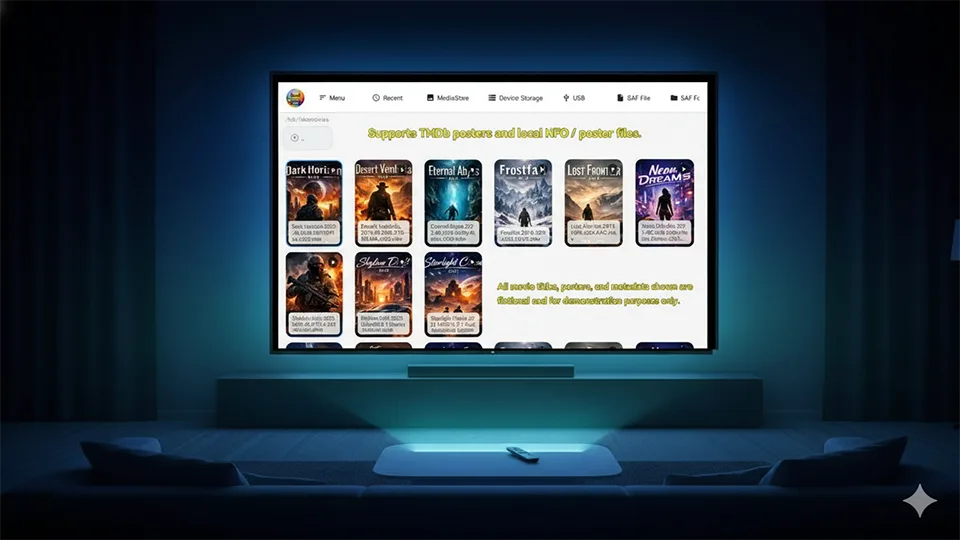
VxGallery HDR is a dedicated gallery and media viewer built specifically for HDR-capable TVs. Instead of stretching a phone UI onto a 65" screen, it treats your TV as a serious display: HDR photos retain their highlight detail and shadow nuance, HDR videos are played with care, and your sources (local storage, USB drives, NAS shares, Synology FileStation and Dropbox) all come together in a single, TV-first experience.
Whether you are a photographer previewing work, a home cinema enthusiast curating a library, or simply someone who wants family memories to truly shine in the living room, it is built to make large screens feel intentional, not accidental.
What makes VxGallery HDR different from a generic media viewer.
HDR is not a checkbox. VxGallery HDR treats it as the core of the product, aiming to preserve highlight detail, rich shadows and wide color on compatible displays.
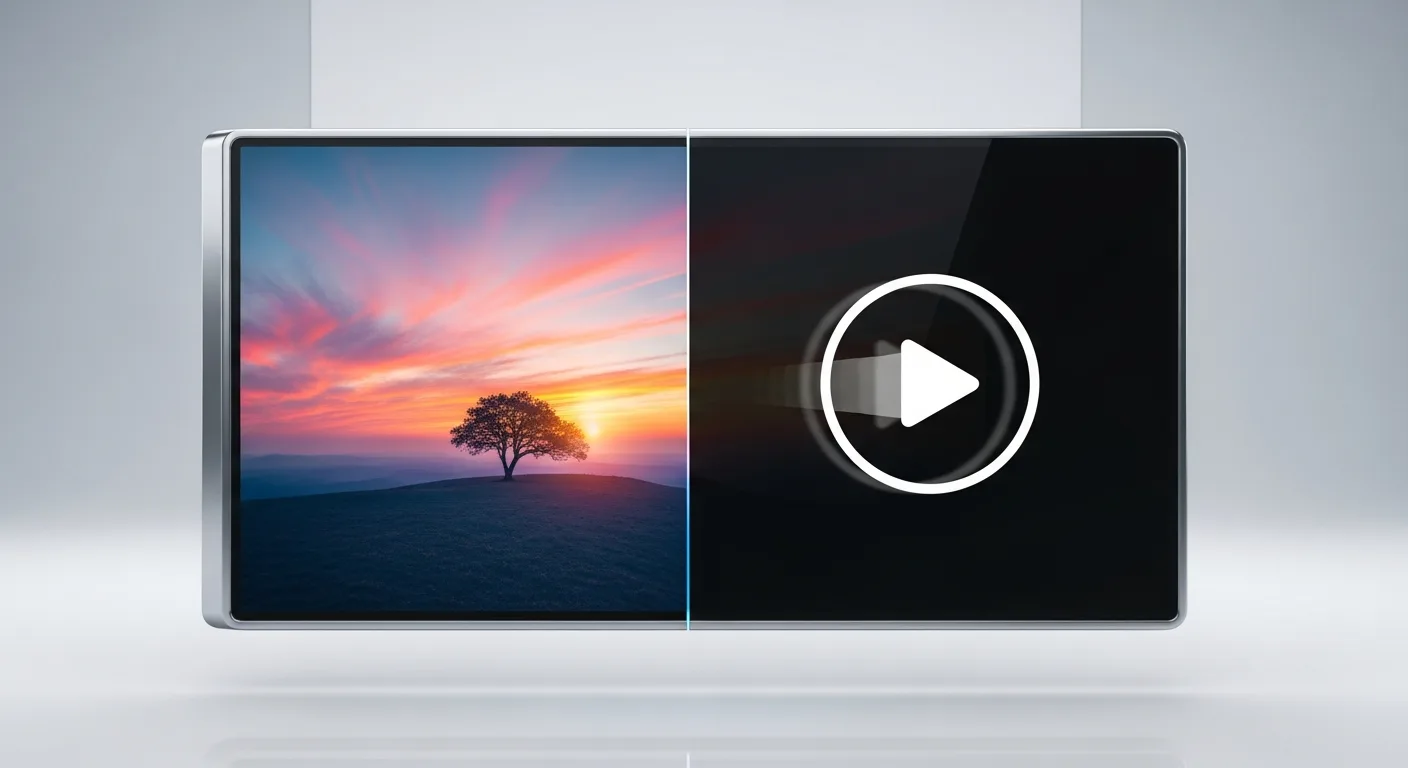
One viewer, one consistent feel. Swipe through HDR photos, then hit play on a video in the same folder, with no context switches and no separate apps inside the app.

Browse media from local storage, USB drives, SAF documents, SMB shares, Synology FileStation and Dropbox. The app takes care of the protocol differences; you just browse your library.
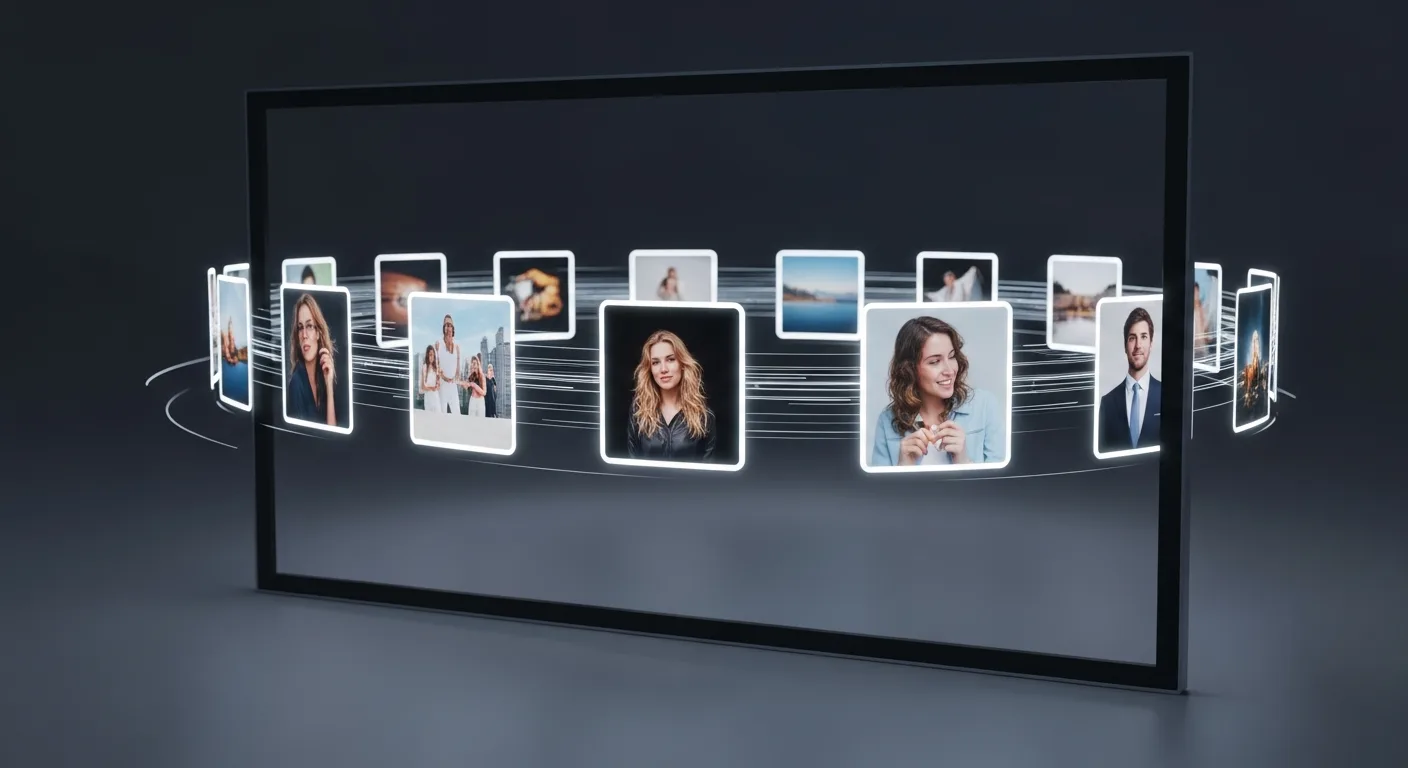
Turn any local folder into a dedicated slideshow entry point. When enabled, launching the app can immediately start a fullscreen slideshow of your chosen album.
VxGallery HDR remembers where you left off, not only for local files but across network sources too. Favorites and metadata help you quickly get back to what matters.
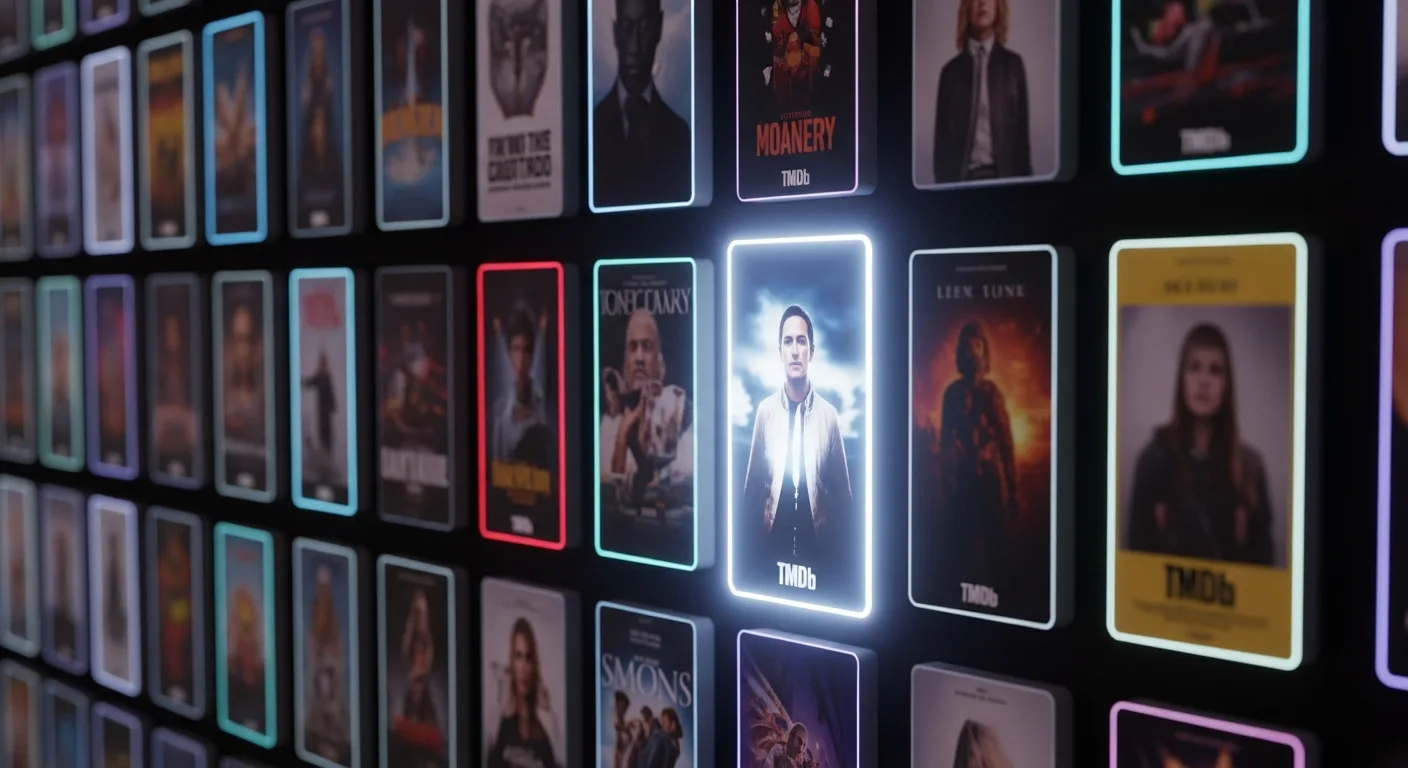
For film collections, optional TMDb integration can fetch artwork and basic metadata, so your video folders transform into a cinematic poster wall instead of a plain file list.
Subtitle language, style and audio track choices are remembered. Once you teach the app your preferences, you do not need to repeat them for every session.
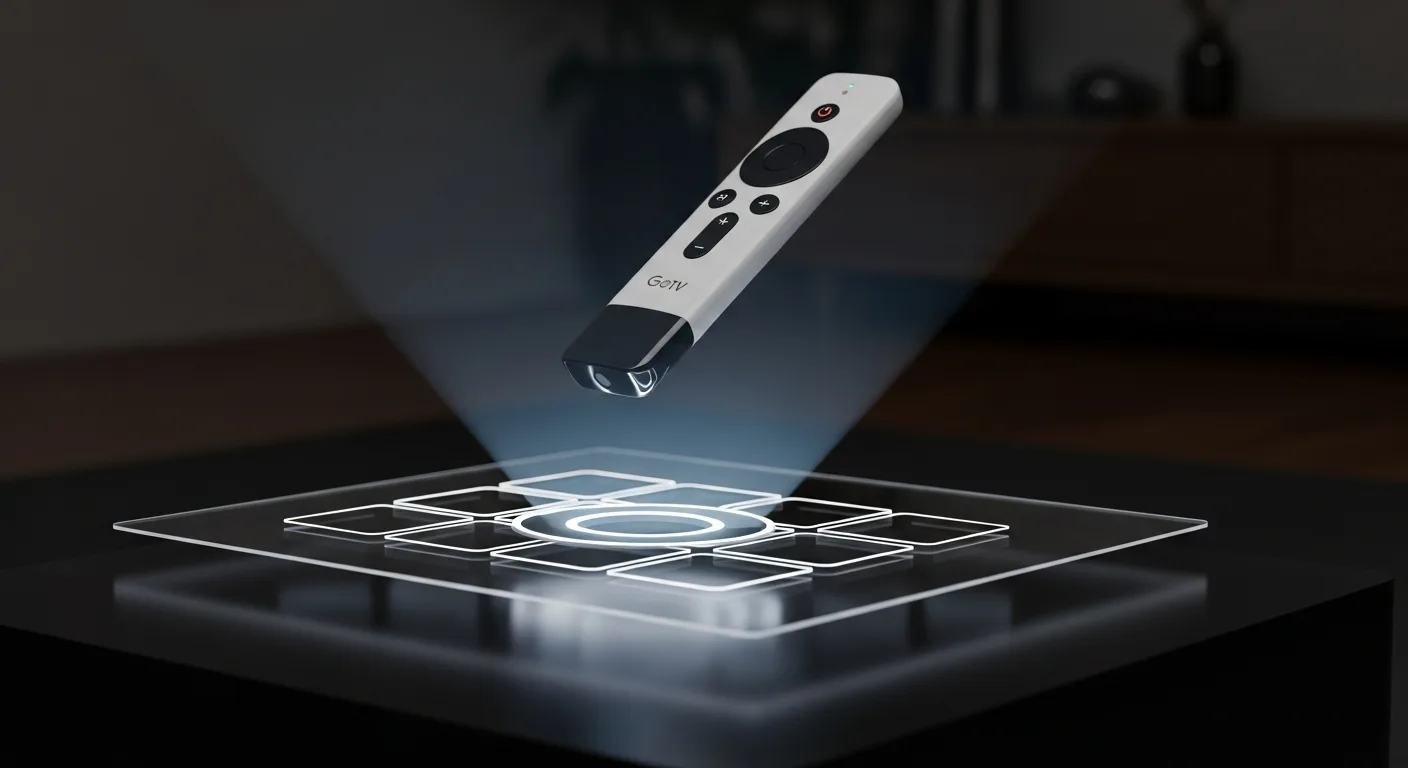
Grid density, focus handling, key-based shortcuts and list layouts are all tuned for TV remotes. You can comfortably drive VxGallery HDR from the sofa without fighting a phone UI.
Large, high-resolution stills and heavy files are handled with care, using dedicated paths such as still-to-MKV conversion where appropriate to keep browsing responsive.

Thumbnails, network images, 4K still caches, TMDb data and Coil caches can be inspected and cleared. You decide how lean or aggressive the app should be.

Language handling is built in, with English, Traditional Chinese, Simplified Chinese, Japanese, Korean, Russian, German, French and Spanish available, and English as a safe fallback.
Careful handling of HDMI audio capabilities, HDR support probing and safe pause logic helps avoid nasty surprises when switching content or toggling passthrough on complex setups.
One app, three kinds of power users.
Turn your TV into a true HDR lightbox, without exporting "TV-safe" copies or dumbing your files down for mobile apps.
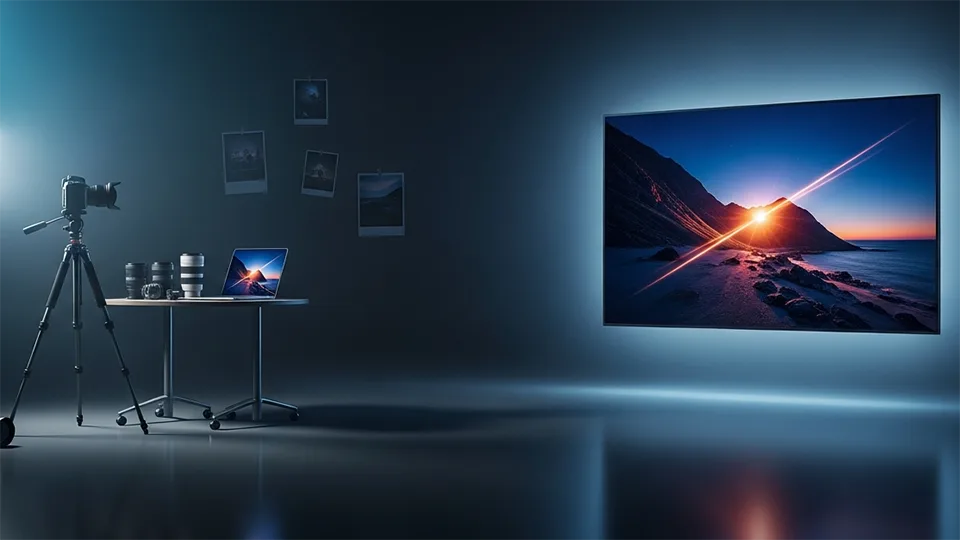
View your HDR DNG, HEIC, JXR and other HDR image files on an HDR-capable TV (requires the companion software Image to HDRMKV Toolkit).
A viewer that treats your TV like a cinema screen, not a phone in landscape.
All the tiny things that generic players never bother to get right.
The parts users feel every day, but rarely see in release notes.
Google TV's UI pipeline is limited to 1080p, but VxGallery upgrades still images to true 4K using GPU-accelerated scaling and hardware-encoded MKV frames, so your photos finally look 4K on a TV.
Choose a local folder once, and VxGallery HDR can automatically launch straight into a fullscreen slideshow whenever the app starts. Perfect for turning your TV into an always-on family wall or studio showcase.
Local storage, USB, SMB, Synology (via FileStation), Dropbox and SAF: each source is handled with its own heuristics so browsing feels equally smooth, regardless of where your media actually lives.
Bookmarks do not just remember positions; they carry extra metadata, favorites, and even protocol-specific hints, so resuming a movie from a NAS feels as reliable as resuming a local file.
Subtitle language, size, font, background and edge style are remembered, and external SRT/ASS files can be loaded when you need them, with no more digging through the same menu every night.
The app can probe your device's capabilities (HDR formats, WCG support, JPEG-R, 4K single-frame encoding) and present them in a human-readable way, so you know exactly what your setup can handle.
Large stills and heavy video files are treated differently, with thresholds, smart loading indicators and a "still-MKV" path to keep navigation responsive even with huge photo collections.
Custom-tuned streaming makes SMB feel nearly local. HDR movies around 80 Mbps run smoothly, and seeking stays snappy even on Synology NAS.
Transfer photos and 4K videos directly from your phone or PC into the TV. Just scan the QR code, open the page, and drop your files.
Format support that most TV apps never reach.
HDR10, HDR10+, Dolby Vision, HLG, WCG, JPEG-R (UltraHDR), playable on supported displays, with automatic fallback when HDR is unavailable to ensure proper tone rendering instead of washed-out output.
Powered by an FFmpeg extension, enabling playback of DTS family codecs such as DTS-HD Master Audio, DTS:X, DTS-TrueHD, in addition to Dolby Atmos, Dolby Digital+, AAC, PCM and more.
Batch-convert HDR stills (JXR, EXR, HDR, HEIC, DNG, JPEG-R / UltraHDR) into HDR10-encoded 4K MKV single-frame videos for smooth, TV-optimized playback. Download the companion app →
Many TVs struggle to present large 4K+ stills smoothly. Converting a still into a one-frame MKV allows hardware-accelerated decoding (MediaCodec / FFmpeg), resulting in faster load, smoother slideshow playback and consistent HDR metadata.
Tap or click a screenshot to view it full size.
Quick answers about VxGallery HDR.
VxGallery HDR is an HDR-first gallery and media viewer for Google TV and Android TV, made by Cloud Curry Studio. It plays HDR photos, 4K stills and HDR video on TVs and TV boxes, with sources such as local storage, USB, SMB, Synology FileStation and Dropbox.
Google TV and Android TV devices, including TV boxes. HDR output depends on your TV and device; the app can probe and show which HDR formats your setup supports.
HDR10, HDR10+, Dolby Vision, HLG, wide color gamut (WCG) and JPEG-R (UltraHDR), on supported displays. When HDR is unavailable the app falls back to proper tone rendering instead of washed-out output.
Local storage, USB drives, SAF documents, SMB shares, Synology FileStation and Dropbox. You can also send files from a phone or PC with the built-in Web Upload page by scanning a QR code.
Use the companion app Image to HDRMKV Toolkit. It batch-converts HDR stills (JXR, EXR, HDR, HEIC, DNG, JPEG-R) into HDR10-encoded 4K single-frame MKV videos, which TVs can decode in hardware for fast, smooth, HDR-correct playback in VxGallery HDR.
It uses an FFmpeg extension to play DTS family codecs such as DTS-HD Master Audio, DTS:X and DTS-TrueHD, in addition to Dolby Atmos, Dolby Digital+, AAC, PCM and more.
English, Traditional Chinese, Simplified Chinese, Japanese, Korean, Russian, German, French and Spanish, with English as the fallback.
VxGallery HDR is distributed through Patreon. The download post is linked from the "Get VxGallery HDR" button on this page.
Get VxGallery HDR for Google TV and Android TV.