HDR Photo Shows a Black Screen or "Decoding Failed" on Google TV: Fixes for VxGallery HDR
ERROR_CODE_DECODING_FAILED or a black screen when opening an HDR photo in VxGallery HDR on Google TV? Usually the device cannot decode 10-bit HEVC. Checks and fixes, including the Toolkit settings.
You open an HDR photo in VxGallery HDR and get a black screen, or a message saying ERROR_CODE_DECODING_FAILED. This guide explains what it means on Google TV and how to fix HDR photos that will not play or will not light up HDR, including the settings in the Image-to-HDR MKV Toolkit that matter.
Quick answer
- Does your device decode 10-bit HEVC (Main 10)? If not, that is the cause.
- Is HDR turned on for the TV and the HDMI input?
- Is the cable HDMI 2.0 or better?
- Does the file name start with
img_hdr_?
What the error means
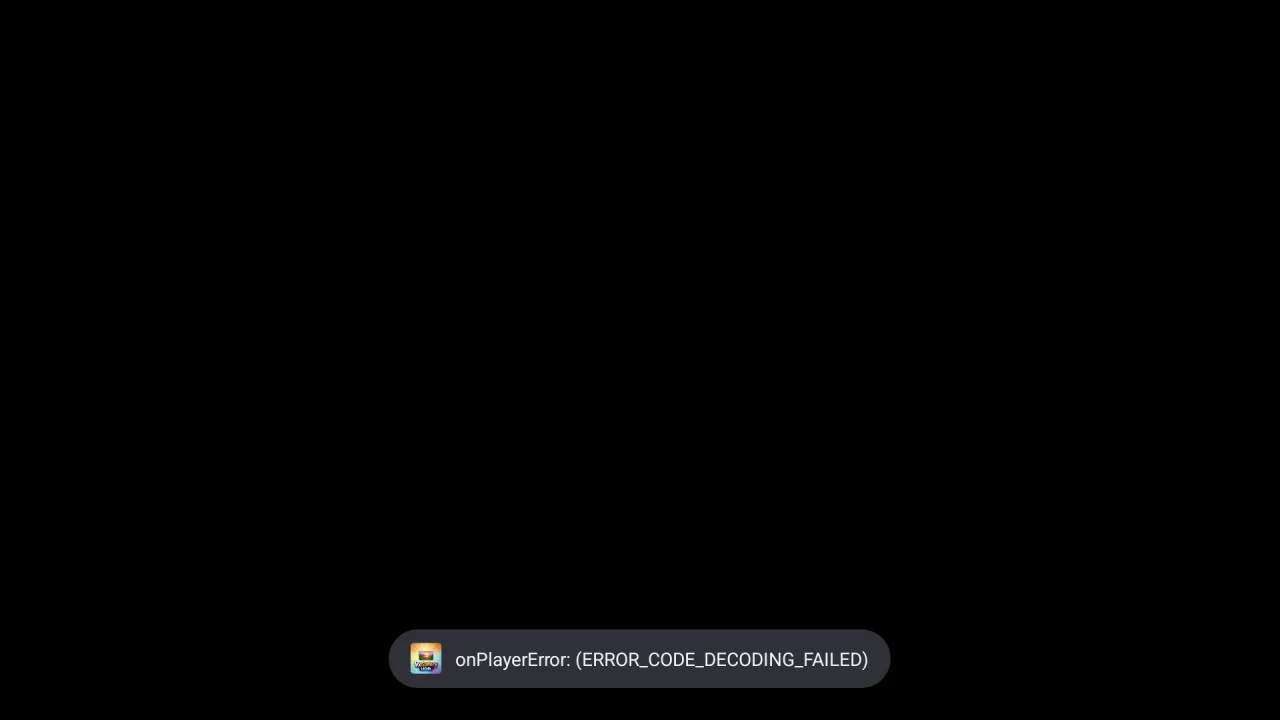
HDR photo files made by the Toolkit are one-frame videos: HEVC Main 10, 10-bit, PQ and BT.2020. VxGallery HDR hands them to the device's video decoder. If the decoder cannot do 10-bit HEVC, it fails and the viewer shows ERROR_CODE_DECODING_FAILED.
This screenshot was taken on an Android TV emulator, whose HEVC decoder handles 8-bit only. HDR10 files always fail there. Google TV boxes with real Main 10 hardware decoding play them. Why photos use this format.
Step 0: check the basics
| Check | How |
|---|---|
| Does the TV do HDR? | Play a 4K HDR video from another app and look for the TV's HDR indicator |
| HDMI input | Some TVs need an option such as "HDMI UHD Deep Color" or "Enhanced format" switched on for the input |
| Cable | HDMI 2.0 or better, since 4K at 60 Hz needs the bandwidth |
| Display settings | Google TV settings, then Display, then HDR, should not be off |
| File name | It must start with img_hdr_ |
| Decoder | The device must support HEVC Main 10 |
Black screen or decoding error
| What you see | Cause | What to do |
|---|---|---|
ERROR_CODE_DECODING_FAILED |
No 10-bit HEVC decoder | Use a Google TV device with HEVC Main 10. Emulators always fail |
| Black picture | Video failed to decode | Same as above |
| Only the first frame | Normal, the file holds one frame | Nothing to fix |
| Decoder crashes | 4K 10-bit is beyond the hardware | Convert at 1080p, which still needs 10-bit support |
To prove the player is fine, play an 8-bit HEVC video in VxGallery HDR. If that works, the limit is the decoder.
Library problems
| What you see | Cause | What to do |
|---|---|---|
| File missing | Not indexed yet | Browse Device Storage, or move it under Pictures and wait |
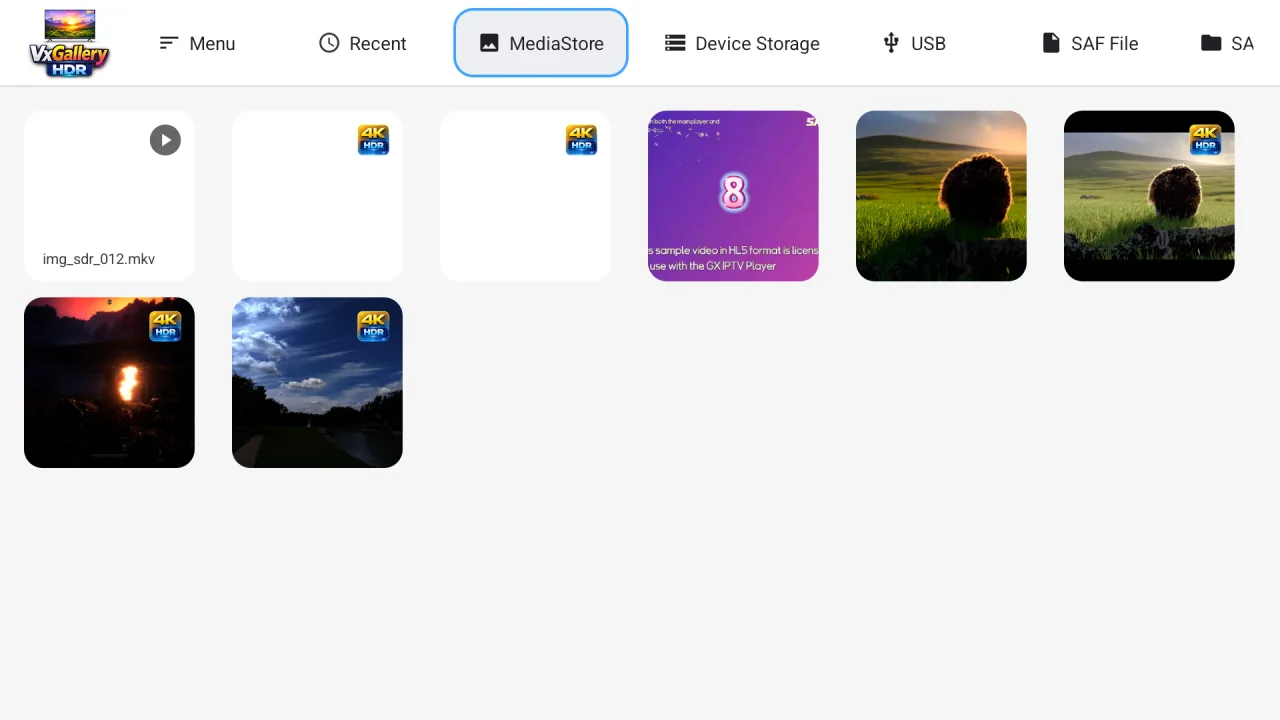
| Blank thumbnail | A 10-bit frame cannot always make a thumbnail | Normal. The 4K HDR badge still shows |
| No badge | Prefix changed | Rename so it starts with img_hdr_ |
| Plays like a normal video | Prefix not recognised | Same fix |
Toolkit settings that change the result
If the picture is dim or the highlights are white, the problem is the conversion, not the TV. These are settings in the Image-to-HDR MKV Toolkit.
| What you see | Fix |
|---|---|
| Too dim | Convert again with a peak of 1000 to 1500 nits |
| Highlights blown out | Lower the peak, or the source is over-exposed |
| Slow conversion | Turn on hardware encoding (NVIDIA, Intel or AMD) |
| Colours off | Check the source colour space, since HEIC and AVIF use BT.2020 |
Full workflow: how to view HDR photos on Google TV.
Slideshow and playback tips
If OK does nothing, make sure focus is in the viewer, not the library. If a slideshow will not stop, press OK again to switch it off. If the picture is stretched, set Default Aspect to Fit in Settings.
When asking for help
Say which Google TV device you use, its Android version, the VxGallery HDR version, what the error says, and whether other HDR videos light up the TV. If only the HDR files fail while SDR files play, say so.
Bottom line
A black screen or ERROR_CODE_DECODING_FAILED on an HDR photo almost always means no 10-bit HEVC decoder. Test with a Main 10 capable Google TV device, check HDR and HDMI settings, keep the img_hdr_ prefix, and tune the peak in the Toolkit. VxGallery HDR plays the files once the device can decode them.
Frequently asked questions
What does ERROR_CODE_DECODING_FAILED mean?
The player could not decode the video. For an HDR10 photo container made by the Image-to-HDR MKV Toolkit it most often means the device has no 10-bit HEVC (Main 10) decoder.
Why is the screen black and silent?
The photo container has no audio. A black picture means the video failed to decode or the output is not showing it.
Why does an emulator fail?
The emulator HEVC decoder only handles 8-bit. HDR10 needs 10-bit, so decoding fails. A real 4K Google TV box with Main 10 hardware decoding works.
The photo shows but the TV does not enter HDR. Why?
Check that HDR is on in the TV settings and for the HDMI input, that the cable is HDMI 2.0 or better, and that a normal HDR video from another app turns the HDR indicator on.
Why is the thumbnail blank?
A 10-bit HEVC frame cannot always be turned into a thumbnail. The 4K HDR badge still shows, and the picture opens normally.
Why does it only show the first frame?
That is normal. The file holds one frame because it is a photo.
The file is not in the library. What now?
Open Device Storage and browse to it, or move it under Pictures and let the system index it. Make sure the name still starts with img_hdr_.
Can I test the player on a device without 10-bit HEVC?
Yes. An 8-bit HEVC video plays, which shows the player works and the limit is the decoder.
HDR photos on a Google TV that can show them
VxGallery HDR plays one-frame HDR10 photo files on Google TV boxes with 10-bit HEVC hardware decoding. The Image-to-HDR MKV Toolkit makes the files.