Google TV Home Screen Not Showing All Your Apps? How to See Every Installed App
Phone apps and sideloaded apps are missing from the Google TV home screen. Why the stock launcher hides them, where to find them, and how to show them all.
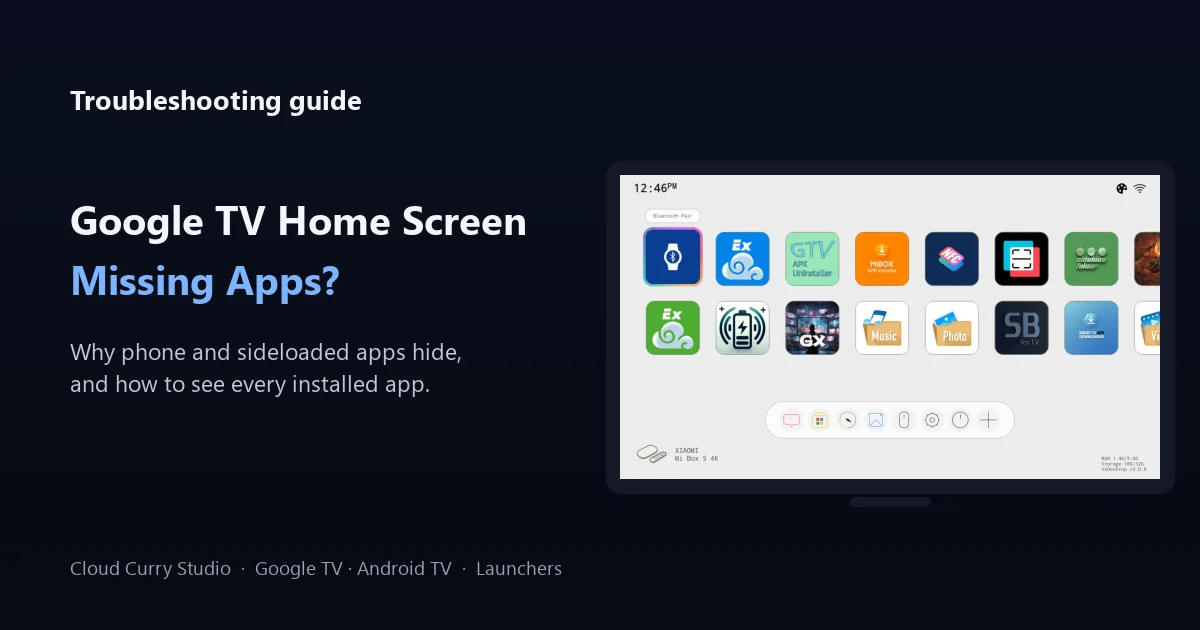
You installed a phone app on your Google TV, or sideloaded an APK, and it is nowhere on the home screen. You know it is installed, because the TV says so when you try again. This guide explains why the Google TV home screen does not show all your apps, how to find them anyway, and how to put every installed app on one screen.
Quick answer
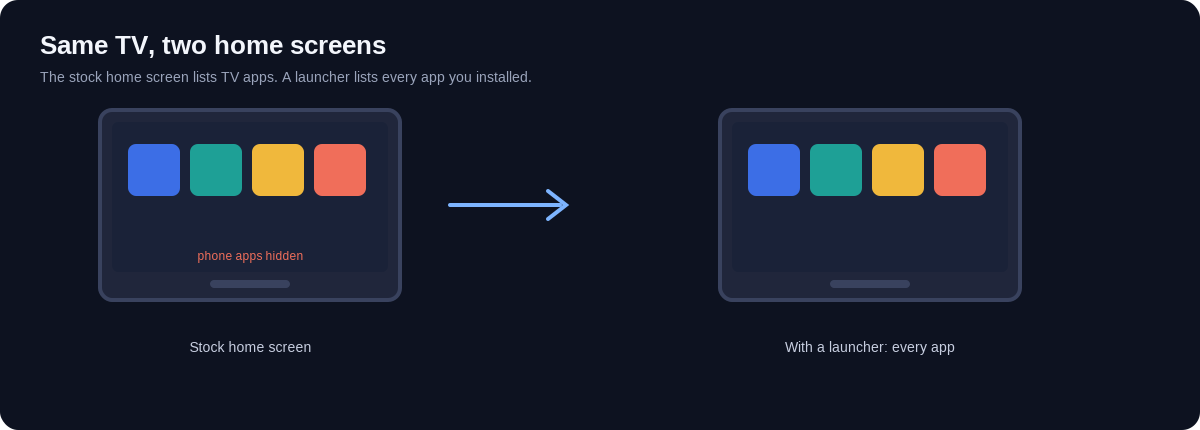
- The stock home screen shows apps that have a TV banner. Phone-style and many sideloaded apps do not, so they are left out.
- Open them through Settings > Apps > See all apps, or
- install a custom launcher that lists every installed app, such as VxDesktop or Sideload Folder.
Why the apps are hidden
Google TV is built for the living room. Its home screen and apps row list apps that declare themselves as TV apps, with a wide banner icon and remote-friendly controls. An app made for phones has none of that, and many sideloaded APKs do not either. They install fine and run fine, but the stock launcher does not list them.
Find a hidden app the slow way
Go to Settings > Apps > See all apps, pick the app and choose Open. Menu names differ between brands and versions, but every Google TV has an all-apps list somewhere in Settings. It works, but it is a long path to take every time you want a phone app.
Show every app on the home screen
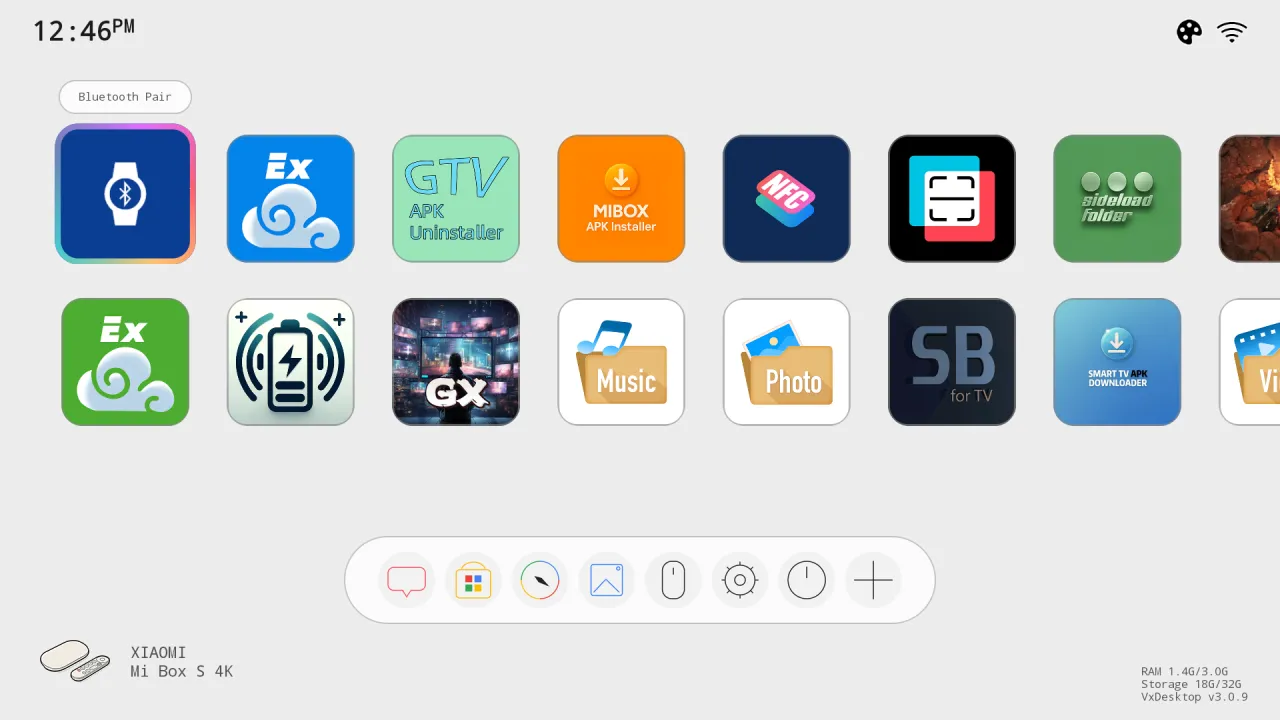
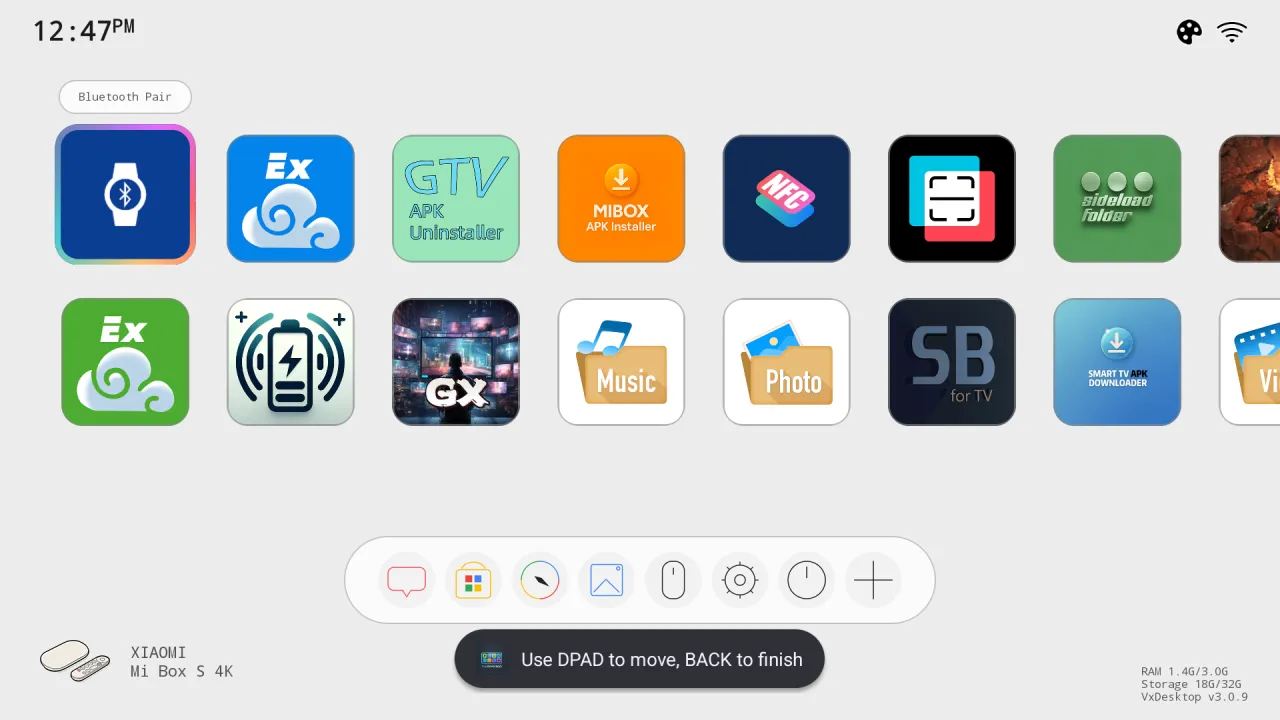
A launcher replaces the home screen with its own, and its job is to list what is installed. VxDesktop lays your apps out as large cards in two scrolling rows, with a clock, an action bar and the name of the focused app floating above the card.
What you get beyond the full list:
- A Store button on the action bar, so the store is one click away even though Google TV hides it.
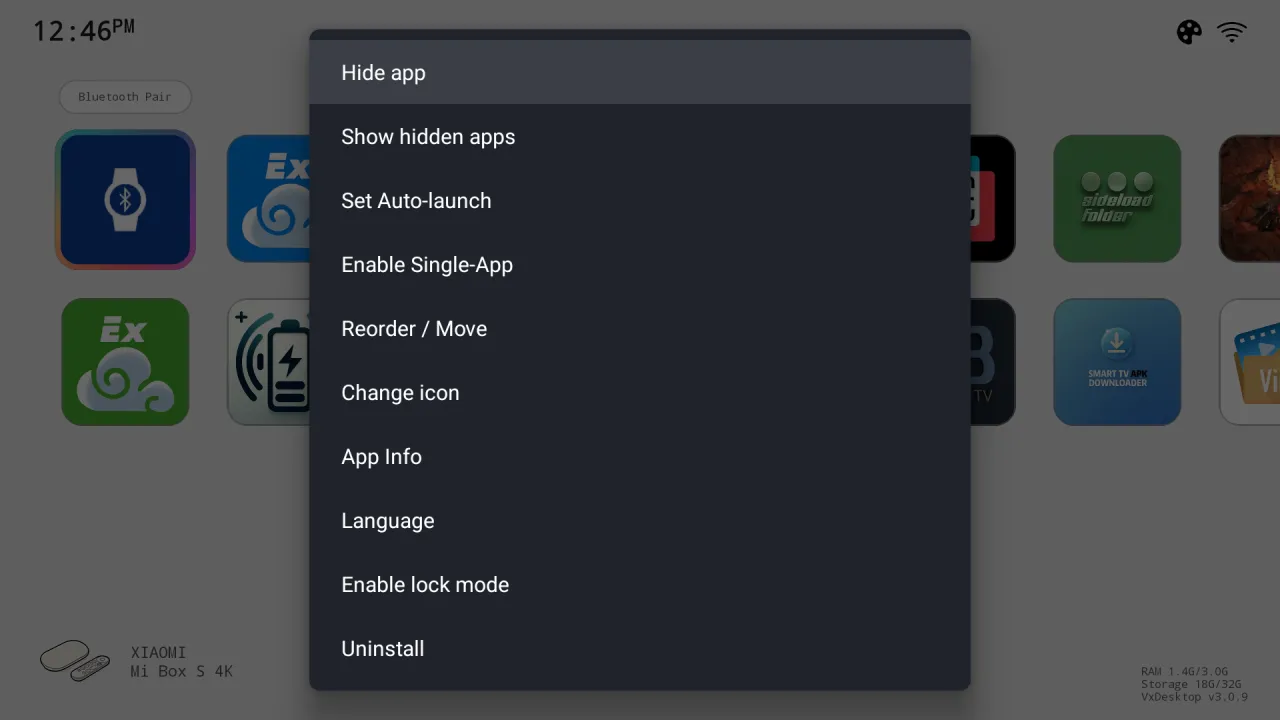
- Hide, reorder and auto-launch: long-press an app card for its menu.
- Single-app mode for kiosks, and lock mode with a password.
- Notifications on the TV, themes with a background picture or video, and portrait support: it lays out for a rotated screen. See Google TV in portrait mode.
Clean up the list
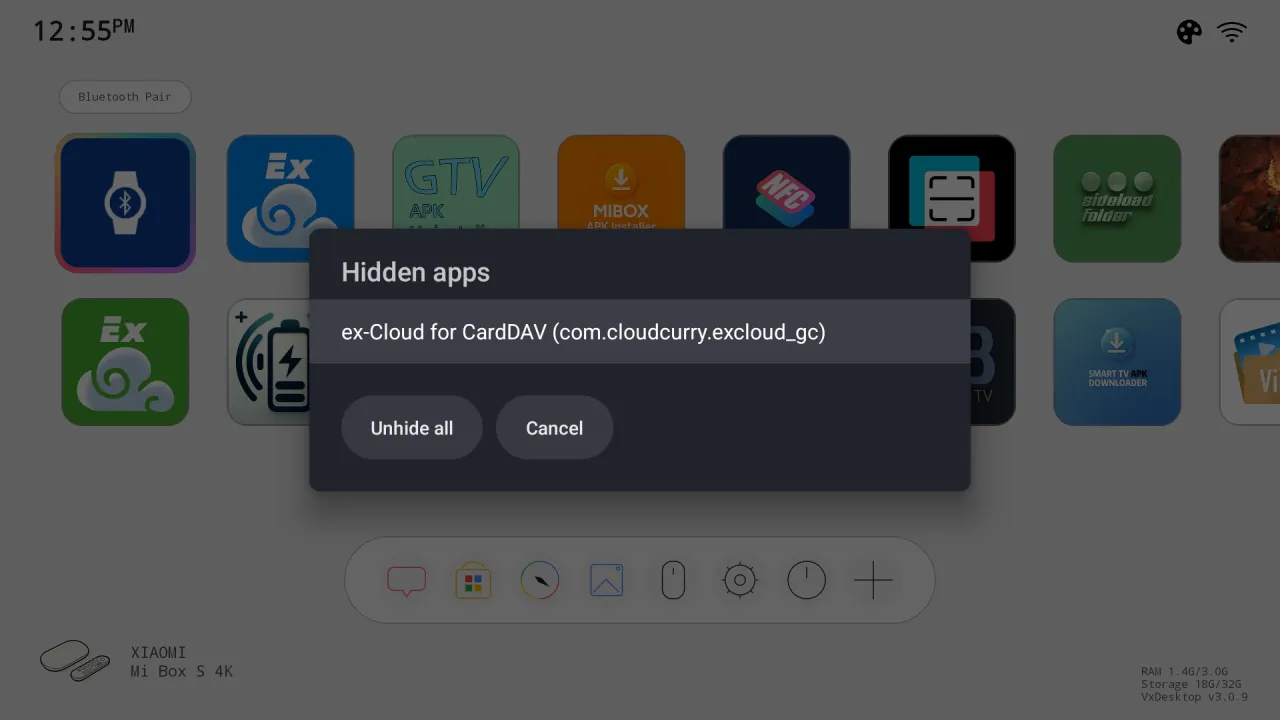
Hide the apps you never use, and bring them back whenever you want.
Choose Reorder / Move, step through the list with the directional pad and press Back when you are done. The order survives a restart.
How to get and switch to VxDesktop
- VxDesktop is a supporter app on Patreon. Open the Patreon post.
- Install it with GTV-toolkit on a Windows PC, which connects to your TV over Wi-Fi or USB.
- In GTV-toolkit click Switch to Custom Launcher, then press Home on the TV to check. Restore Native Launcher brings the original home screen back whenever you like.
Prefer Google Play?
Sideload Folder: TV Launcher is the lighter version of the same launcher and is on Google Play. On Google TV, press and hold the voice input button on the remote and say "open Google Play Store", then search the full name "Sideload Folder: TV Launcher" and get it from the store. On Android TV, open the Google Play Store banner on the home screen.
Installing a phone app on Google TV?
If the app is not in the Play Store for your TV, you will sideload an APK. Most Google TV devices are ARMv7a, so choose the armeabi-v7a build or a universal one. A launcher can list the app once it is installed, but it cannot make the wrong architecture run.
Bottom line
A missing icon does not mean a missing app. Google TV only lists apps built for TV, and the rest are one menu away, or all on one screen with a launcher such as VxDesktop or Sideload Folder.
Frequently asked questions
Why are some apps missing from my Google TV home screen?
The stock home screen shows apps that provide a TV banner. Apps built only for phones and many sideloaded apps do not, so Google TV leaves them out of the home screen and the apps row.
How do I open an app that is not on the Google TV home screen?
Go to Settings > Apps > See all apps and select the app. The menu names vary by brand and version. A launcher that lists every app avoids this detour.
How can I see all my apps on Google TV?
Use a custom launcher. VxDesktop and Sideload Folder show every installed app as a card in two scrolling rows, in name order or your own order.
Can I hide apps on the Google TV home screen?
With VxDesktop or Sideload Folder, long-press an app and choose Hide. Use Show hidden apps to bring them back, one at a time or all at once.
How do I install VxDesktop on Google TV?
VxDesktop is distributed to supporters on Patreon and installed with GTV-toolkit on a Windows PC, which can also switch your home screen to it and restore the original at any time.
Is there a launcher on Google Play for this?
Yes. Sideload Folder: TV Launcher from Google Play shows all your apps and adds a Store button. On Google TV, hold the voice button, say "open Google Play Store" and search its full name.
Which APK should I download for a phone app on Google TV?
Most Google TV devices are ARMv7a, so pick the armeabi-v7a build or a universal one. A launcher cannot make the wrong architecture run.
See every app on your TV
VxDesktop for Google TV: all apps on one screen, a Store button, notifications, themes and portrait support. Distributed to supporters on Patreon.