Fix "You Don't Have an App That Can Do This" on Google TV
An app on your Google TV cannot open a file because the TV has no file picker. Here is why it happens and how to add a picker so apps can load games, videos and documents.
You pick Open file or Load game in an app on your TV, and either nothing happens or you see "You don't have an app that can do this". This guide explains why it happens on Google TV, and how to fix it by adding a file picker.
Quick answer
- Step 0: get a file manager that can act as a picker from Google Play, for example S2X File Manager.
- Open the file action in your app again.
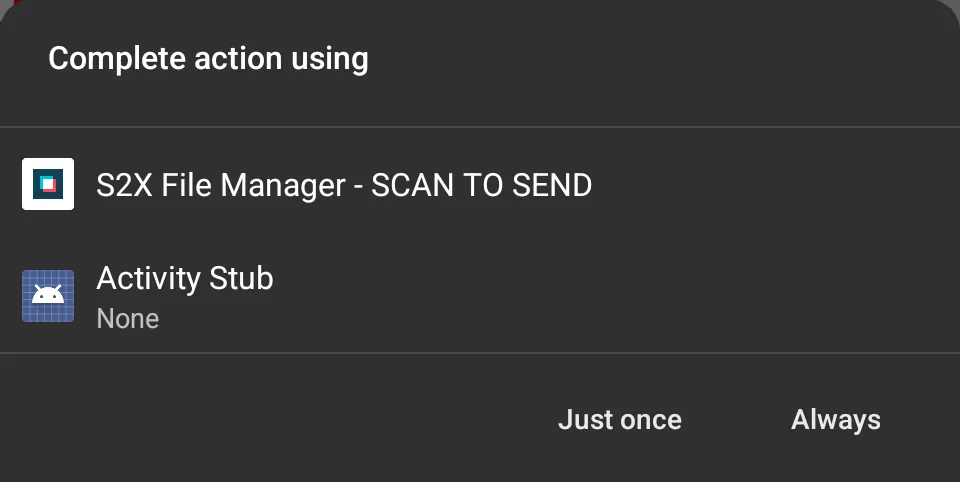
- When the TV asks Complete action using, choose S2X File Manager.
- Pick the file with the remote. It goes back to the app.
Why the message appears
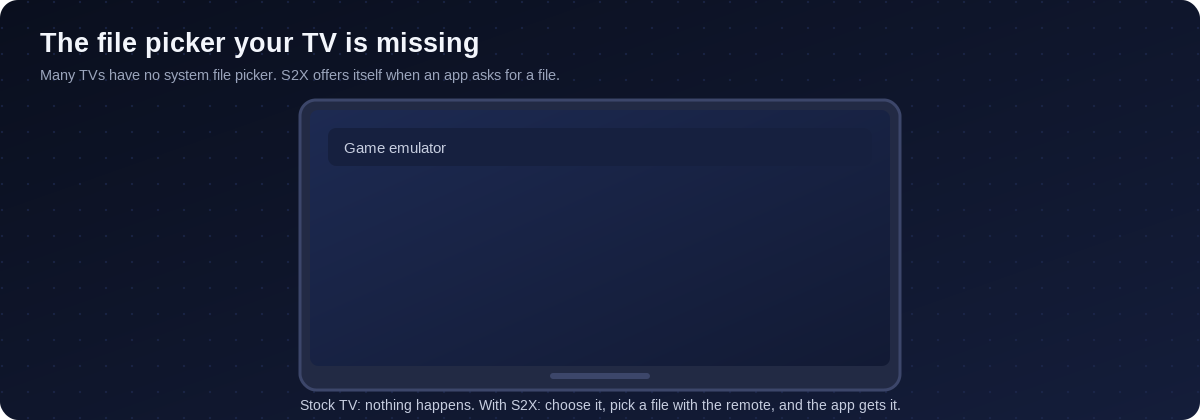
Android apps do not browse the storage themselves. They send a request, such as "let the user choose a file", and the system finds an app that can answer. Phones always have one. Many Google TV builds do not, so the request has no answer and the app reports that nothing can do this.
Typical cases are emulators loading a game, media players opening a local video, and tools that import a document or backup.
Step 0: get a picker from Google Play
How you reach the store depends on your TV.
| TV | How to reach the store |
|---|---|
| Google TV | There is no store tile. Press and hold the voice input button on the remote and say "open Google Play Store". |
| Android TV | Open the Google Play Store banner on the home screen. |
Search the full name "S2X File Manager", open the app by Cloud Curry Studio and get it from Google Play. More about the app. If you cannot find the store, see how to open the Google Play Store on Google TV.
Use it as the picker
Start the file action in your app. The TV now lists S2X File Manager as an app that can complete it.
| Button | Meaning |
|---|---|
| Just once | Use S2X this time. The TV asks again next time. |
| Always | Make S2X the default for this kind of request. |
S2X then opens in picker mode. Browse with the directional pad, press OK on the file and confirm.
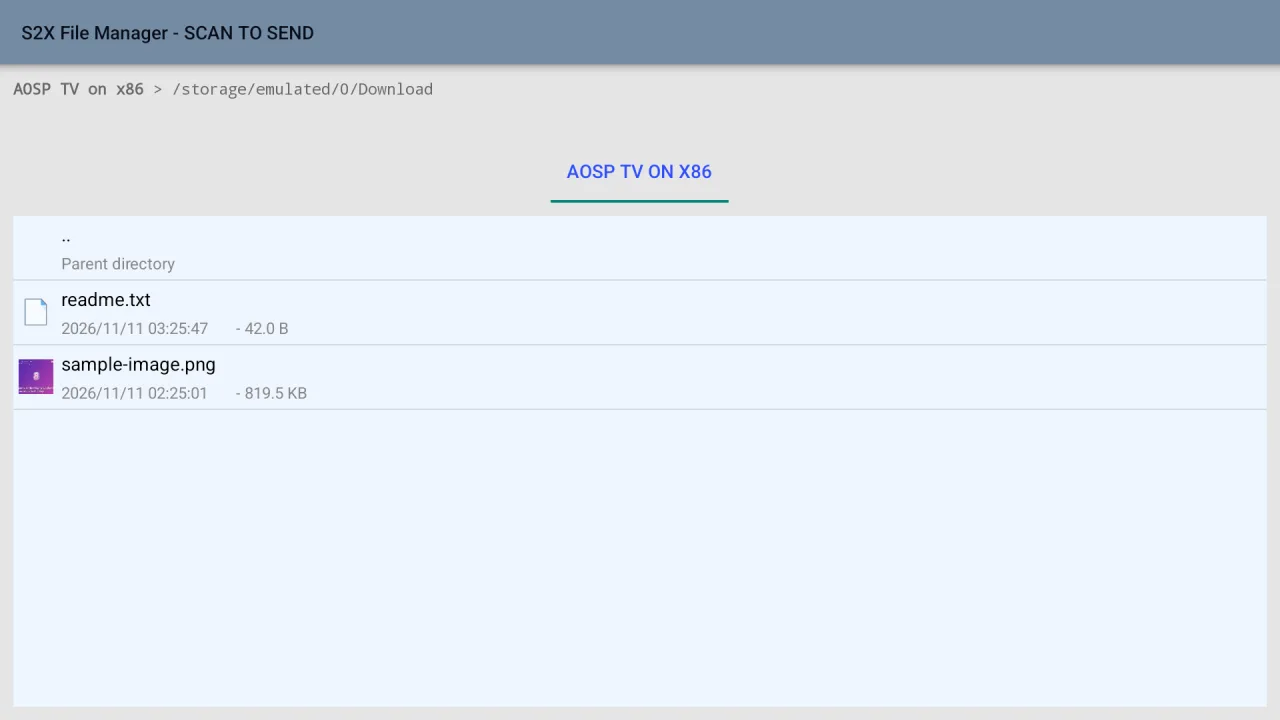
It answers requests to open a file, save a file and choose a folder.
If it still does not work
| What you see | Likely cause | What to try |
|---|---|---|
| The TV does not ask which app to use | Another app is already the default | Clear that app's defaults in system settings, then try again |
| S2X opens but the folder is empty | All files access is off | Allow it for S2X in system settings |
| The app still shows the same error | The app wants a system picker only | Put the file in the folder the app reads, or ask the developer |
| Cannot see a USB drive | Drive not mounted or unsupported format | Reconnect it and check it shows in storage |
Bottom line
"You don't have an app that can do this" means the TV has no file picker. Add one from Google Play, choose it when asked, and select your file with the remote. S2X File Manager does this and also gives you an FTPS server for sending files from your PC.
Frequently asked questions
Why does my TV say it has no app that can do this?
The app you used asked Android to show a file picker. Many Google TV builds ship without one, so nothing answers and the app shows an error or does nothing.
How do I add a file picker to Google TV?
Install a file manager that registers as a picker. On Google TV, press and hold the voice button, say "open Google Play Store", search "S2X File Manager" and get it from Google Play. Then try the open-file action again.
Does this work for emulators such as PPSSPP?
Emulators and players that use the standard Android file request can use it. Choose S2X when the TV asks, then select the game file. An app that insists on its own picker or on a system one may still refuse.
Should I choose Always or Just once?
Always makes S2X the default picker. Just once asks again next time. You can switch later by clearing the app defaults in system settings.
Do I need the All files access permission?
To browse the whole storage, yes. S2X asks the first time you start it. See our guide to All files access for what it does.
Is there another way to give a file to an app?
Put the file where the app looks for it by default, often a folder named after the app, for example by sending it from your PC with FTPS.
Give your TV a file picker
S2X File Manager answers file requests from other apps on Google TV, and adds an FTPS server and an SMB client. Get it from Google Play.