All files access
Browse the whole device storage and the Downloads folder, including files saved by other apps, once you allow it.
The full-power APK installer for your TV.
VxAPK is the most capable of our APK installers. It downloads from a link, installs single and split packages, takes uploads from your phone, and with all files access it can also see APKs that other apps saved to the Downloads folder, which the simpler installers cannot.
An APK installer made to be driven with a TV remote.
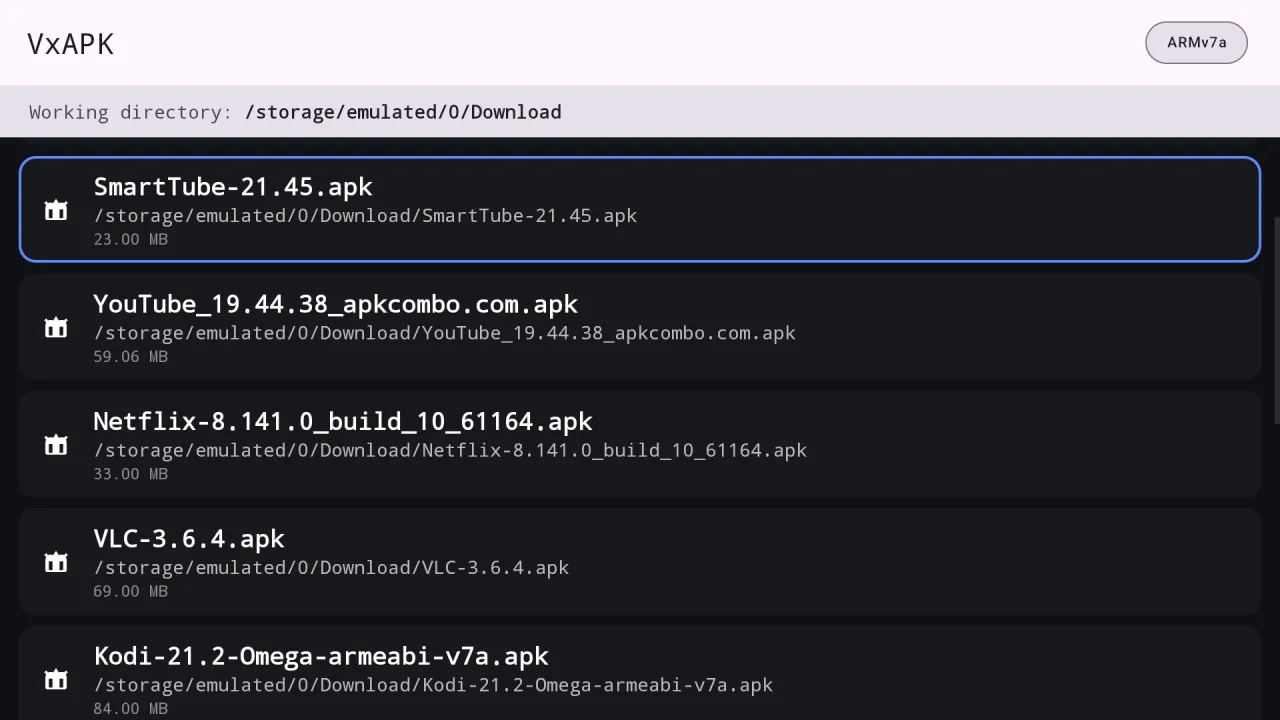
With all files access turned on, APKs saved by your browser or a file manager show up in the list.
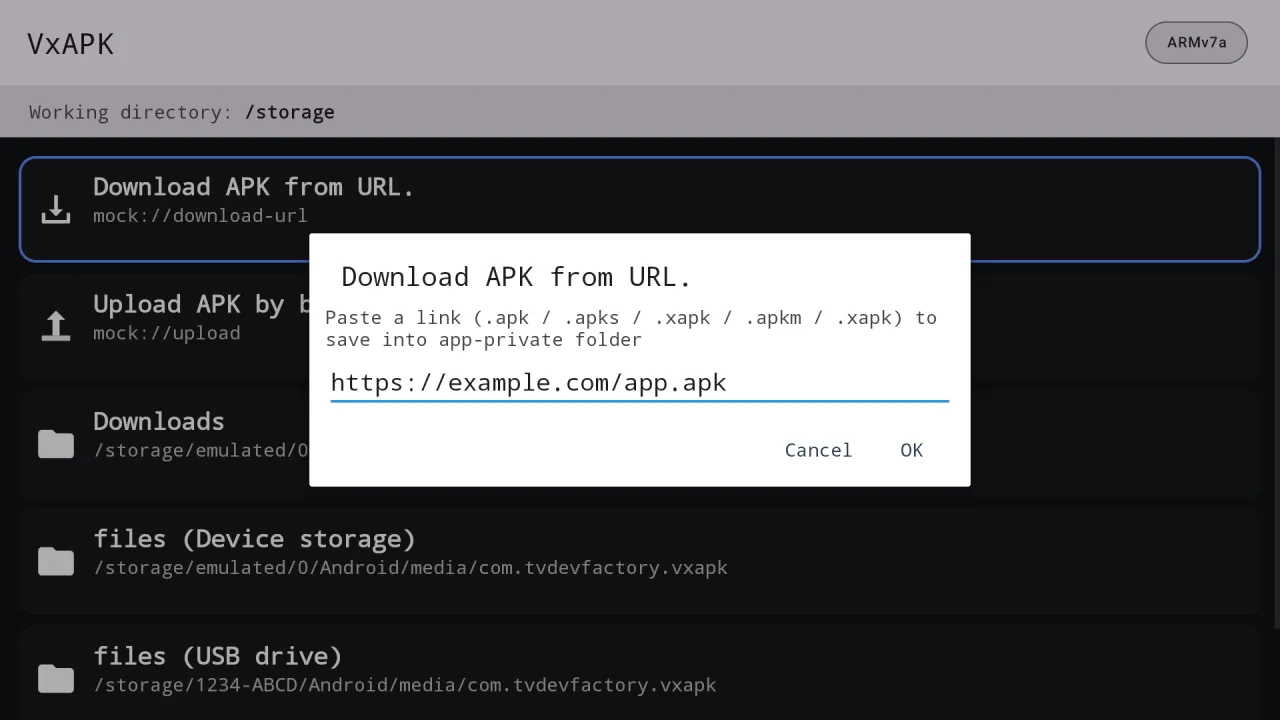
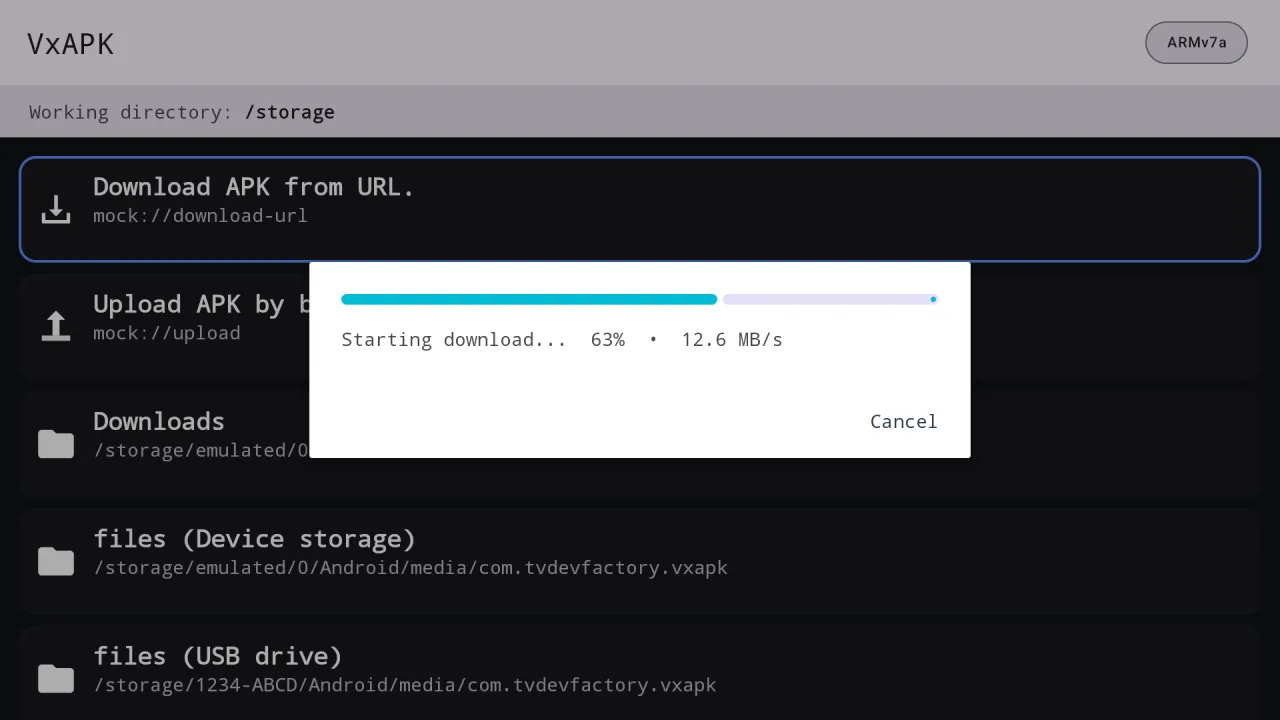
Paste a web address and VxAPK downloads it with progress and speed on the TV.
Single APKs, folders of APKs and split bundles (.apks, .xapk, .apkm, .apk+).
It is installed and set up through GTV-toolkit, our Windows app for Google TV.
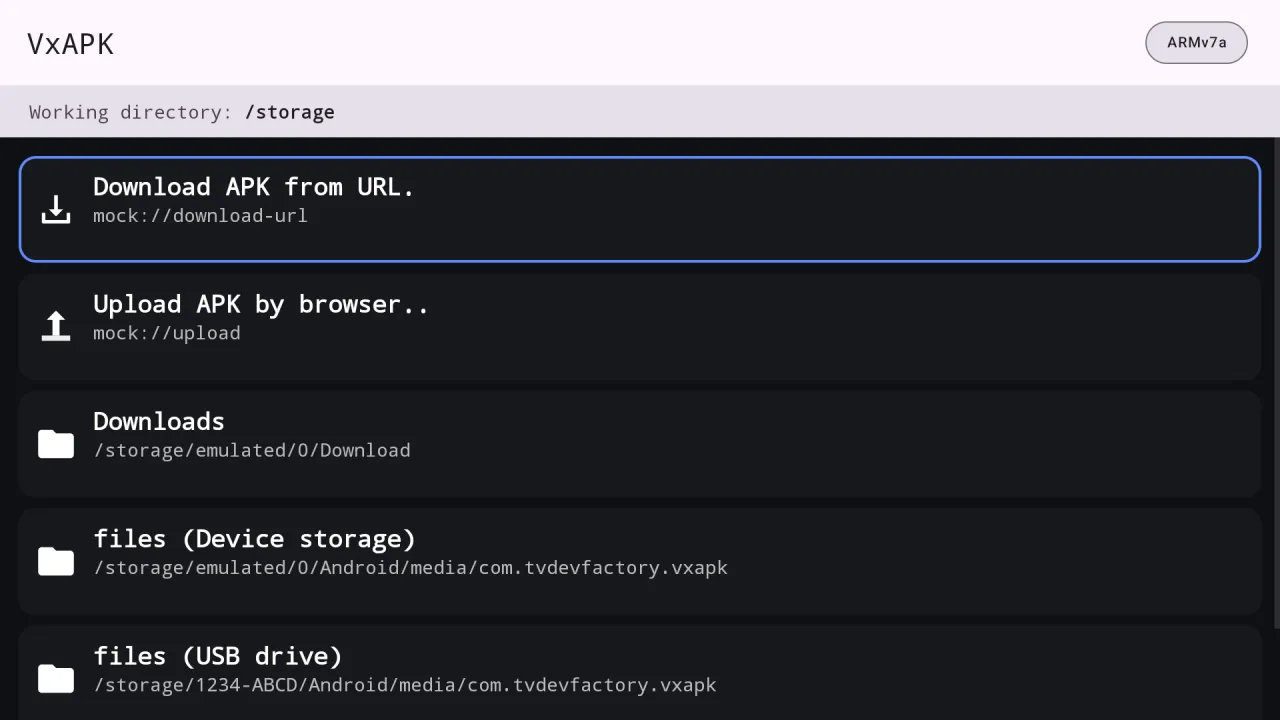
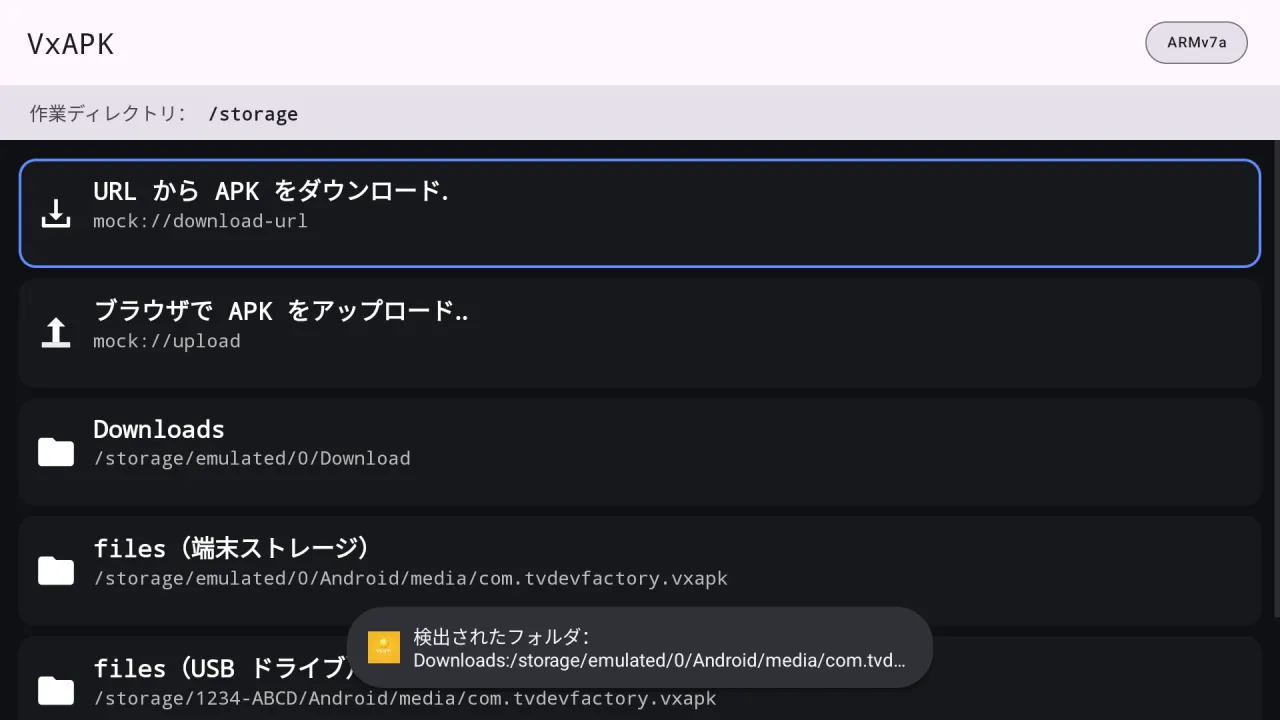
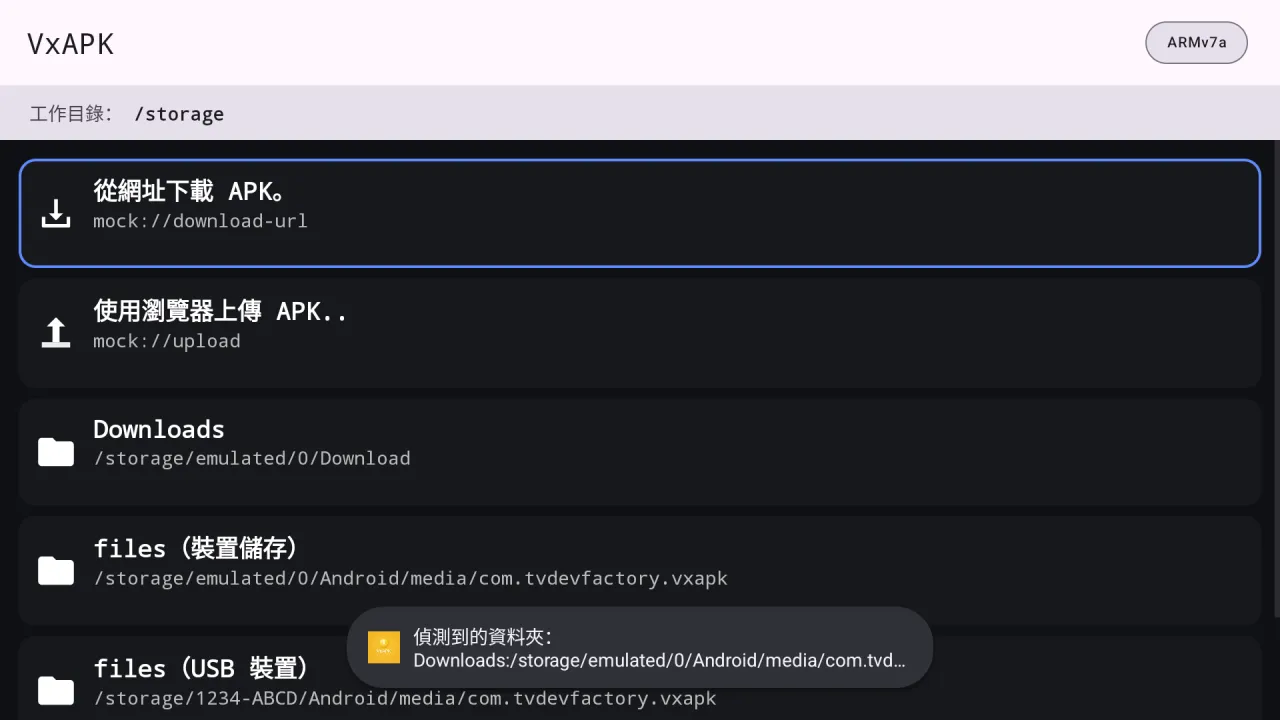
Real screens from VxAPK running on Android TV.
Get VxAPK from the Patreon post and set it up with GTV-toolkit on Windows.
On first start the app asks for access to all files. Switch it on in Android settings and come back.
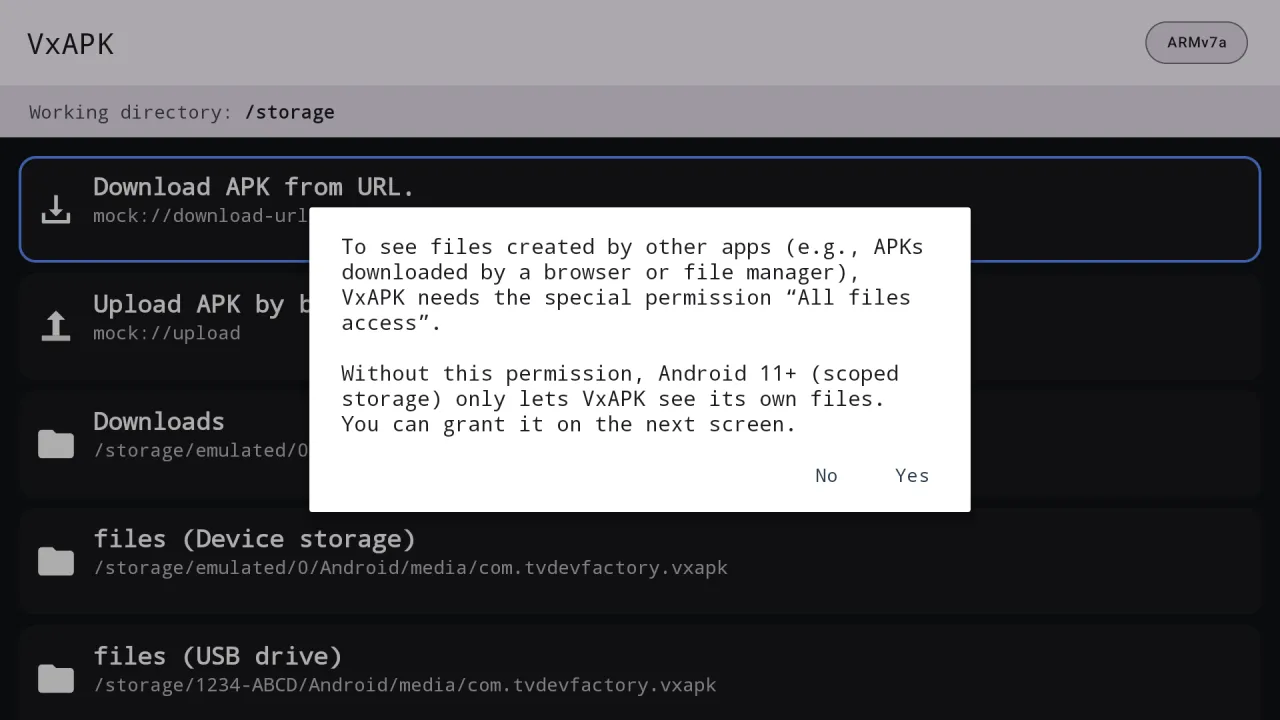
Browse Downloads or any folder, or choose Download APK from URL.
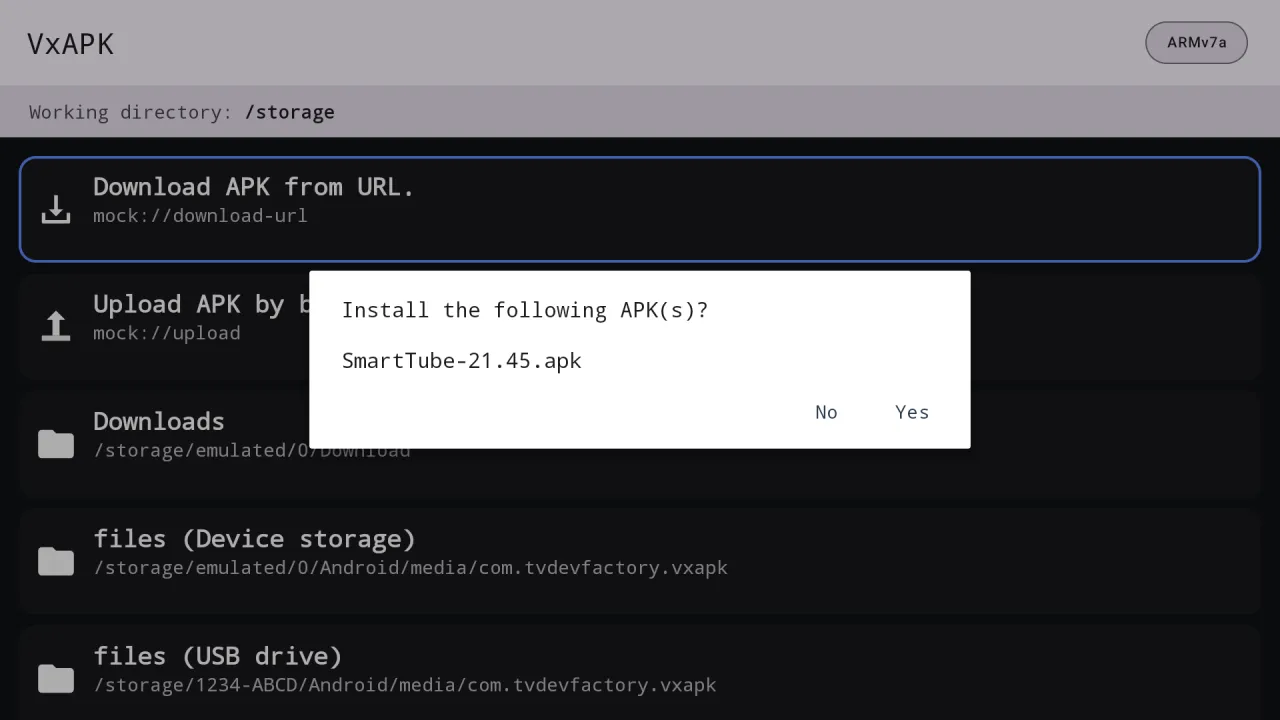
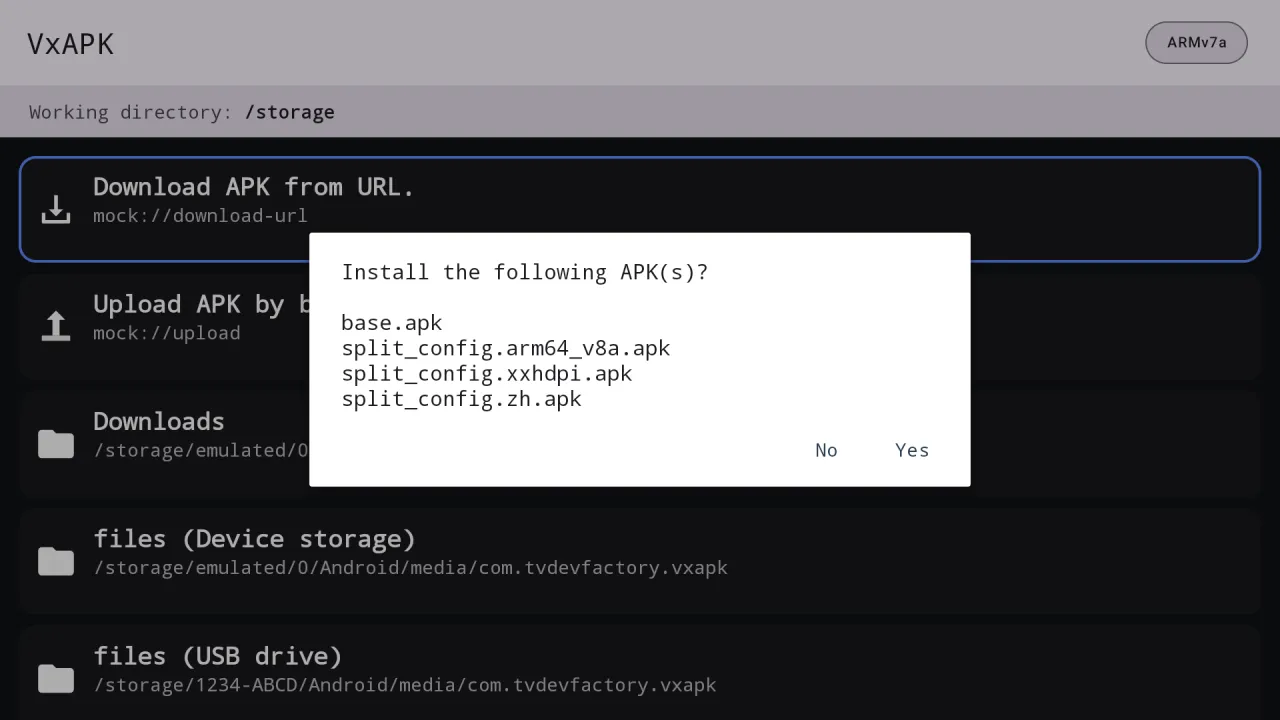
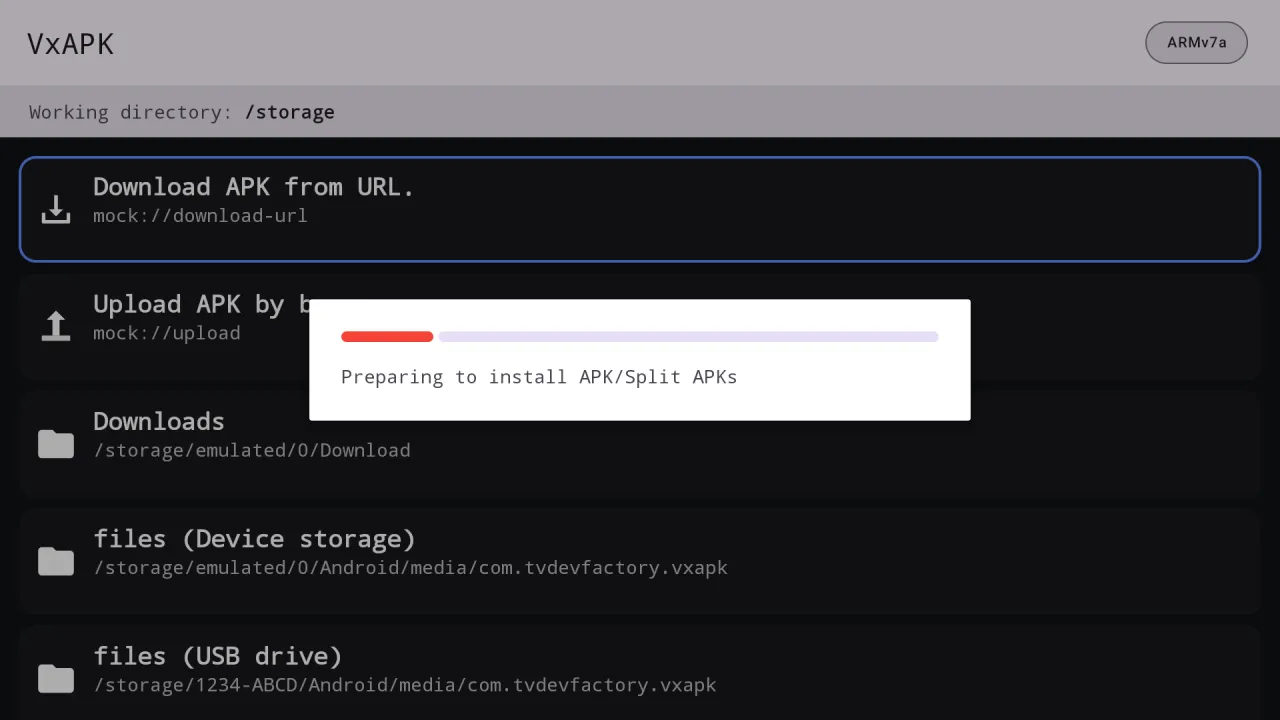
Choose Yes, wait for the progress dialog and read the result message.
Everything VxAPK does, in plain language.
Browse the whole device storage and the Downloads folder, including files saved by other apps, once you allow it.
Follows redirects, shows speed and percentage, and Cancel removes the partial file.
Installs .apk files and .apks, .xapk, .apkm and .apk+ bundles, with all parts installed together.
Install every APK in the current folder from the item menu.
Browse USB drives or scan a QR code to send an APK from your phone or PC.
VxAPK is a licensed app set up through GTV-toolkit and tied to your TV.
English, Chinese, Japanese, Korean, German, French and Spanish, or follow the system.
Every install and download ends with a plain success or failure message.
Captured from the running app on Android TV. File names shown in the lists are sample data.
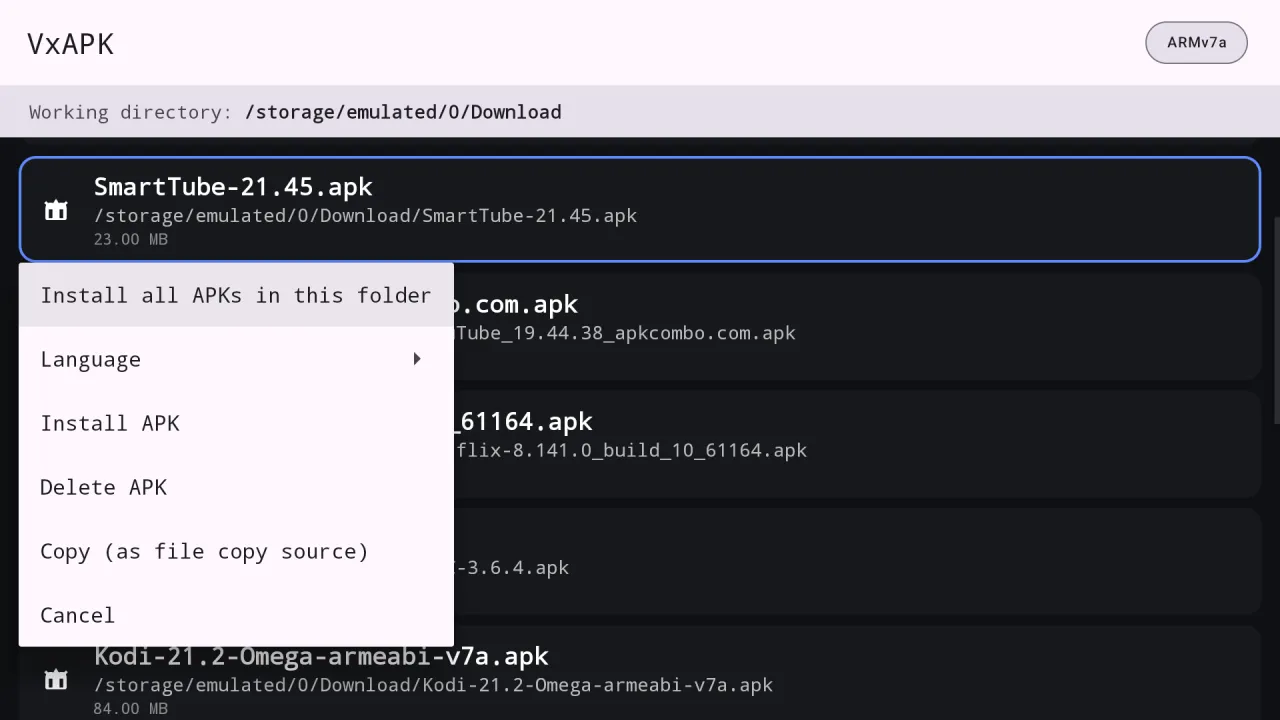
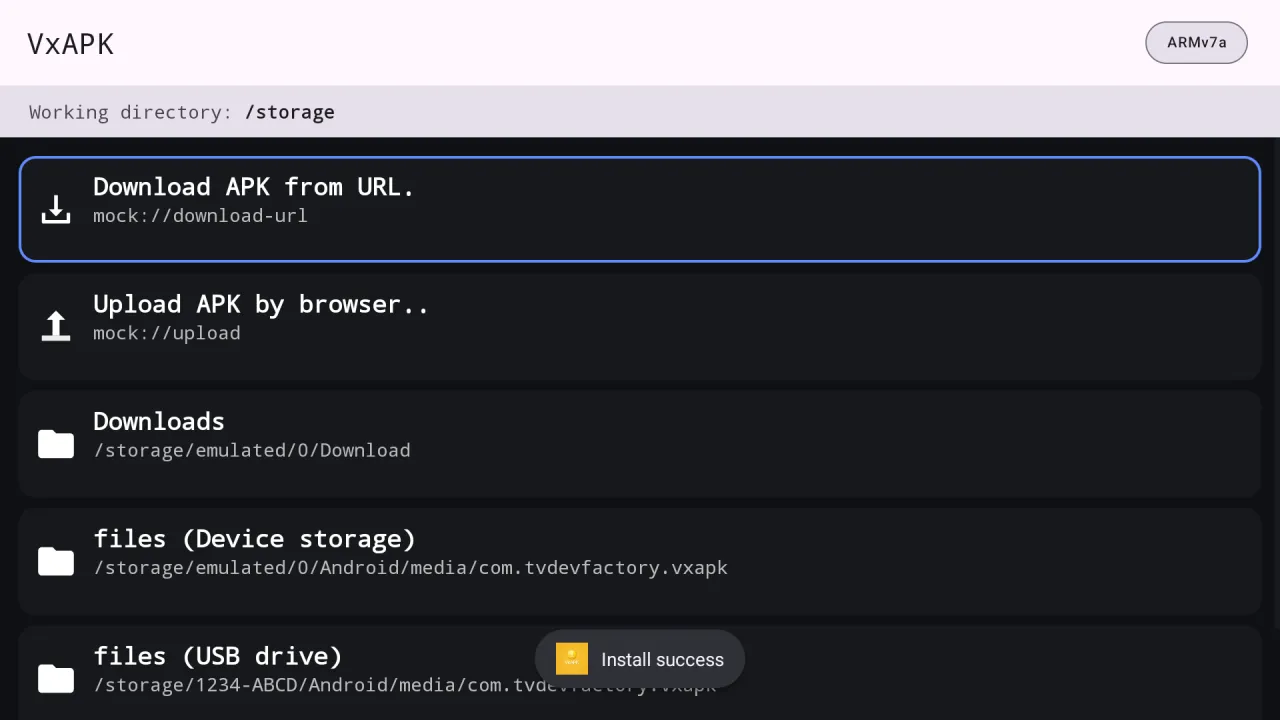
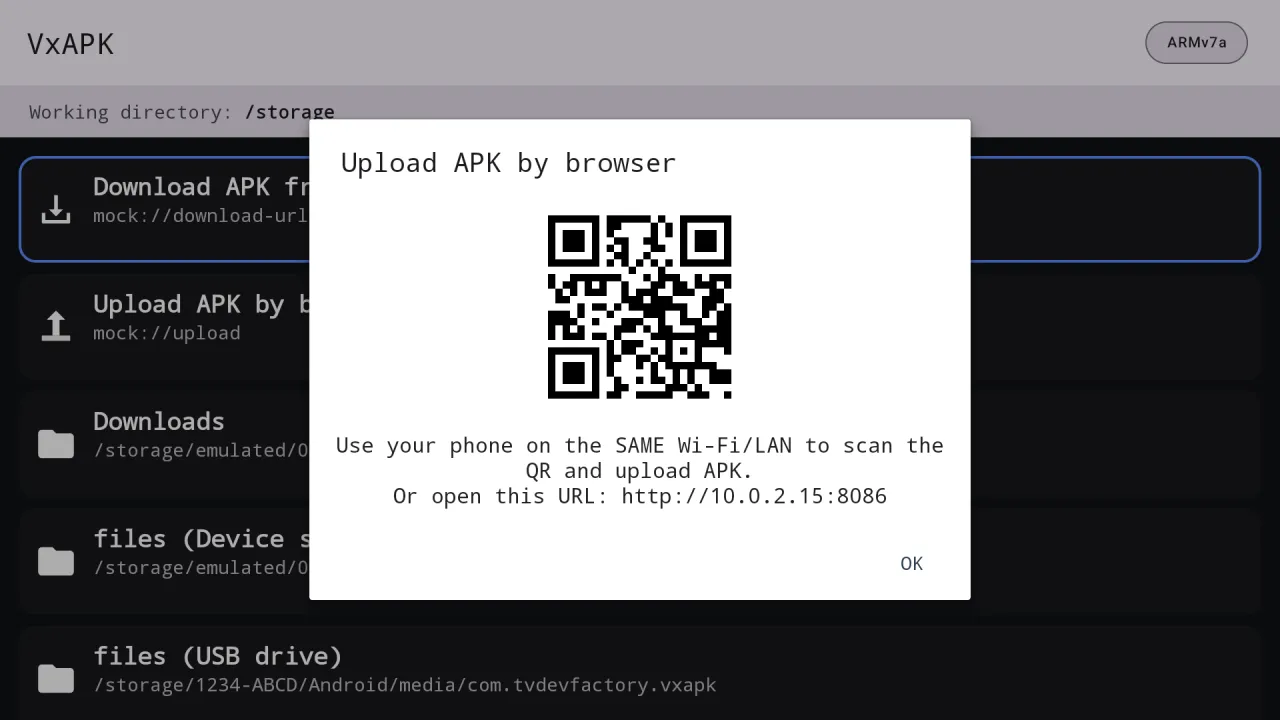
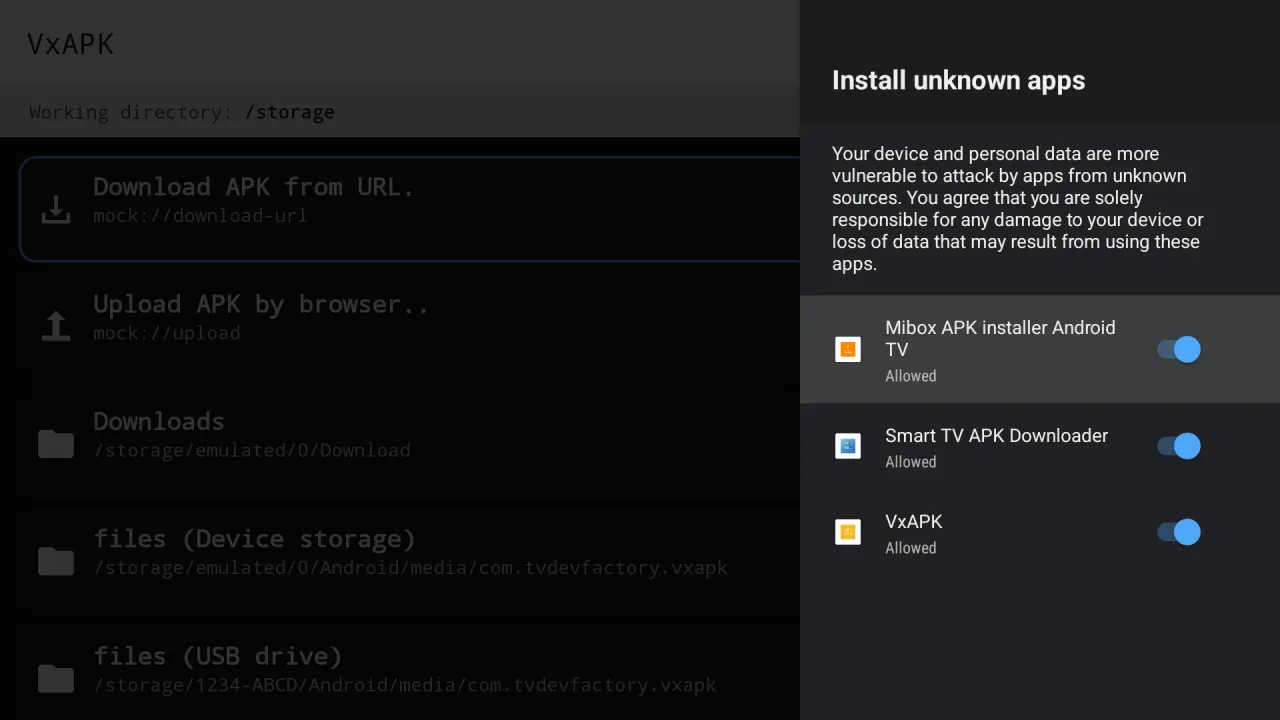
English, Chinese, Japanese, Korean, German, French and Spanish, or follow the system language. It switches instantly from the item menu.
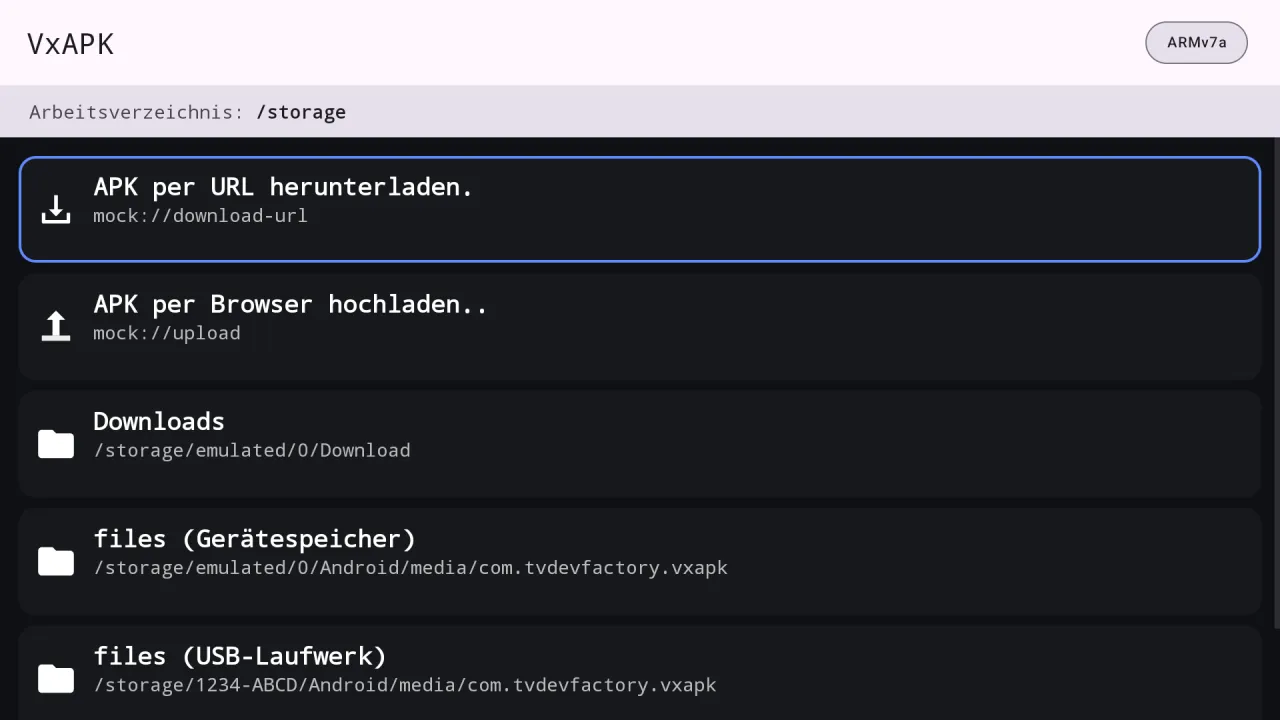
Three apps built on the same engine. They can be installed side by side on one TV.
| Feature | Mibox APK Installer | Smart TV APK Downloader | VxAPK |
|---|---|---|---|
| Install a single APK | ✓ | ✓ | ✓ |
| Install split bundles (.apks, .xapk, .apkm) | ✓ | ✓ | ✓ |
| Install every APK in a folder | ✓ | ✓ | ✓ |
| Browse USB drives | ✓ | ✓ | ✓ |
| Upload from a phone browser (QR code) | ✓ | ✓ | ✓ |
| Download an APK from a web link | – | ✓ | ✓ |
| See APKs other apps saved to Downloads | – | – | ✓ |
| Needs the "all files access" permission | – | – | ✓ |
| Needs a licence | – | – | ✓ |
| Seven interface languages | ✓ | ✓ | ✓ |
Android 11 and newer hide files that other apps saved to shared folders. Without all files access, use the browser upload or a USB drive.
VxAPK is an APK installer for Google TV and Android TV from Cloud Curry Studio. It installs APK and bundle files, downloads APKs from links, accepts uploads from a phone and, with all files access, shows APKs that other apps saved to the device.
Since Android 11, apps normally see only their own files. Allowing all files access lets VxAPK list APKs in the Downloads folder and elsewhere, including those saved by a browser or file manager. The switch is in Android settings and you can turn it off at any time.
Turn on all files access for VxAPK when asked, then open Downloads on the home screen. The simpler installers cannot see those files on Android 11 and newer.
VxAPK is distributed to supporters through Patreon and set up with GTV-toolkit on a Windows PC. If the app shows "License required" when it opens, install it through GTV-toolkit.
Yes. Choose "Download APK from URL", paste the link and press OK. It shows percentage and speed, follows redirects, and Cancel removes the unfinished file.
Yes. It reads .xapk, .apks, .apkm and .apk+ files, lists the parts and installs them together.
Yes. The three apps are separate and can be installed on the same TV without affecting each other.
Android asks for your confirmation on every install and for a one-time approval of "Install unknown apps" for VxAPK. Only install APKs from sources you trust.
Android 9 or newer on Android TV, Google TV and TV boxes.
VxAPK for Android TV and Google TV.