Download from a web link
Works with direct links and links that redirect, and keeps cookies for download sites that need them.
Paste a link. Download. Install. All on the TV.
Smart TV APK Downloader fetches an APK straight from a web address and hands it to Android for installation, with progress, speed and a Cancel button. No computer and no USB stick needed, and it still installs from USB and phone upload when you prefer.
Smart TV APK Downloader is on Google Play. Get it from the store first, then follow any guide. Here is how to reach the store on your TV.
The Google Play Store has its own banner (tile) on the home screen. Open it.
There is no store tile. Press and hold the voice input button on the remote and say “open Google Play Store”.
In the store type “Smart TV APK Downloader”, open the app by Cloud Curry Studio, then get it from Google Play.
An APK installer made to be driven with a TV remote.
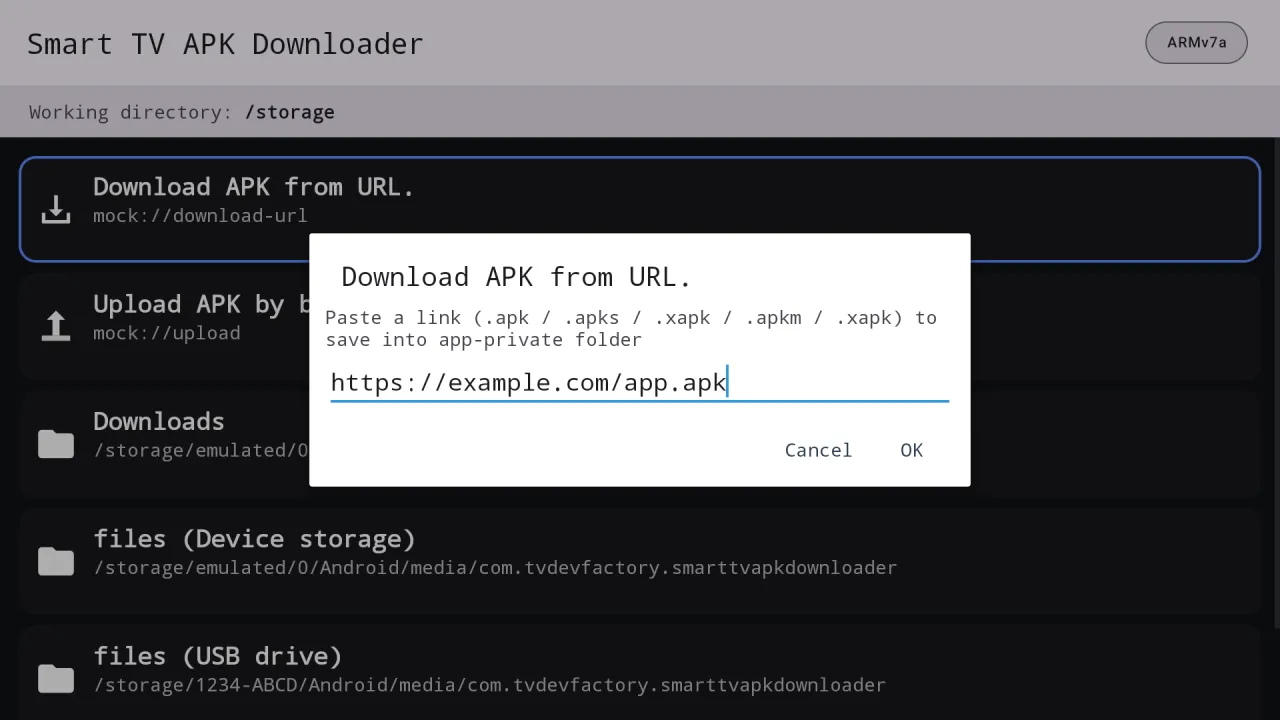
Type or paste a link, press OK and the APK downloads directly on the device.
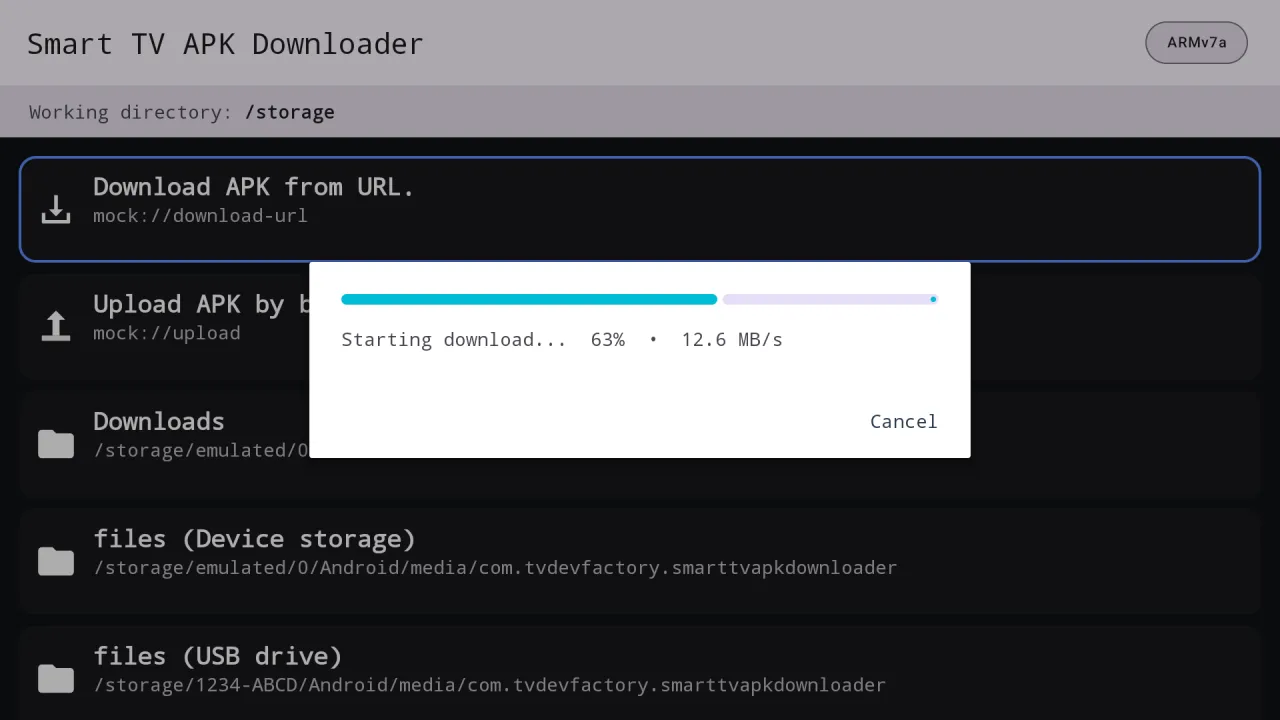
A progress bar shows percentage and speed, and Cancel stops it and cleans up the partial file.
Short links and download pages that redirect still end up at the file.
It works inside its own space and does not need access to all files.
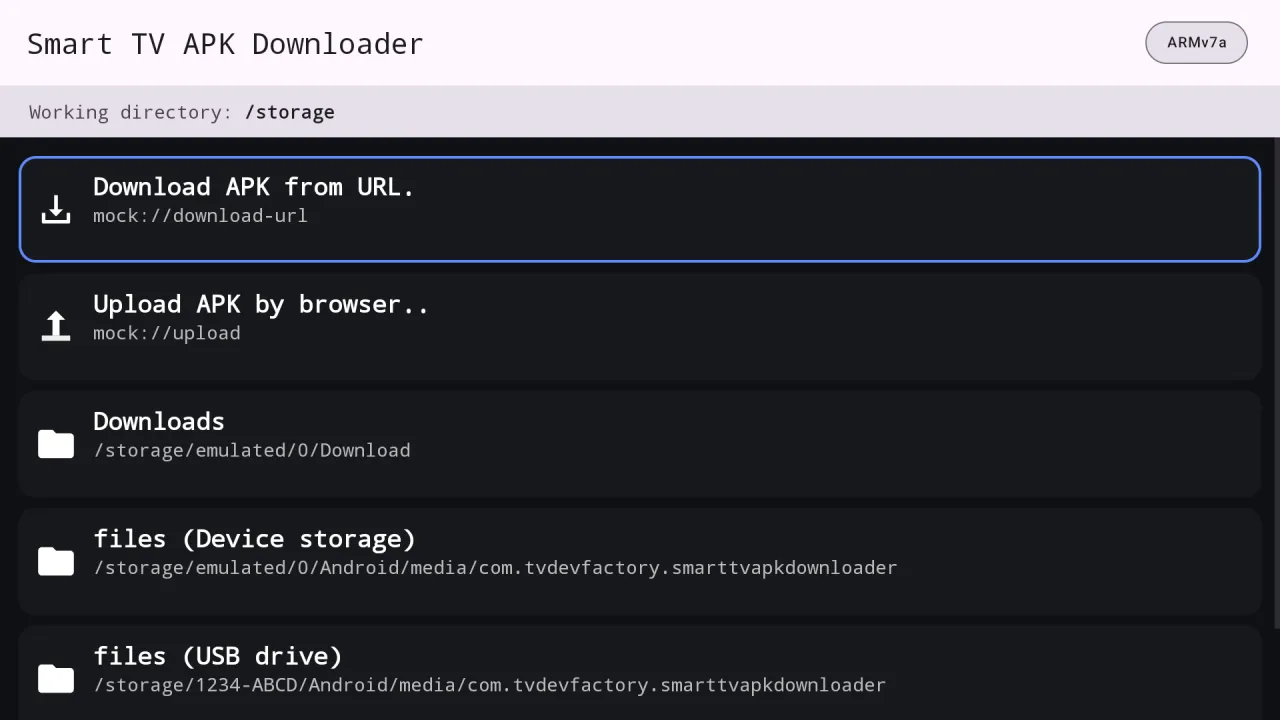
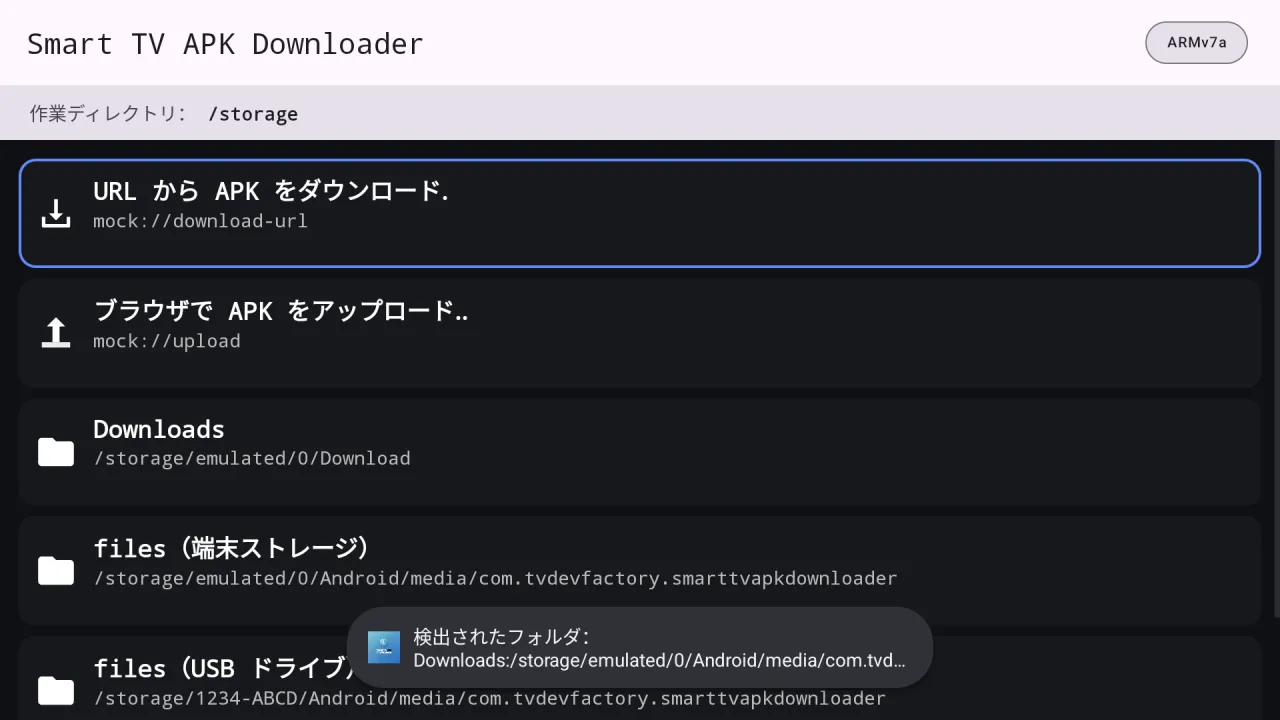
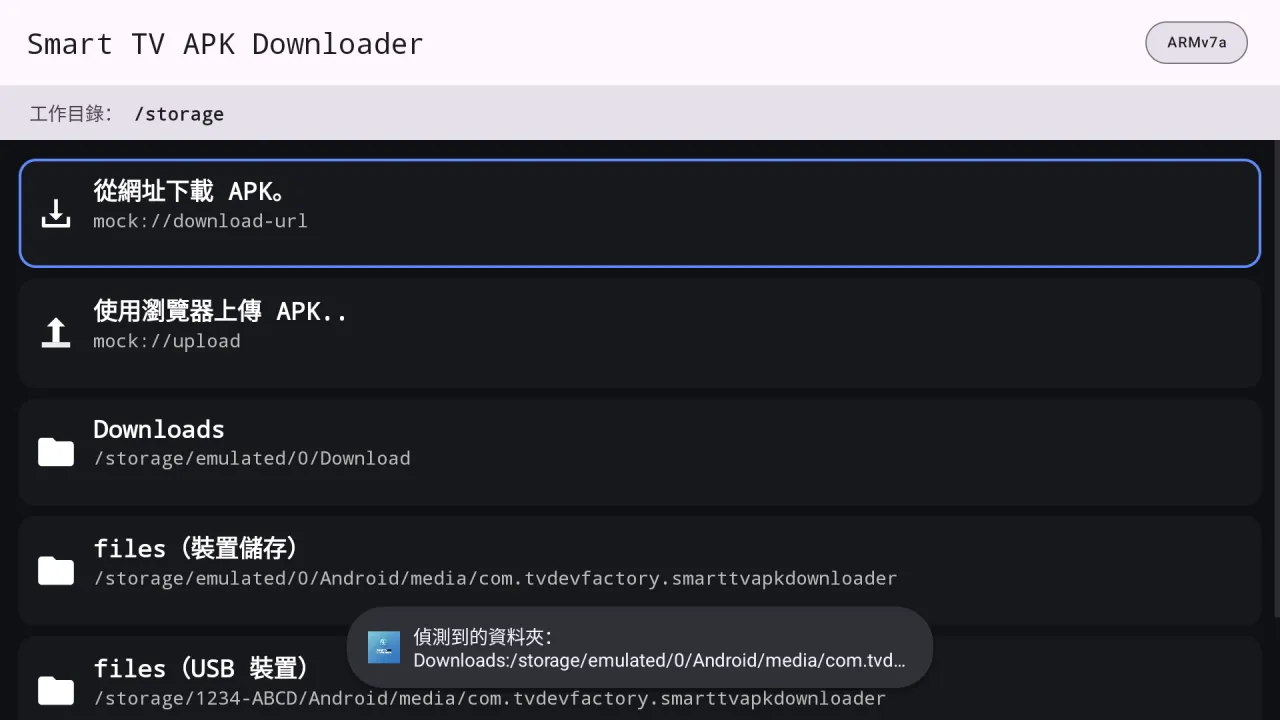
Real screens from Smart TV APK Downloader running on Android TV.
It is the first row on the home screen.
Enter an http or https address that ends at an APK, APKS, XAPK or APKM file.
The bar shows percentage and speed. Press Cancel any time to stop and remove the partial file.
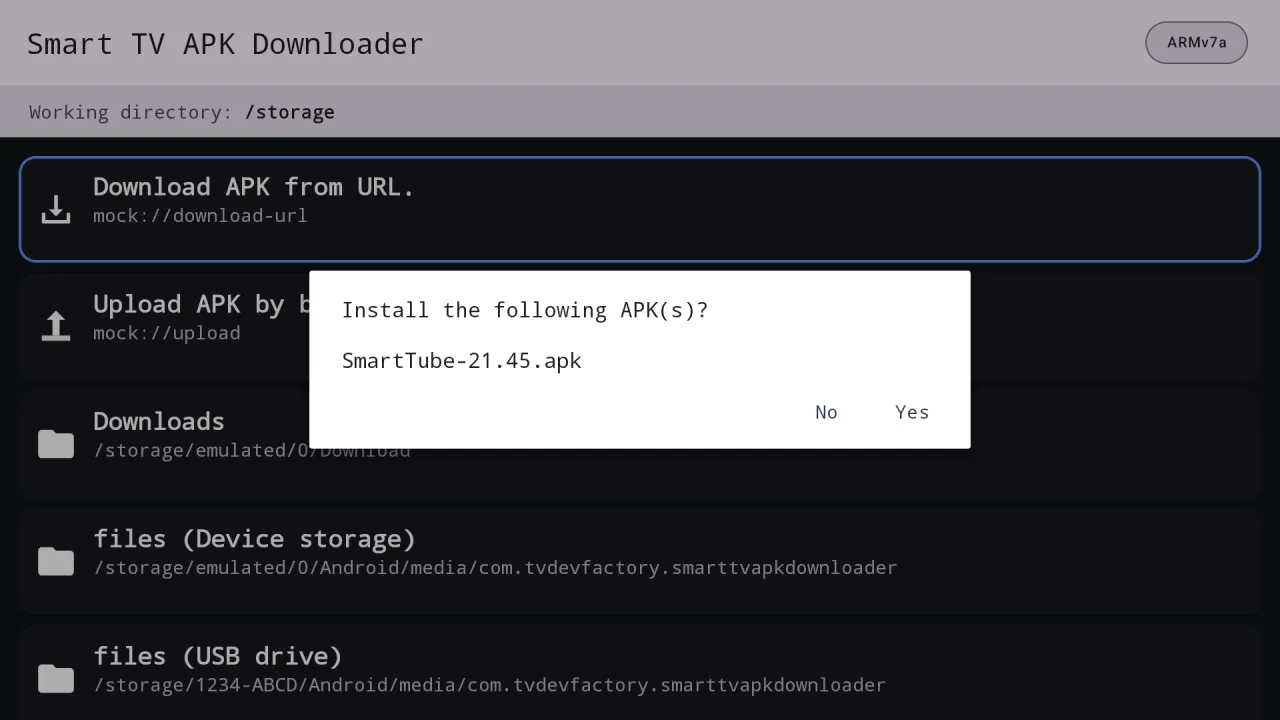
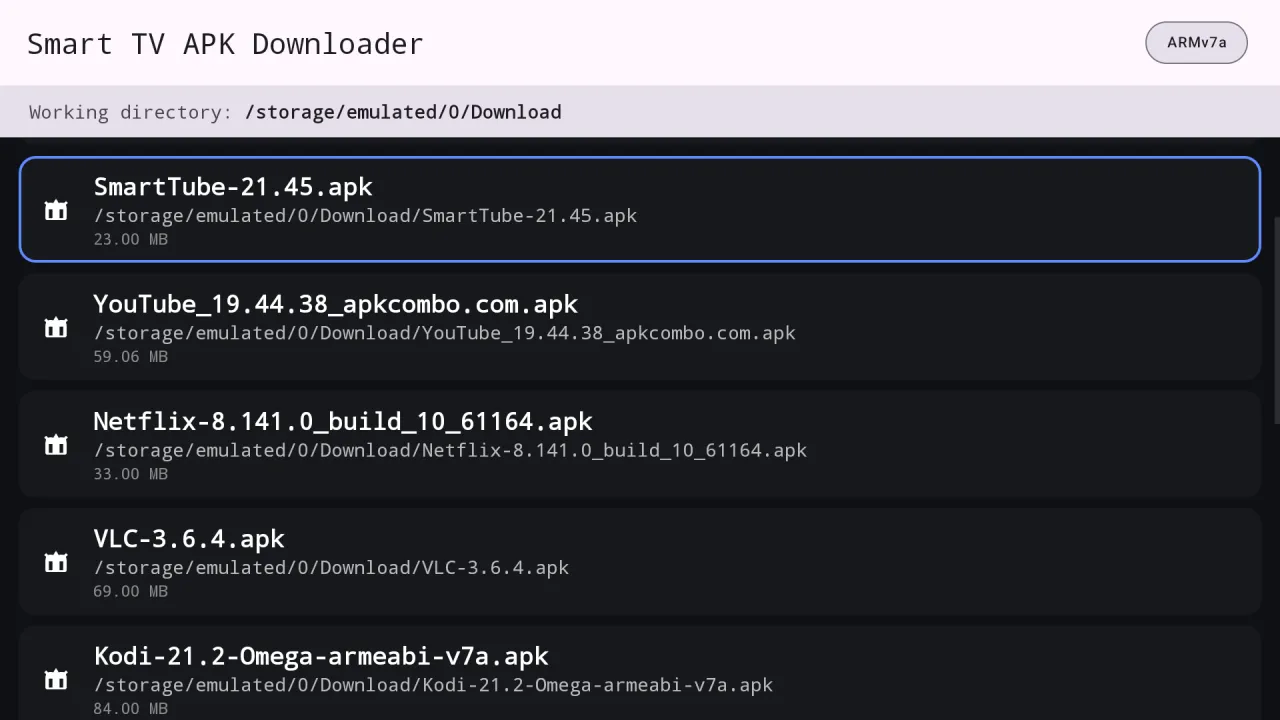
When the file appears in the list, press OK and confirm the install. Allow installs from this app once if asked.
Everything Smart TV APK Downloader does, in plain language.
Works with direct links and links that redirect, and keeps cookies for download sites that need them.
Shows the current speed while downloading, and Cancel removes the unfinished file.
Takes the file name from the server when it provides one, adds the right extension when it is missing and avoids overwriting an older copy.
Installs .apk files and bundle formats .apks, .xapk, .apkm and .apk+ as one app.
Choose to install every APK in the current folder from the item menu.
Browse USB drives, or scan a QR code and send an APK from your phone.
English, Chinese, Japanese, Korean, German, French and Spanish, or follow the system.
Bad links, missing files and failed installs show a plain message instead of failing silently.
Captured from the running app on Android TV. File names shown in the lists are sample data.
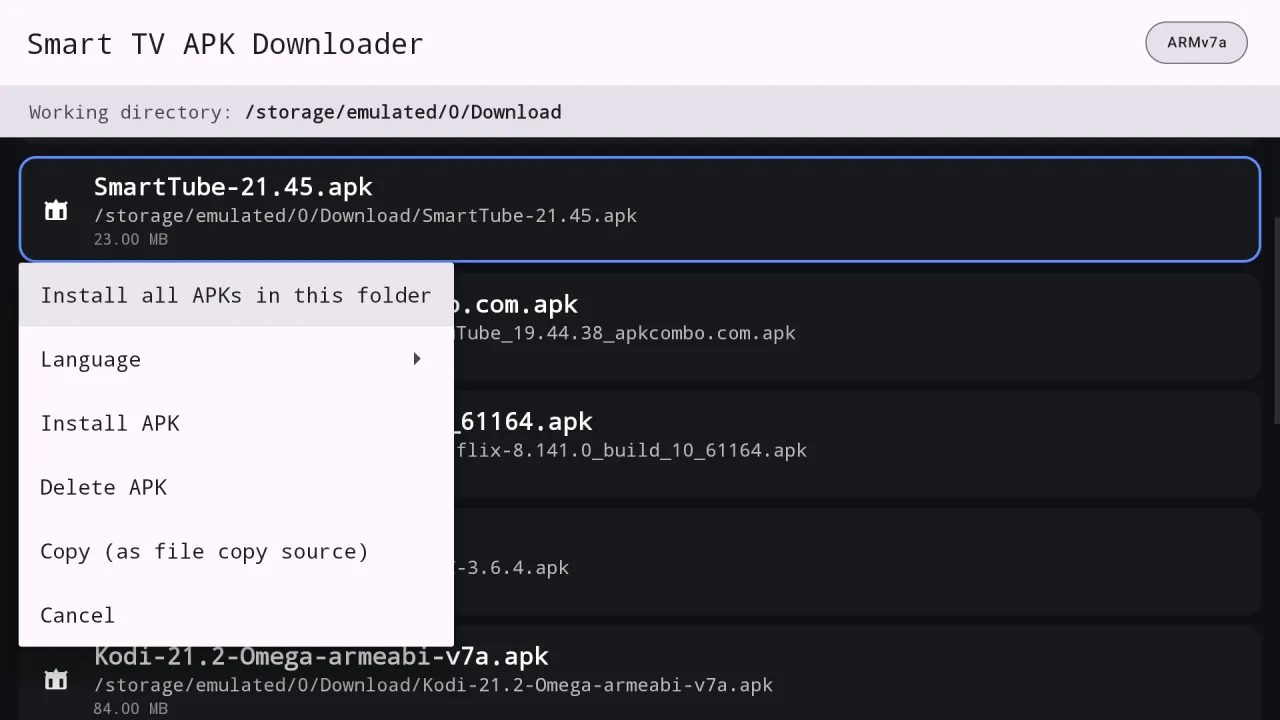
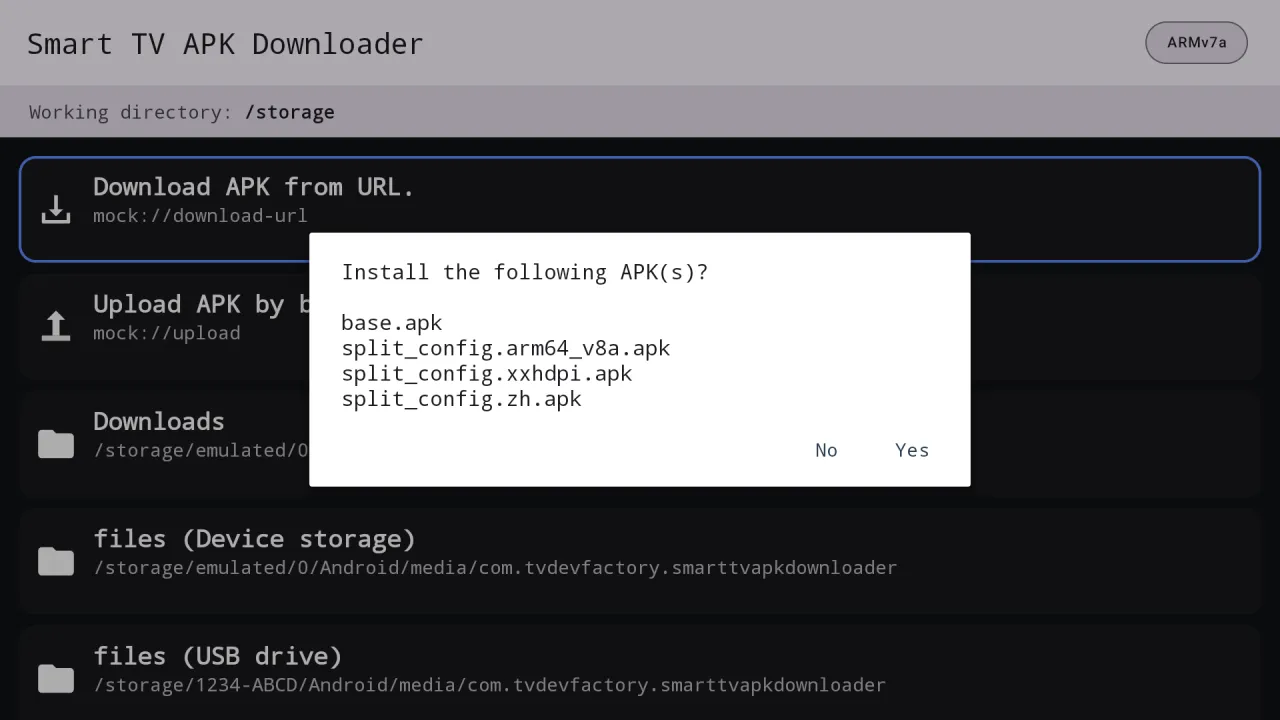
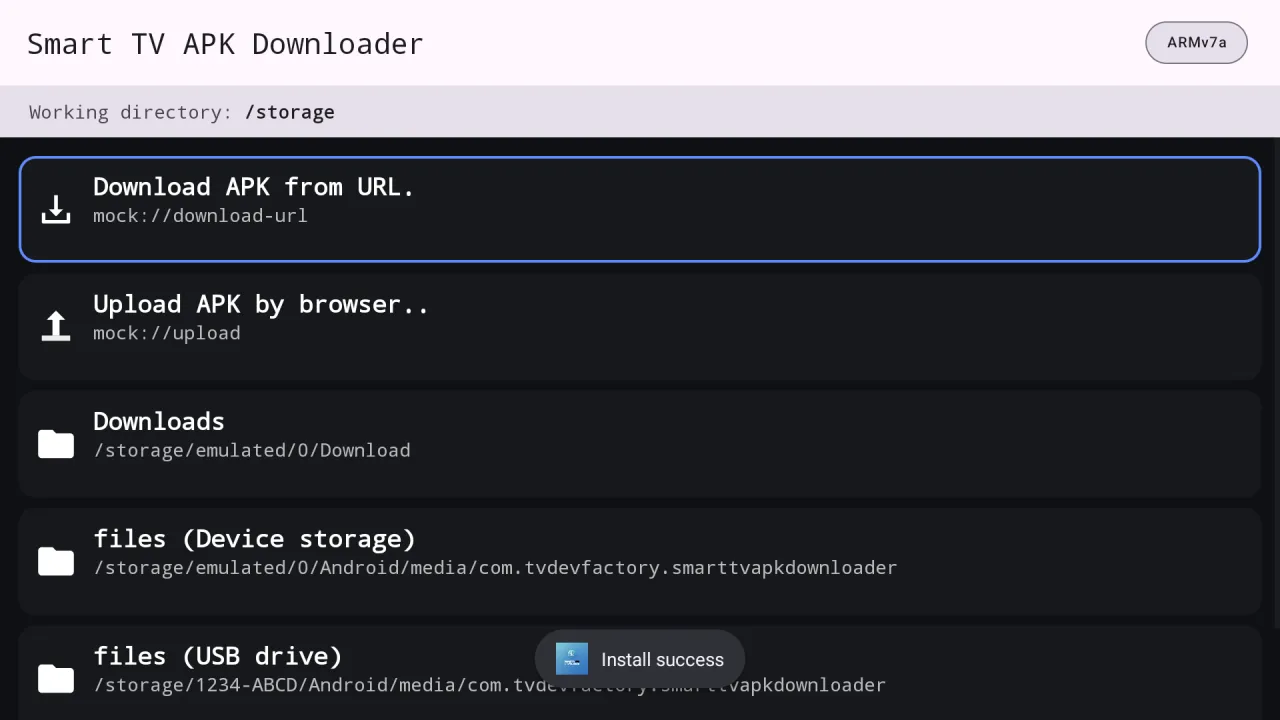
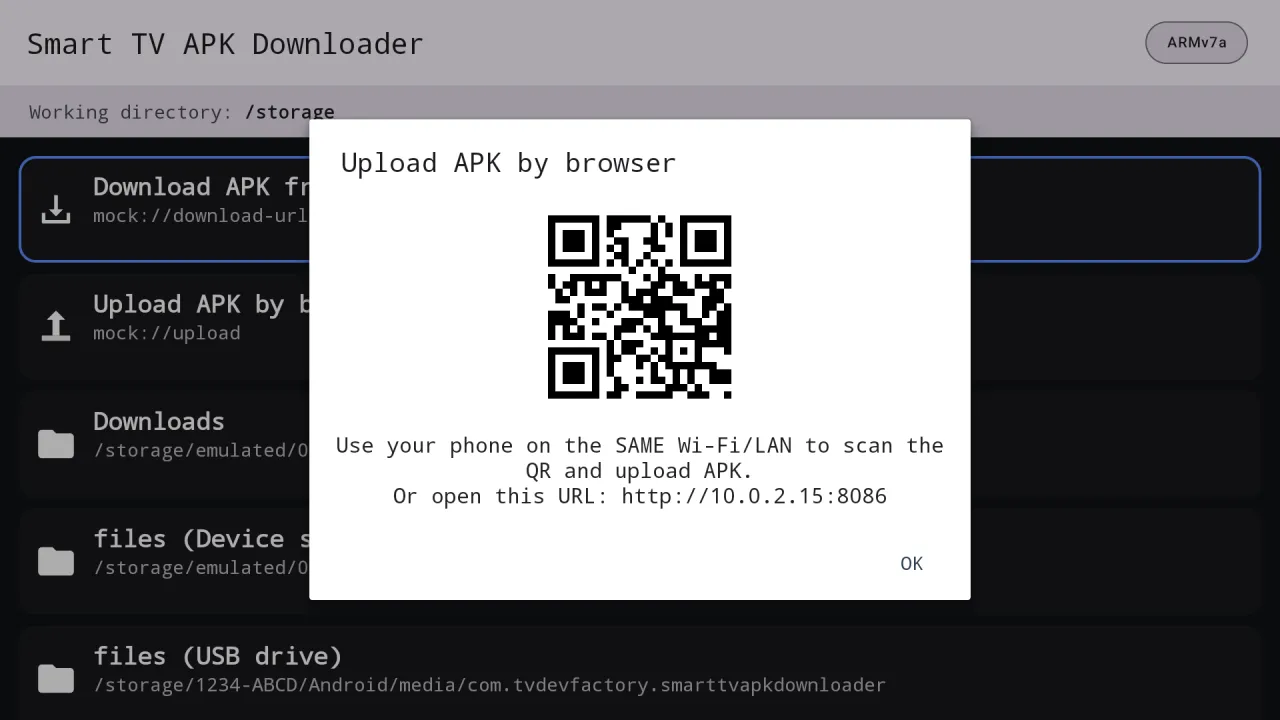
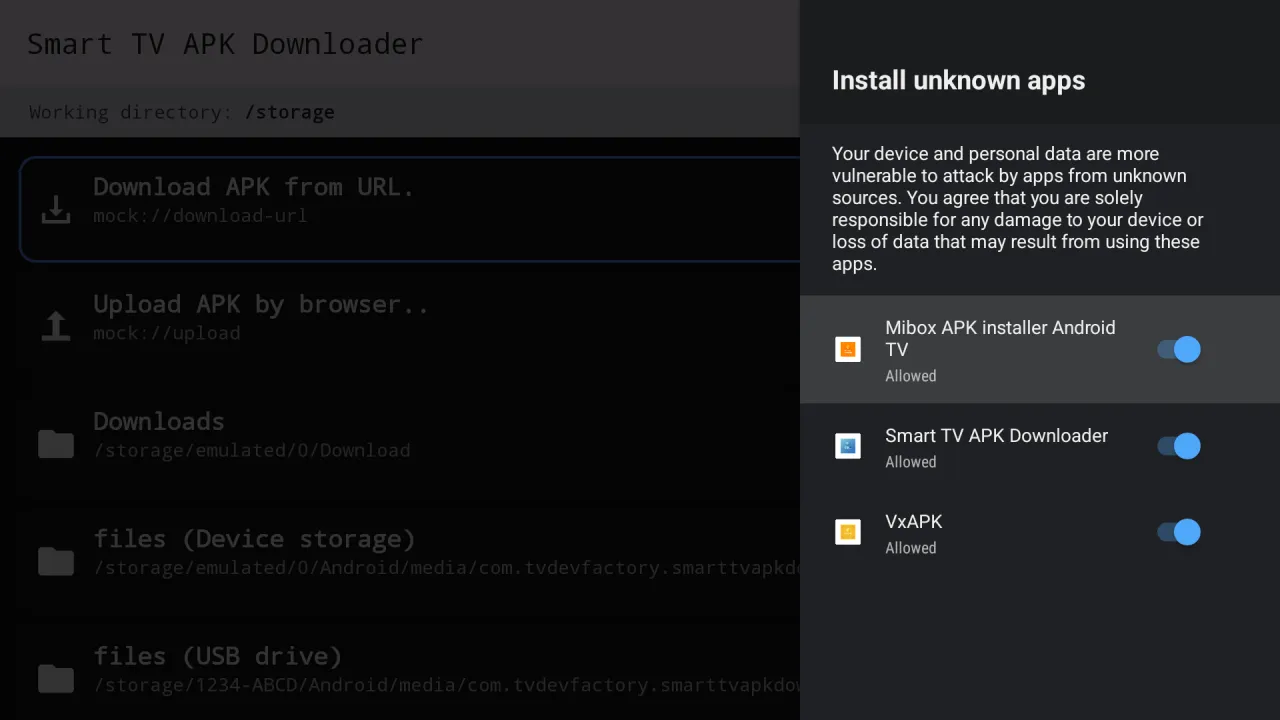
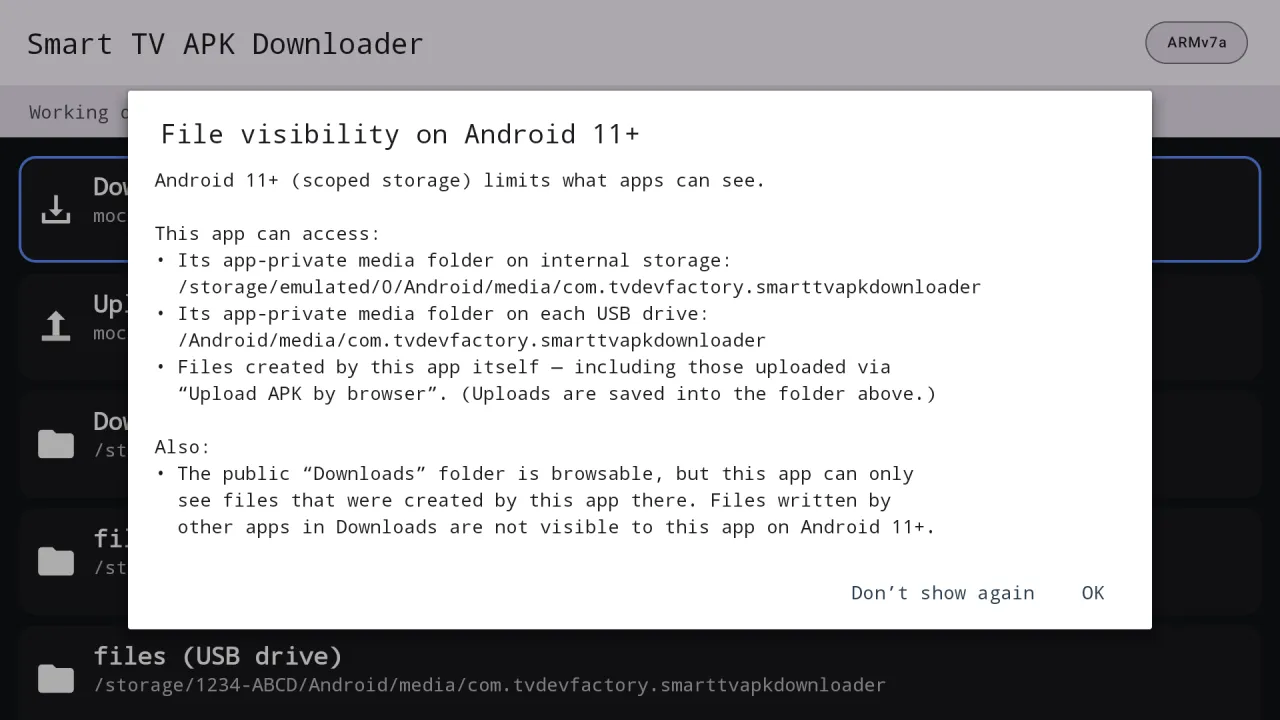
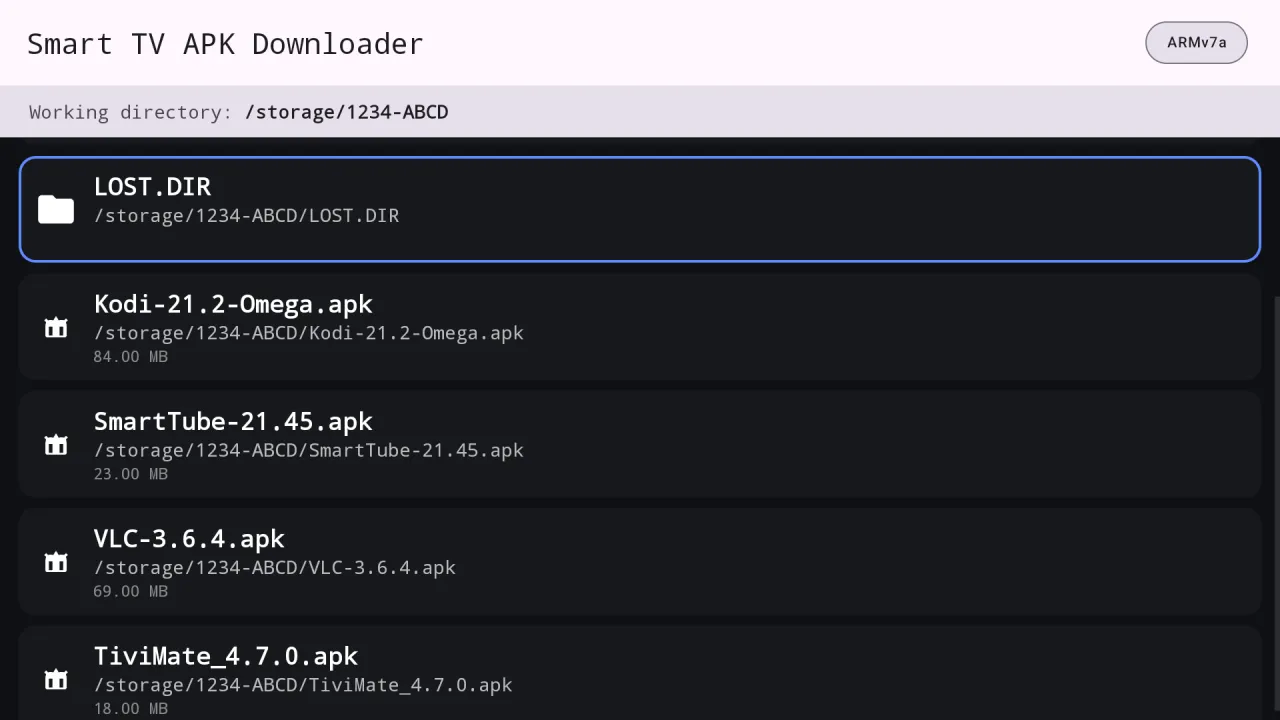
English, Chinese, Japanese, Korean, German, French and Spanish, or follow the system language. It switches instantly from the item menu.
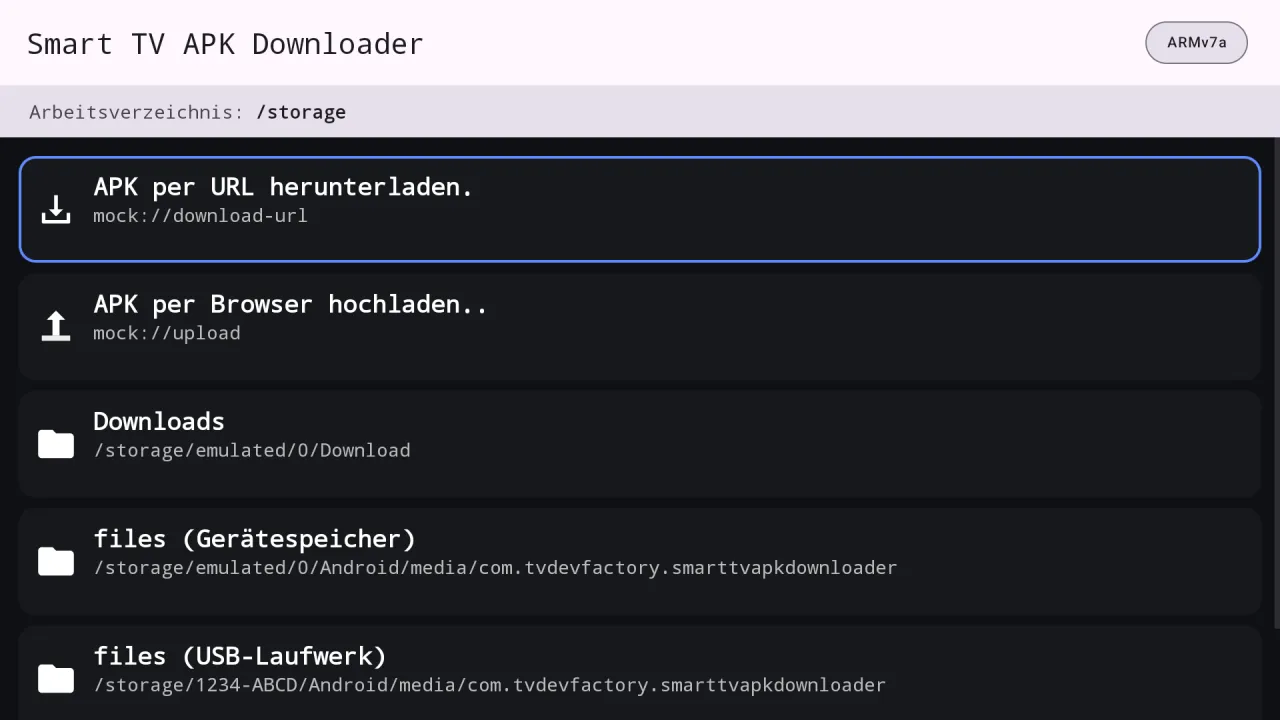
Three apps built on the same engine. They can be installed side by side on one TV.
| Feature | Mibox APK Installer | Smart TV APK Downloader | VxAPK |
|---|---|---|---|
| Install a single APK | ✓ | ✓ | ✓ |
| Install split bundles (.apks, .xapk, .apkm) | ✓ | ✓ | ✓ |
| Install every APK in a folder | ✓ | ✓ | ✓ |
| Browse USB drives | ✓ | ✓ | ✓ |
| Upload from a phone browser (QR code) | ✓ | ✓ | ✓ |
| Download an APK from a web link | – | ✓ | ✓ |
| See APKs other apps saved to Downloads | – | – | ✓ |
| Needs the "all files access" permission | – | – | ✓ |
| Needs a licence | – | – | ✓ |
| Seven interface languages | ✓ | ✓ | ✓ |
Android 11 and newer hide files that other apps saved to shared folders. Without all files access, use the browser upload or a USB drive.
Open Smart TV APK Downloader, choose "Download APK from URL", paste or type the link, and press OK. When the download finishes the file appears in the list. Press OK on it and confirm to install.
Yes. That is what the app is for. You only need a link to the APK file, a remote, and the one-time "Install unknown apps" approval in Android settings.
A 404 means the link is dead. A 403 usually means the site blocks downloads from other sites or needs a login. A certificate error means the site's secure connection is misconfigured. Try another source, or download the file elsewhere and upload it by browser.
Some servers do not report a proper file name. If it is really an APK in disguise, download it with a browser, rename it, and use the browser upload to send it to the TV.
In the app's own media folder on the device, or on a USB drive when you choose that location. They appear automatically in the list, so you do not have to look for them.
Yes. It unpacks .xapk, .apks, .apkm and .apk+ bundles and installs every part together.
Only download from sources you trust. Android always asks you to confirm each install, and you control the "Install unknown apps" switch for this app.
Mibox APK Installer has no link downloading. Smart TV APK Downloader adds it. VxAPK adds link downloading plus access to all files and needs a licence. See the comparison table on this page.
Get it from Google Play. On Android TV, open the Google Play Store banner on the home screen. On Google TV there is no store tile: press and hold the voice input button on the remote, say "open Google Play Store", then search the full name "Smart TV APK Downloader" and open the app by Cloud Curry Studio.
Most Google TV devices use a 32-bit ARM processor called ARMv7a (armeabi-v7a), so pick that build or a universal one. The app shows your CPU type in a badge at the top right of the screen.
Android 9 or newer on Android TV, Google TV and TV boxes.
Smart TV APK Downloader for Android TV and Google TV.