M3U, M3U8 and XMLTV
Import a playlist or a programme guide from a link, a local file or your phone.

Your playlists, on the big screen, without typing on the remote.
GX IPTV Player Pro plays the M3U and M3U8 playlists you bring, with an optional XMLTV programme guide. It checks every stream on import, lets you send the link from your phone, and gives you full player controls, Picture-in-Picture and a parental password.
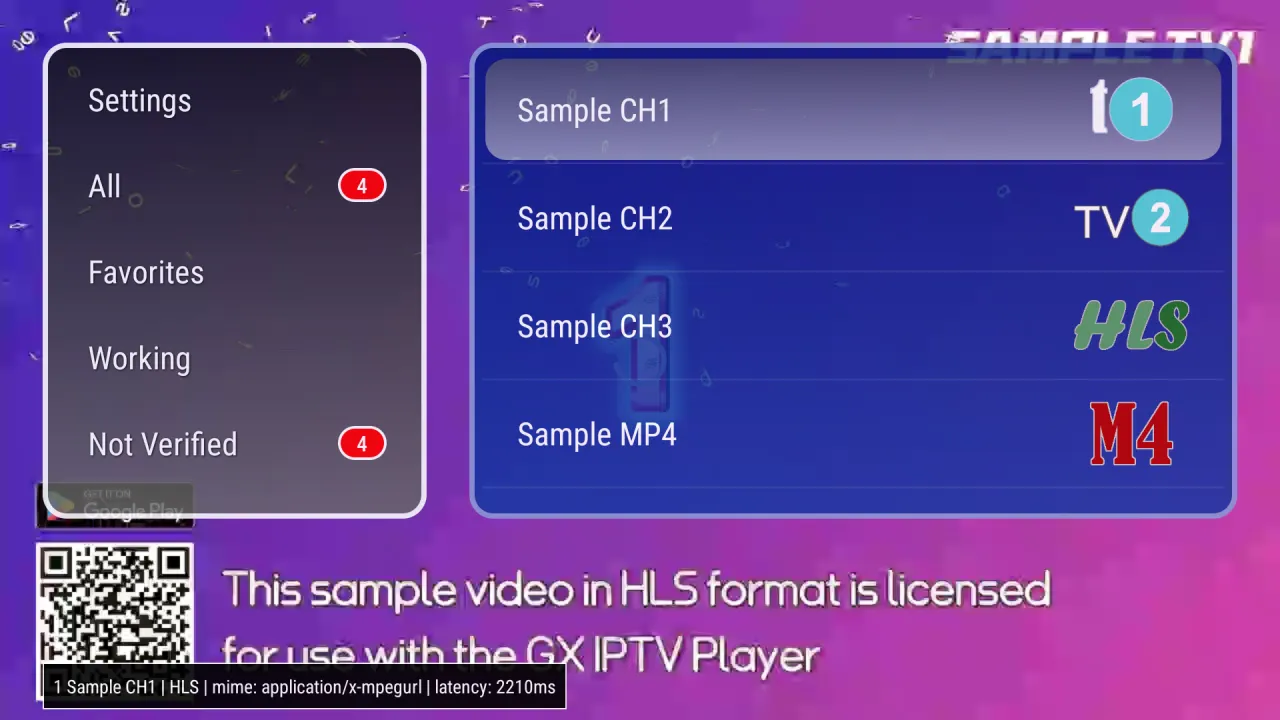
GX IPTV Player Pro is on Google Play. Get it from the store first, then follow any guide. Here is how to reach the store on your TV.
The Google Play Store has its own banner (tile) on the home screen. Open it.
There is no store tile. Press and hold the voice input button on the remote and say “open Google Play Store”.
In the store type “GX IPTV Player Pro”, open the app by Cloud Curry Studio, then get it from Google Play.
A player that does the player's job and stays out of the way.
The player has no channels or playlists built in. You import your own M3U or M3U8 list and an optional XMLTV guide.
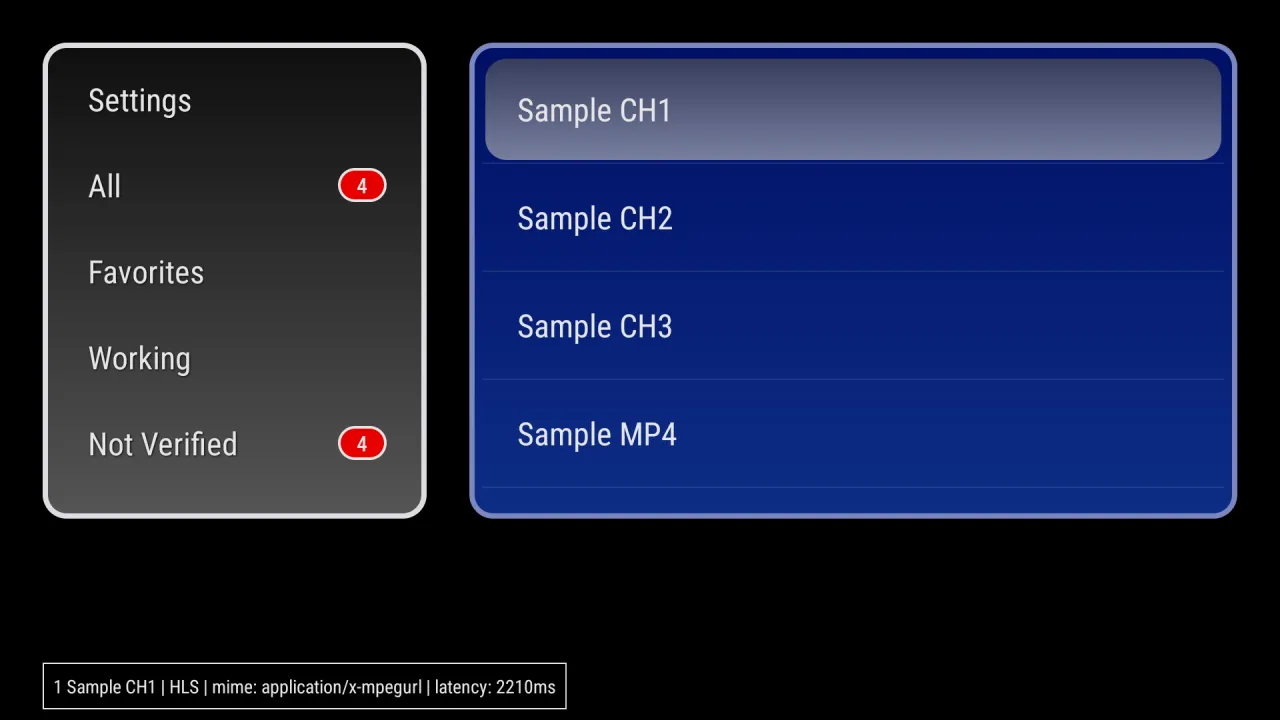
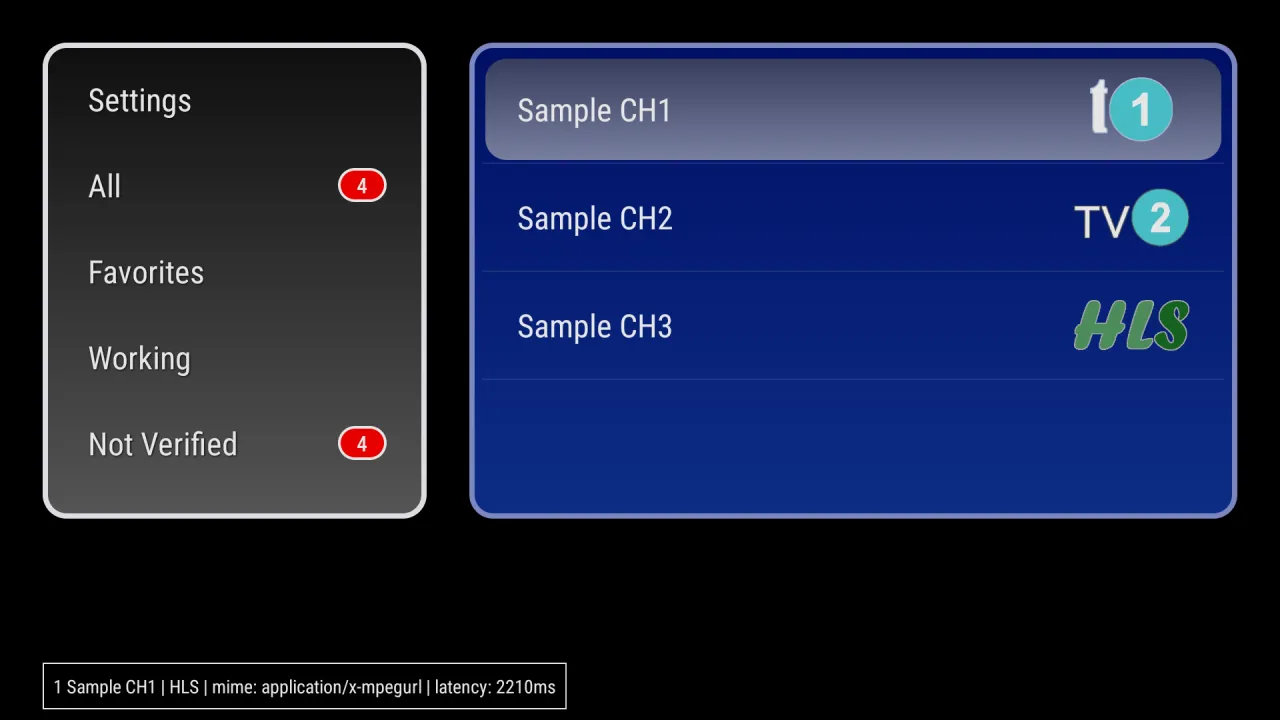
Every stream is checked on import and sorted into Working and Not Verified, so dead links do not clutter your list.
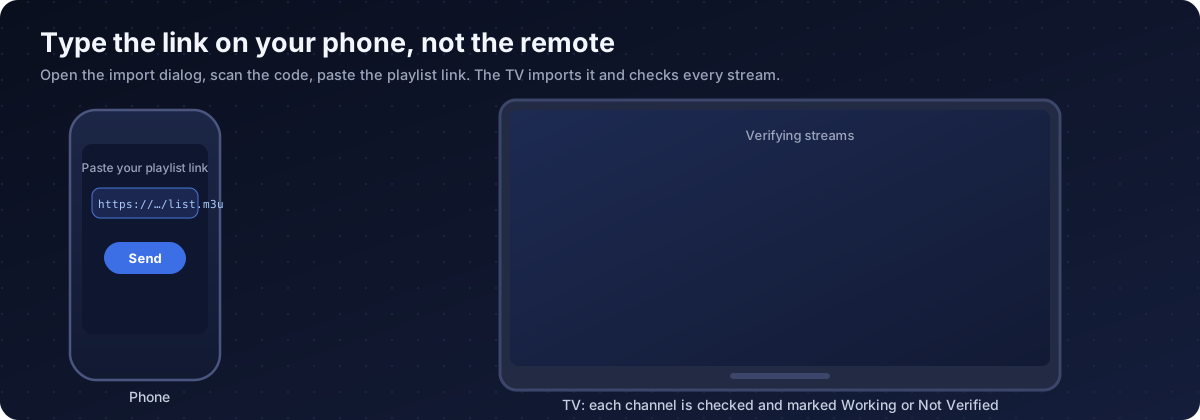
Scan a code in the import dialog and paste the link from your phone instead.
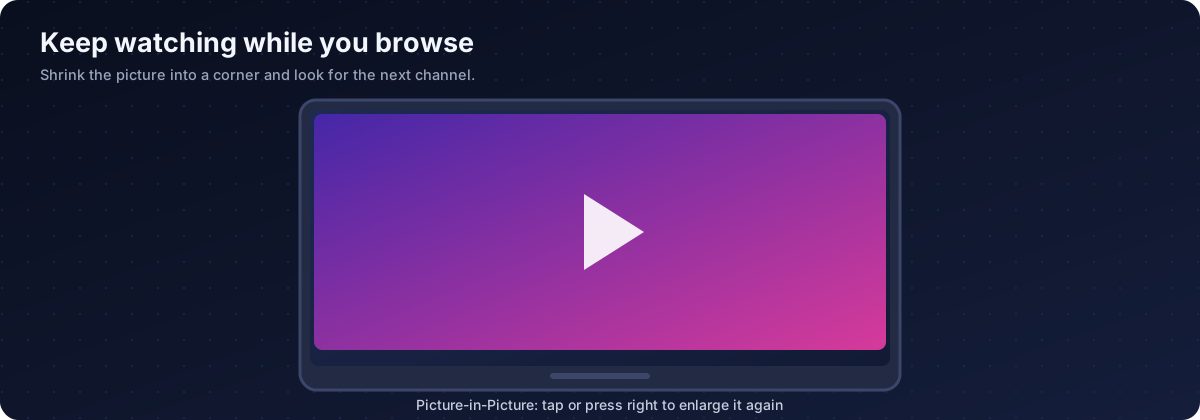
Picture-in-Picture keeps the picture in a corner while you pick the next channel.
Three ways in: a web link, a file on your TV or USB drive, or your phone.
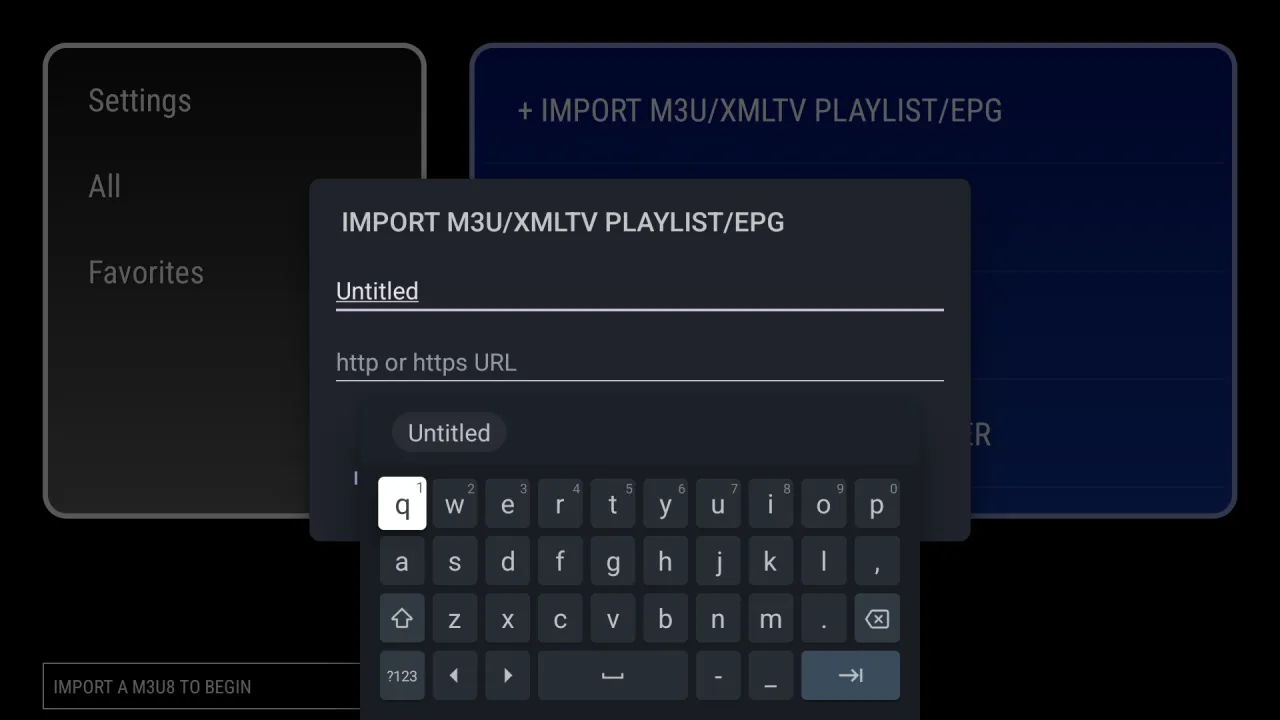
Go to Settings in the app and choose Import M3U/XMLTV Playlist/EPG.
Internet URL, local file, or Upload by Browser to use your phone and a scan code.
The app downloads the list, reads names, logos and groups, and tests every stream.
Want to try the player first? Import our sample playlist at https://tmnb.nl/x.m3u. It contains four test channels made by Cloud Curry Studio.
Everything it does, in plain language.
Import a playlist or a programme guide from a link, a local file or your phone.
Working, Not Verified, Favorites and a group per stream type, plus your own group names.
Find a channel by part of its name and star the ones you watch most.
By ID, name or group, with working streams first if you prefer.
Back and forward, progress, mute, screen size and subtitles, with the stream details shown.
A small window while you browse, enlarged with one press.
Hand one stream to the system browser to test whether the stream or the player is the problem.
Hide chosen channels behind a password. Demo mode masks names and logos for screenshots.
Save a category as an M3U8 file to your Download folder.
Android TV, Google TV, phones, tablets and Wear OS, with seven languages.
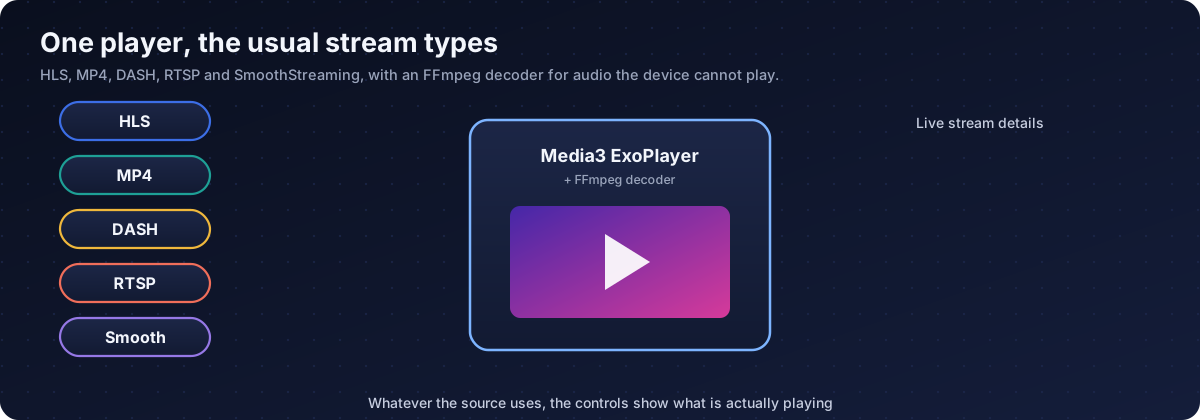
Playback uses AndroidX Media3 ExoPlayer with an FFmpeg decoder.
| Type | What it is |
|---|---|
| HLS (.m3u8) | Live and on-demand |
| MP4 | Progressive file |
| DASH (.mpd) | Adaptive streaming |
| SmoothStreaming (.ism) | Adaptive streaming |
| RTSP | Camera and monitor streams |
| M3U / M3U8 playlists | Channel lists with names, groups and logos |
| XMLTV (.xml, .xml.gz) | Programme guide |
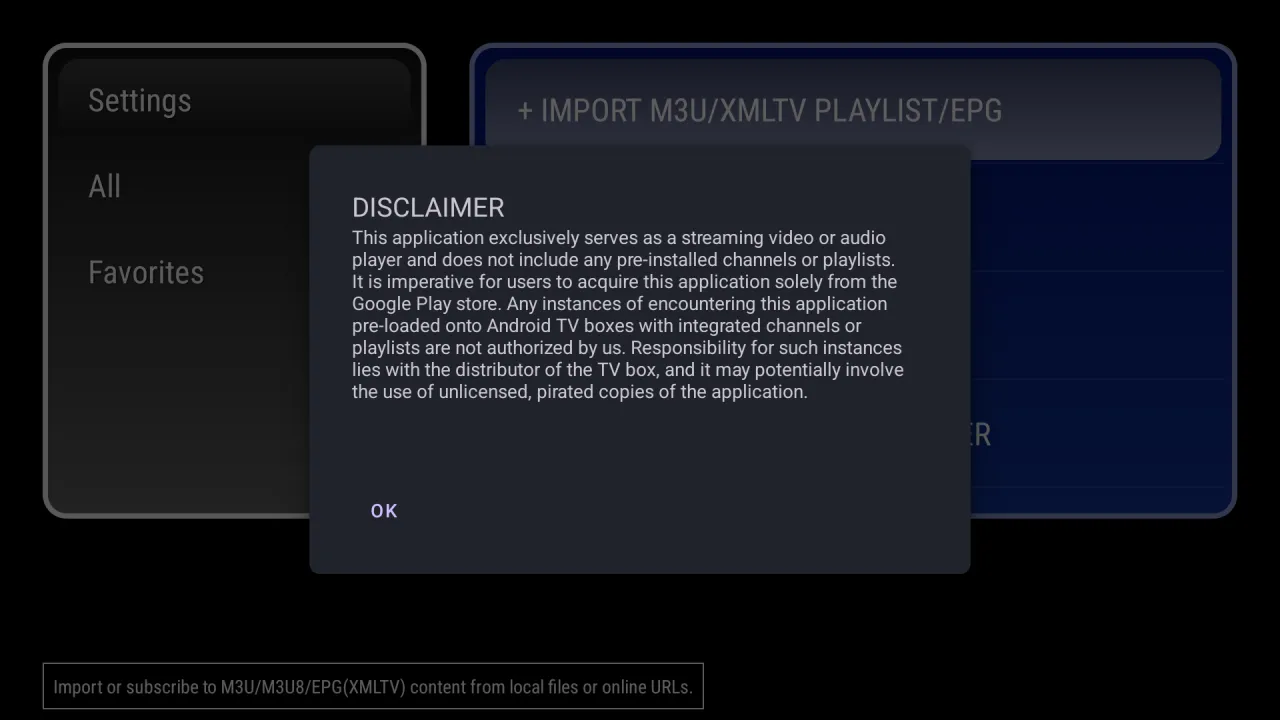
GX IPTV Player Pro is a player. It contains no channels, no playlists and no subscriptions. You are responsible for using sources you have the right to watch. If a TV box comes with channels pre-installed, those are not authorised by us, and the app copy on that box may be unlicensed. Install the player from Google Play.
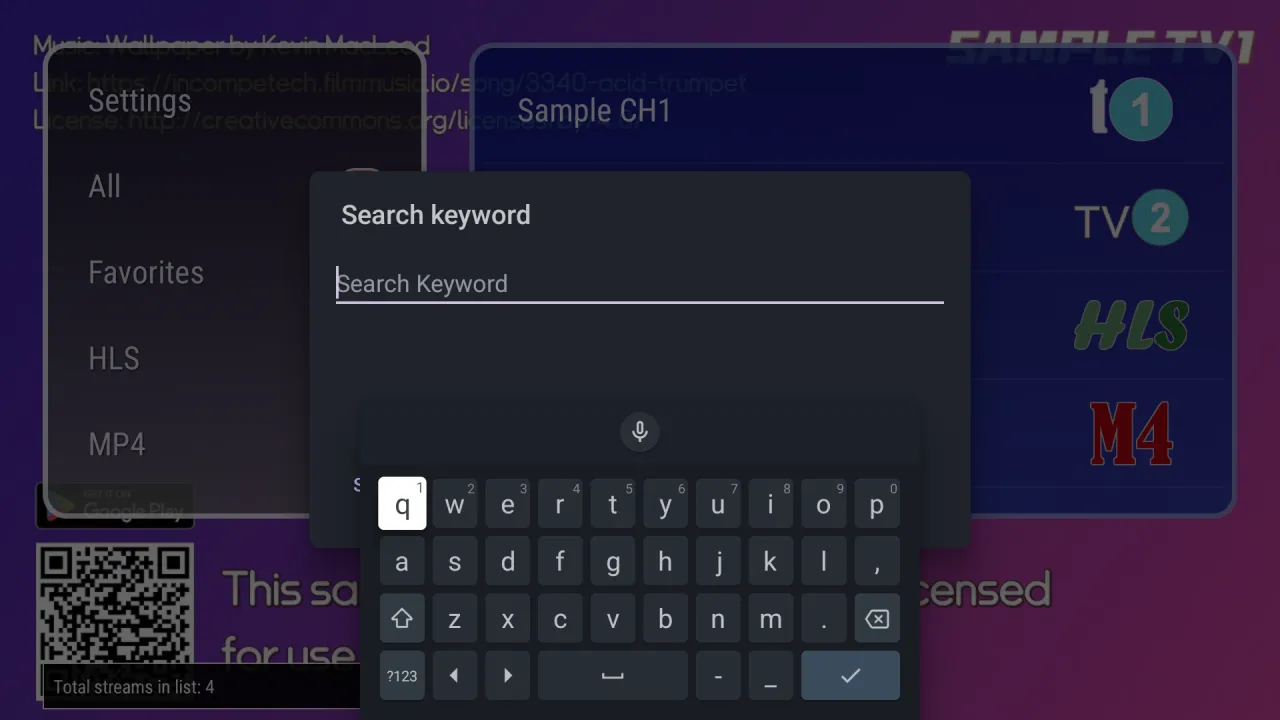
Captured on Android TV with Cloud Curry Studio's own sample channels.
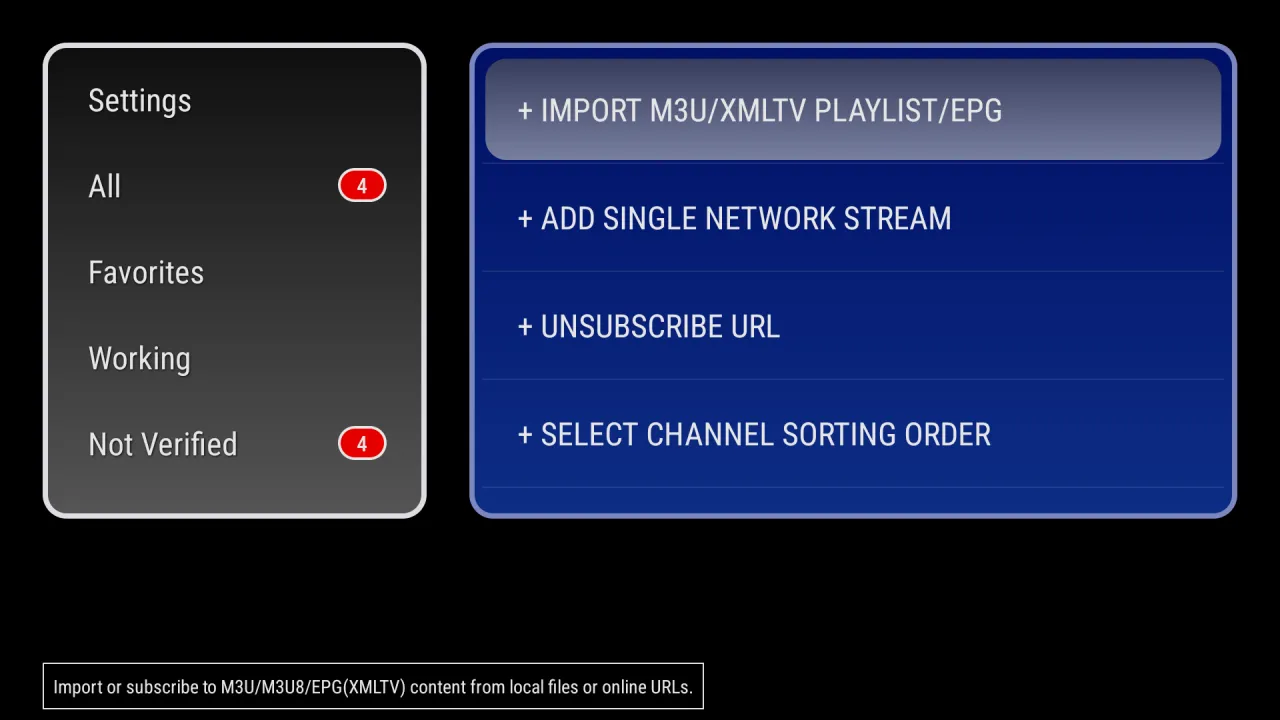
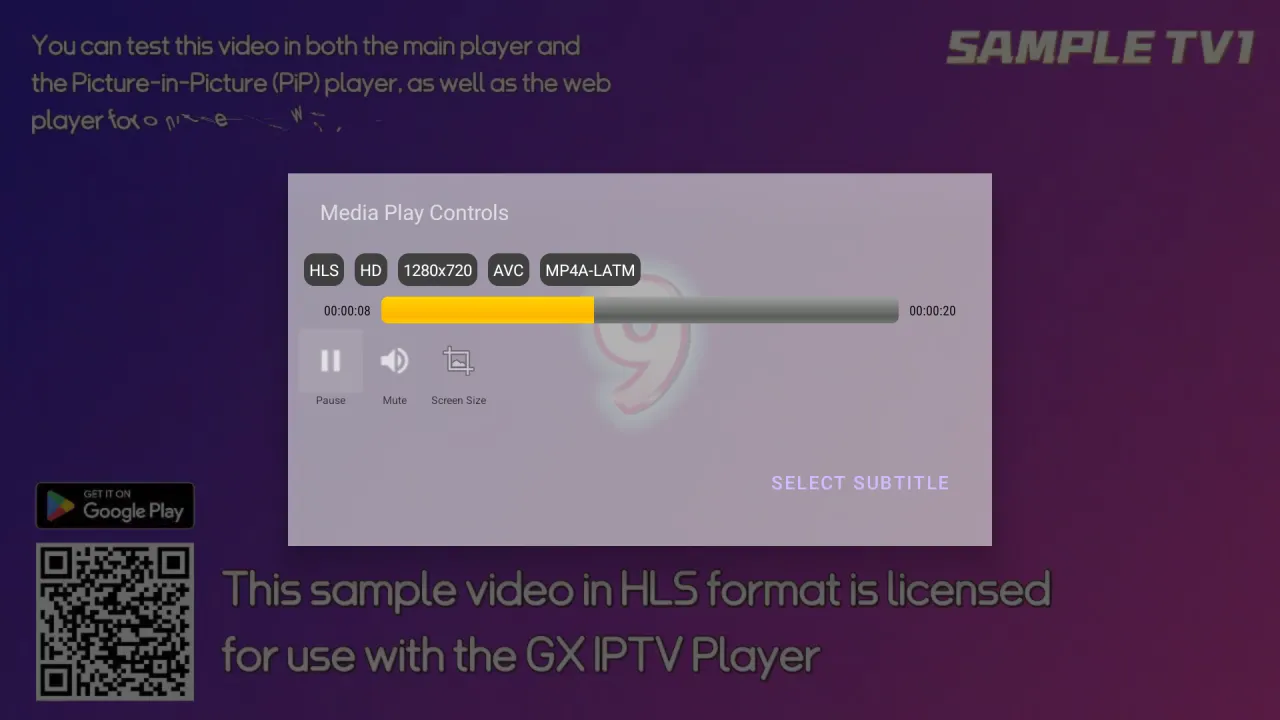
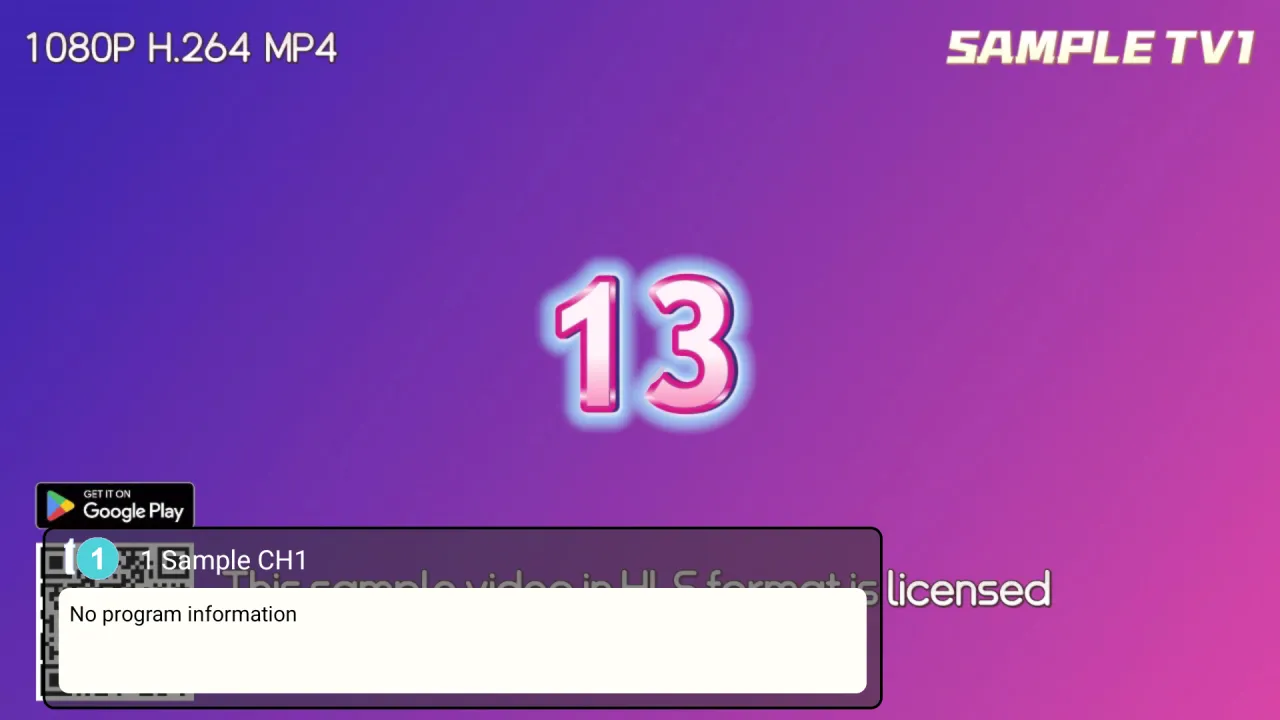
Get it from Google Play. On Android TV, open the Google Play Store banner on the home screen. On Google TV there is no store tile: press and hold the voice input button on the remote, say "open Google Play Store", then search the full name "GX IPTV Player Pro" and open the app by Cloud Curry Studio.
No. It is only a player. It contains no channels or playlists, and you must bring your own legal sources. If a TV box arrives with channels pre-loaded, that is not authorised by us and is the responsibility of the seller.
Open Settings in the app, choose Import M3U/XMLTV Playlist/EPG, then Import from Internet URL and paste the link. You can also import a local file or send the link from your phone.
Choose Upload by Browser in the import dialog. Scan the code with your phone on the same Wi-Fi and paste the link there. The TV receives it at once.
On import the app tests every stream. Working means the address answered. Not Verified means it did not, or it has not been tested yet. The check is only a connection test and is no guarantee that a stream will play smoothly.
Yes. Import a .xml or .xml.gz XMLTV file. The info window then shows the current and next programme. Without a guide it shows No program information.
HLS, MP4, DASH, SmoothStreaming and RTSP, through Media3 ExoPlayer with an FFmpeg decoder for audio formats the device cannot play on its own.
Yes. Long-press a channel and choose Picture-in-Picture. Press right or tap the small window to enlarge it.
Choose Watch on Browser on that channel. If it also fails there, the stream itself is the problem. If it plays, check the format, the screen size setting or try another source.
Yes. Set a parental password and choose the channels to hide. Demo mode additionally masks channel names and logos.
Yes. Use Export Playlist on a category to save an M3U8 file in your Download folder.
Android 9 or newer on Android TV, Google TV, phones, tablets and Wear OS.
GX IPTV Player Pro for Android TV and Google TV.